Basecamp is a highly powerful work management software that offers a wide array of features. It allows users to incorporate text, images, links, and more into their workflows. The platform is exceptionally well-suited for businesses and teams, facilitating remote collaboration, client communication, and the simultaneous management of multiple project groups. Basecamp integrates with numerous third-party services and tools, enabling users to streamline their business operations. It also supports the sharing of schedules and tasks among team members, while cloud-based storage ensures that data remains synchronized across all of a user’s devices.
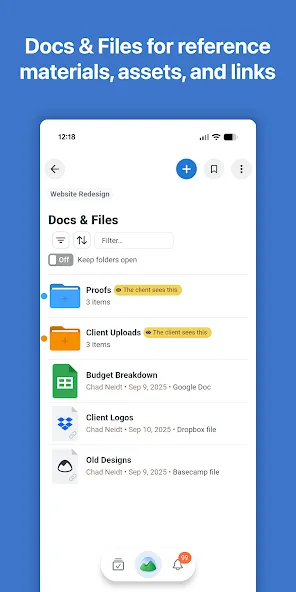
Integrating Work and Conversation
Each project can house text, images, links, documents, drawings, and graphics, with support for multiple participants. Dedicated spaces and the ability to accommodate teams of any size allow organizations to mirror their actual operational structure, preventing conversations from becoming jumbled. This model is particularly effective for small to medium-sized teams that need to coordinate remote work, communicate with clients, or manage multiple projects concurrently.
Integration with Existing Tools
Basecamp connects with over 100 services, including Dropbox, Google Drive, Office 365, Slack, Microsoft Teams, Zoom, Trello, Gmail, Asana, Todoist, and Toggl. This extensive compatibility is crucial; it ensures an open ecosystem where teams can continue using their preferred tools for storage, communication, and time tracking, while leveraging Basecamp as a centralized, shared reference hub.
Clarity Over Complexity
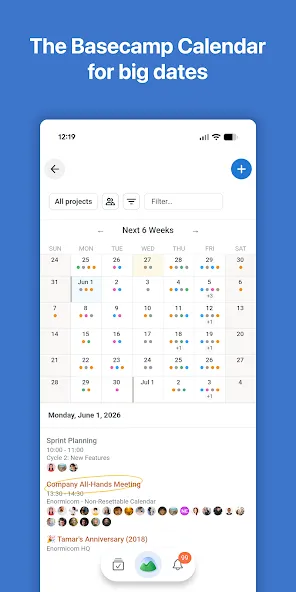
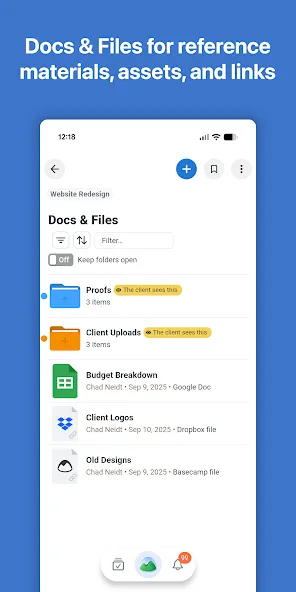
Basecamp’s greatest strength lies not in any single feature, but in its ability to consolidate schedules, tasks, messages, and files within the context of a specific project. This minimizes the risk of critical decisions getting lost in other applications. Cloud-based updates ensure that all team members stay in sync across different devices—a vital capability for distributed teams.
Pros:
Comprehensive task integration.
Dedicated spaces keep multiple projects organized.
Streamlines processes and enhances the overall project experience.
Customizable notifications support effective remote collaboration.
Cons:
Reporting features may be too limited for large enterprises. Centralized Project Tracking Requires Some Adjustments
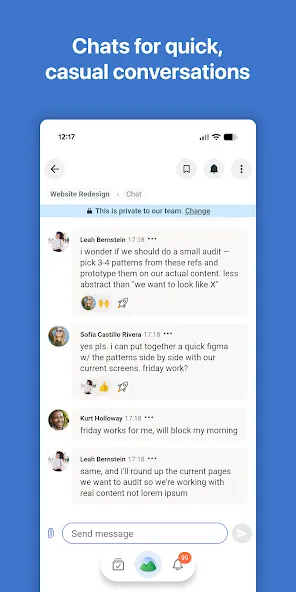
Since our company was founded in 2000, we have operated entirely remotely—we have never had a central office. I joined the company in 2007, and shortly after, we began using Basecamp (along with Campfire). Before we adopted Basecamp, all our communication relied on email or AIM. Introducing Basecamp significantly improved how we track deliverables, monitor the current status of tasks, and collaborate.
As a business owner, it allows me to stay closely connected to what’s happening within the company, even when I’m not physically present. With clearly defined deadlines, it’s easy to see exactly what needs to be done and who is responsible for each task.
Basecamp has helped foster a sense of community between me and my interns. Launching a startup is incredibly demanding—it requires far more time than a typical nine-to-five job. I can hardly imagine what life is like when I’m not working—haha! I currently work with a team of about 13 people, which involves a great deal of communication, content editing, and task management. With Basecamp, everyone knows what their colleagues are working on, and everyone has access to the same information. It’s fantastic—a capability we simply didn’t have before. How do you build a successful community when everyone is working remotely? It certainly takes some effort!
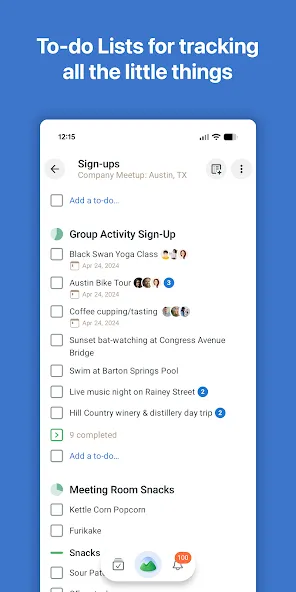
Designed specifically for the modern project manager, Basecamp provides all the tools necessary to keep projects on track, while remaining flexible and intuitive enough to adapt to any team or organization.
Size:13.95MB Version:5.4.0
Requirements:Android Price:Free
Package Name:com.basecamp.bc3 Signature:063c7dc1fbe4ea33228f3b9ae2419425
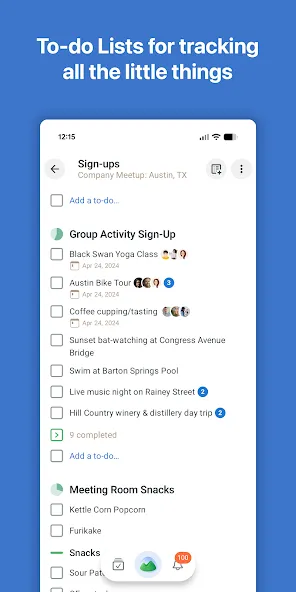
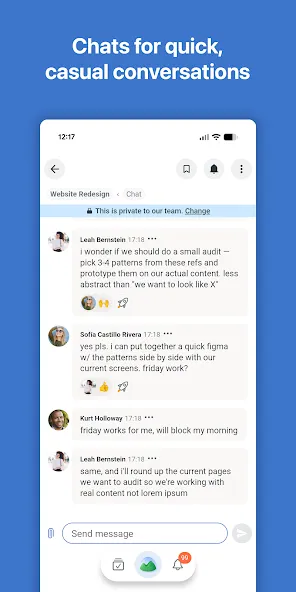
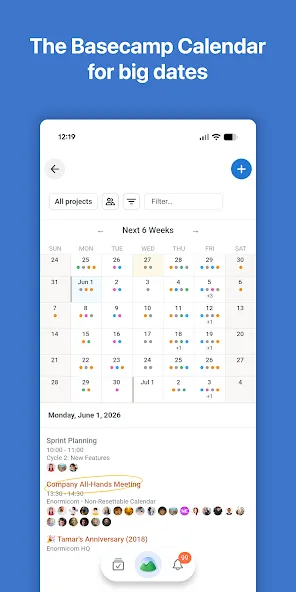
Feeling that there aren’t enough hours in the day? That you’re fighting a losing battle with your agenda? That each time you look up from your desk another year has rolled by? Well don’t worry, you’re not alone, and in today’s hyperconnected world, people are busier than ever before. On Android, there are countless productivity apps to help take control of your time and make your work more efficient. From a simple plugin for Chrome to a full-fledged app, picking the right productivity apps on Android can mean the difference between having a clear to-do list at the end of the day or having it overflowing with missed deadlines and projects that are off schedule. Productivity apps aren’t just about work, though. Using a productivity app in your personal life can keep you on top of deadlines for vacations, home repairs, and other family responsibilities.
Office Apps is a comprehensive and user - friendly platform that aggregates a wide array of office - related applications, catering to the diverse needs of modern professionals, students, and anyone who engages in office - based tasks. Whether you're working on a crucial business project, preparing academic papers, or handling daily administrative work, this aggregation page serves as your one - stop - shop.
The complete collection of office software is compiled based on user needs and referencing the popularity of major computer application stores. This collection selects various useful computer office software for users from multiple aspects such as office suite, communication and collaboration, email management, note management, cloud storage, download and decompression, etc. These software can meet your various document processing needs, making your team collaboration smoother, and conveniently managing your emails and keeping various meeting records. Download various materials and documents needed for office work. This collection of office software commonly used by professionals can meet all needs. Welcome to download and experience it!
About us | Contact us | Privacy policy| DMCA
Copyright © 2026 Xiaohei All rights reserved.