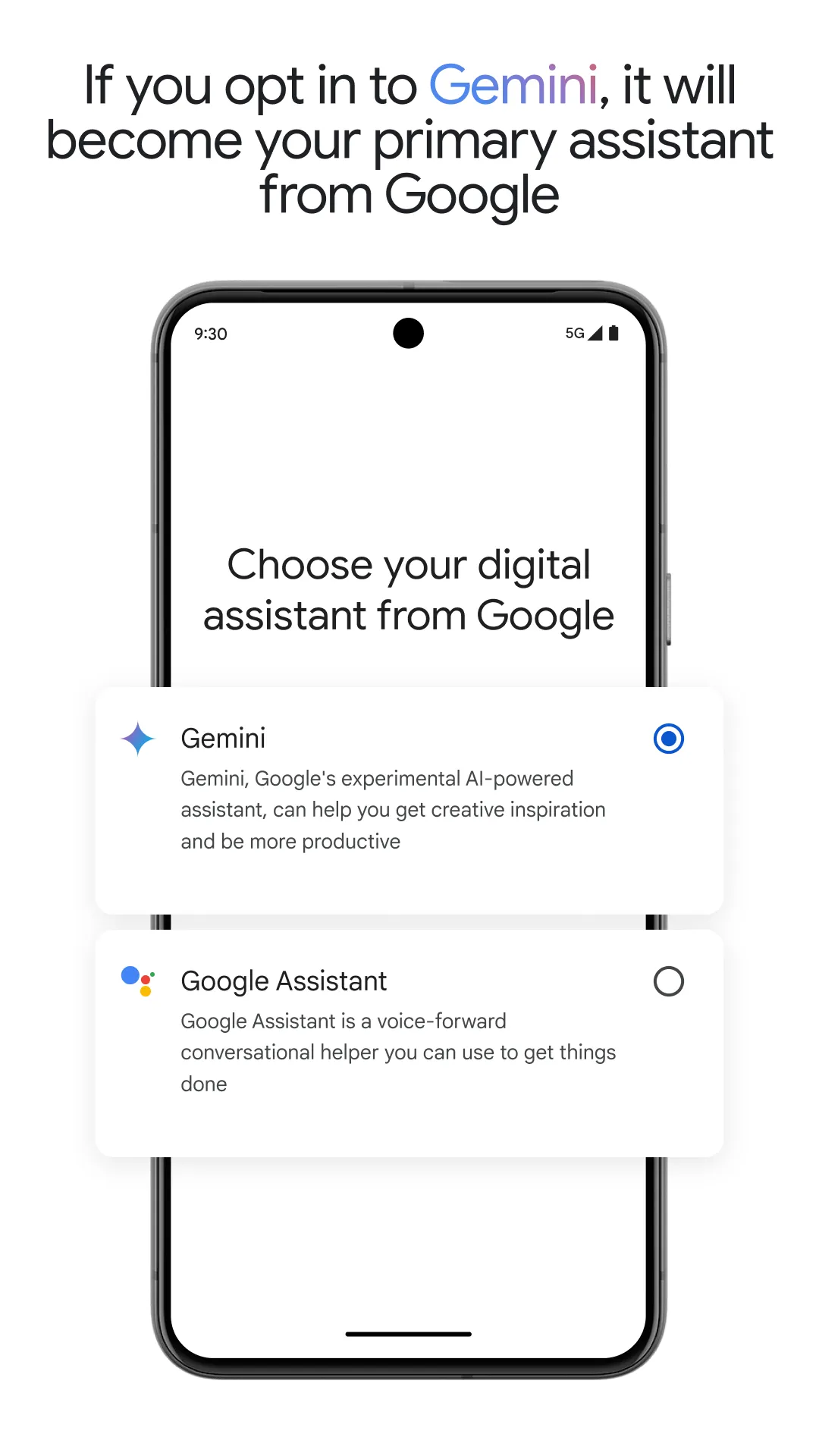
Google Assistant is a highly powerful productivity tool. Compact in design, it enables users to interact via voice commands. It is versatile enough for use in various scenarios—whether you are driving or cooking—allowing you to get things done simply by speaking. The software connects to a wide range of smart home appliances, letting you control them all with straightforward voice commands. You can also customize your own actions. Furthermore, the app provides real-time updates—including weather, sports scores, and trending news—ensuring you stay informed at all times. You can even set alarms to help maintain a consistent daily routine. Additionally, the software features robust translation capabilities, supporting communication in dozens of languages; whether you are reading documents or talking to others, it ensures a seamless experience.
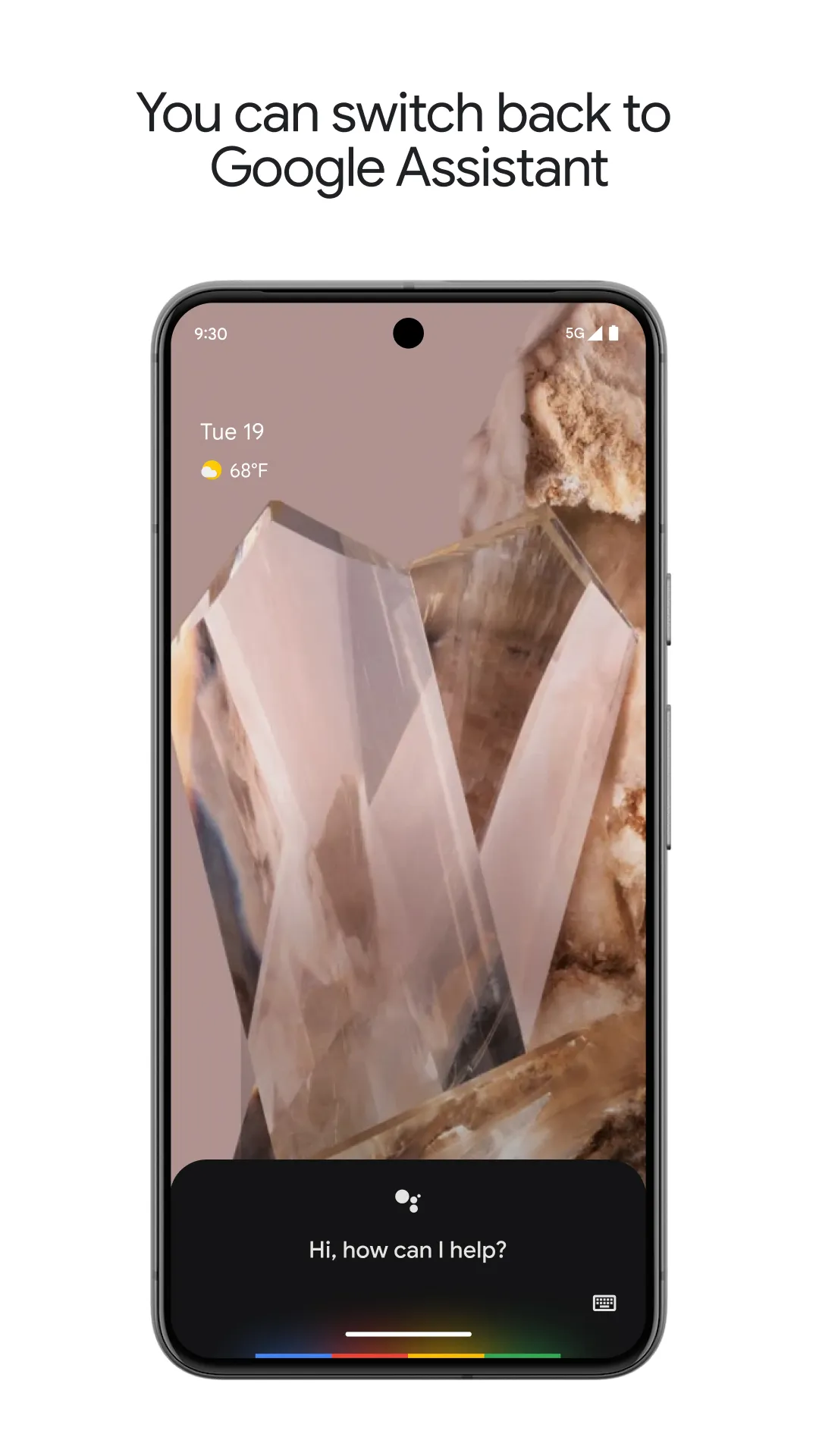
Hands-Free Voice Control
Interacting with your mobile device becomes significantly more efficient when you can simply speak your requests aloud. This service allows you to send text messages, make calls, or set reminders without ever needing to touch your screen—perfect for when you are driving or cooking. By recognizing natural language patterns, the tool accurately interprets various accents and phrasing styles, executing your commands with remarkable precision and speed.
Smart Home Integration
Managing a modern home is effortless with a central hub that connects to thousands of compatible smart devices. With simple voice commands, you can dim the lights, adjust the thermostat, or check security camera feeds throughout your living space. This creates a cohesive ecosystem where different smart devices work in harmony, allowing you to trigger multiple custom actions with a single keyword or phrase.
Real-Time Information Access
Staying up to date—whether with weather forecasts, sports scores, or breaking news—is easier and more convenient than ever. The platform provides localized data based on your current location, ensuring that information like traffic updates and restaurant recommendations is always relevant to your surroundings. Google Assistant excels at pulling data from the web to answer complex queries, providing concise summaries that save you the trouble of manual searching.
Personalized Daily Routines
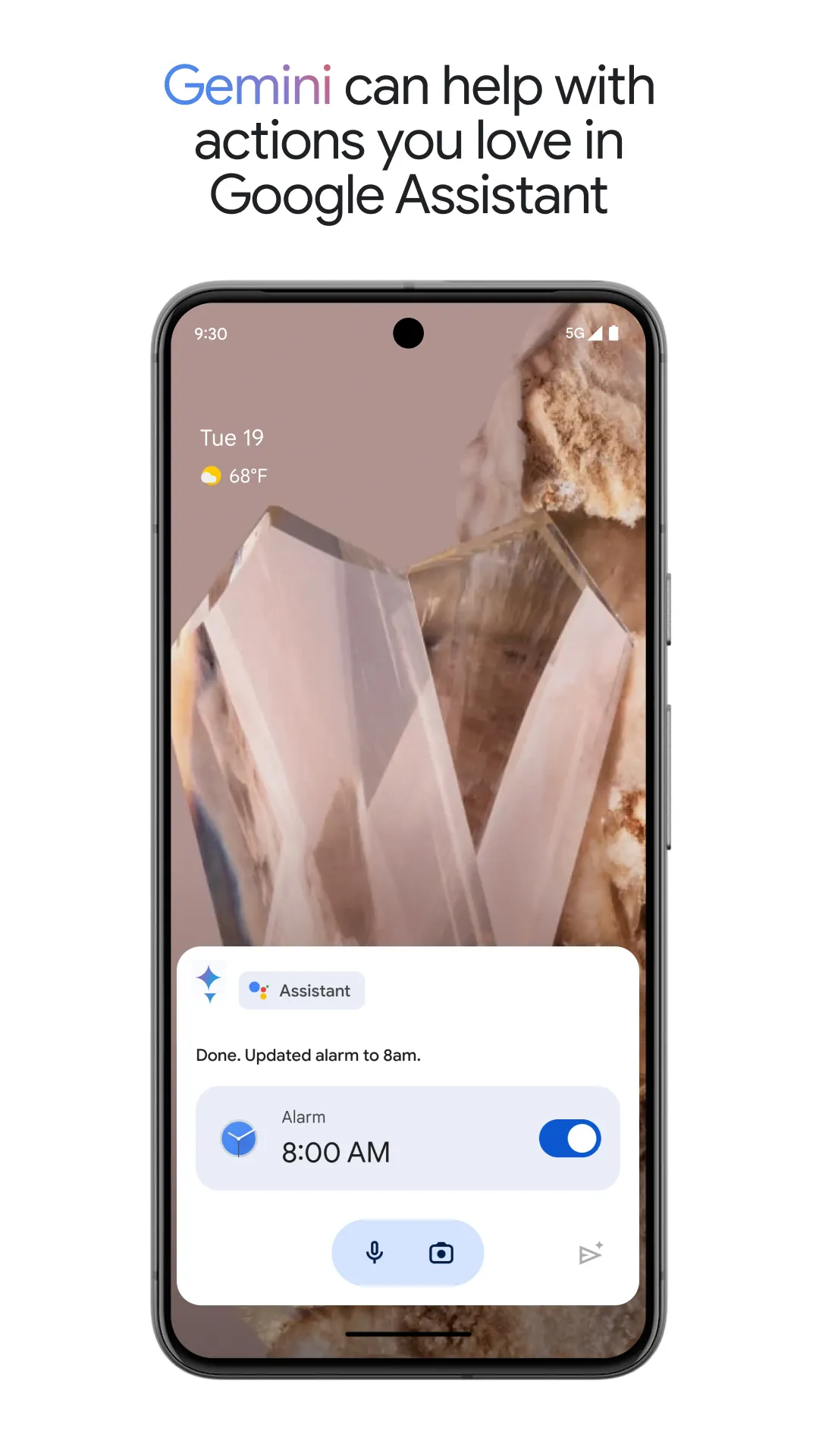
Efficiency reaches unprecedented heights when your digital assistant can anticipate your needs based on the time of day or specific triggers. You can configure it to read your calendar events and play your favorite podcasts the moment your morning alarm goes off. This proactive approach ensures you never miss an important deadline and allows for a seamless, automated transition between work and leisure—perfectly tailored to your lifestyle.
Multilingual Translation Services
Break down language barriers with real-time translation, enabling communication in dozens of different languages. This tool provides instant translation of spoken conversations, making it an essential companion for international travelers and those learning a new language. Whether you need to decipher a foreign menu or ask for directions in a distant land, this feature ensures you’ll never be left at a loss for words in an unfamiliar environment.
Control your smart home devices, such as alarms, LED lights, and more.
Access your calendar and other personal information.
Look up information online, including restaurant reservations, directions, weather, and news.
Control your music.
Play content on Chromecast or other compatible devices.
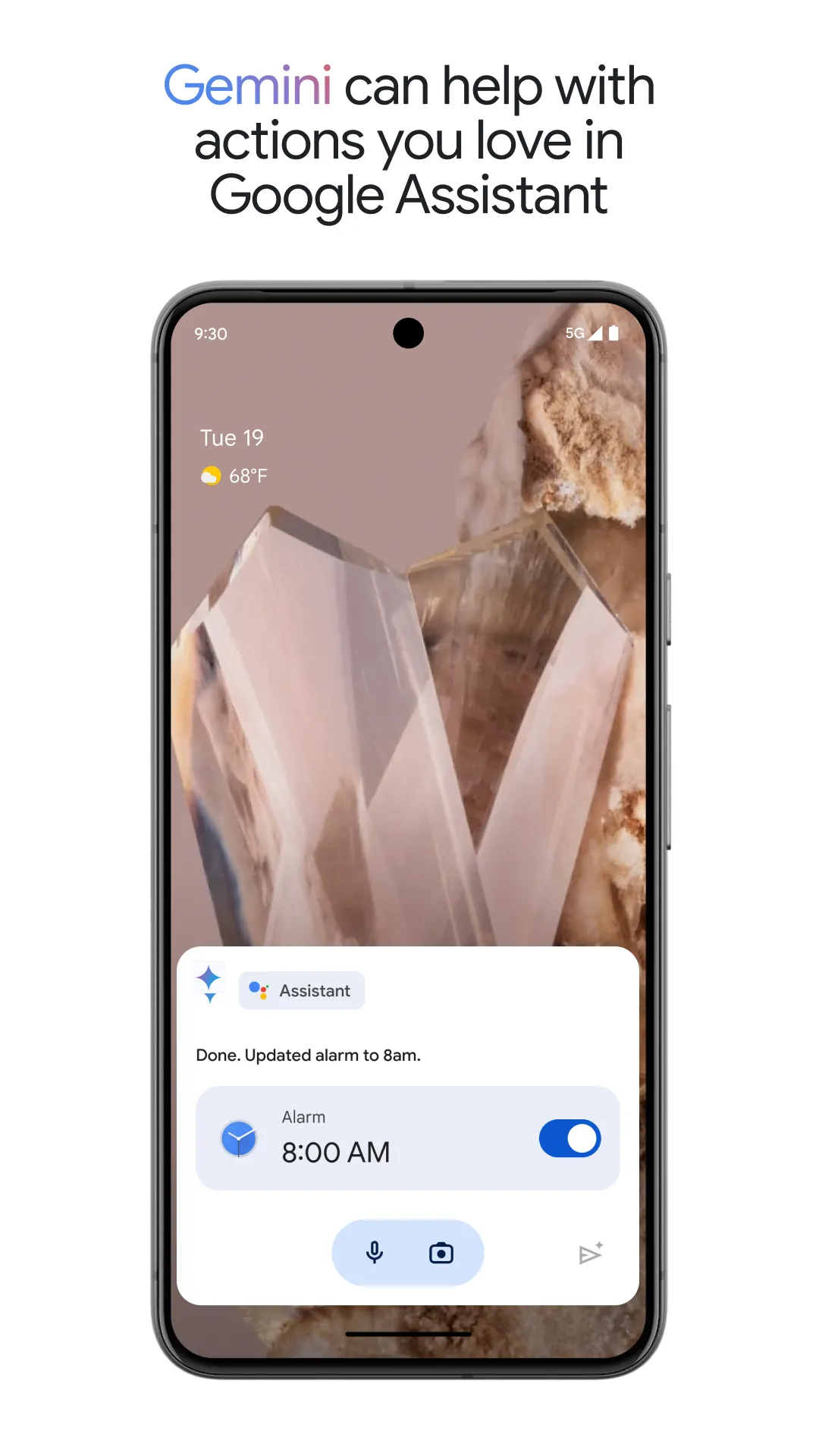
Set timers and reminders.
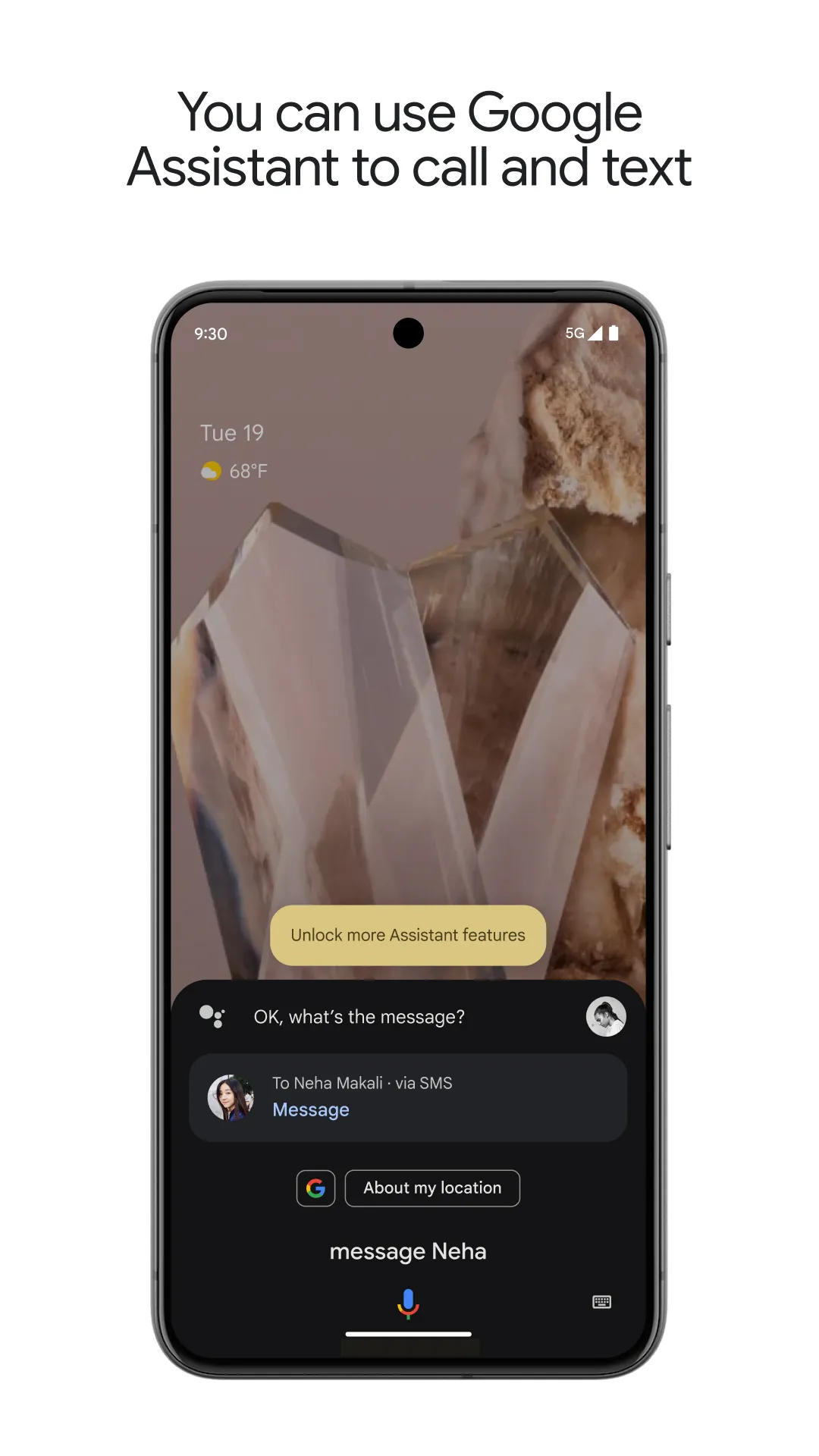
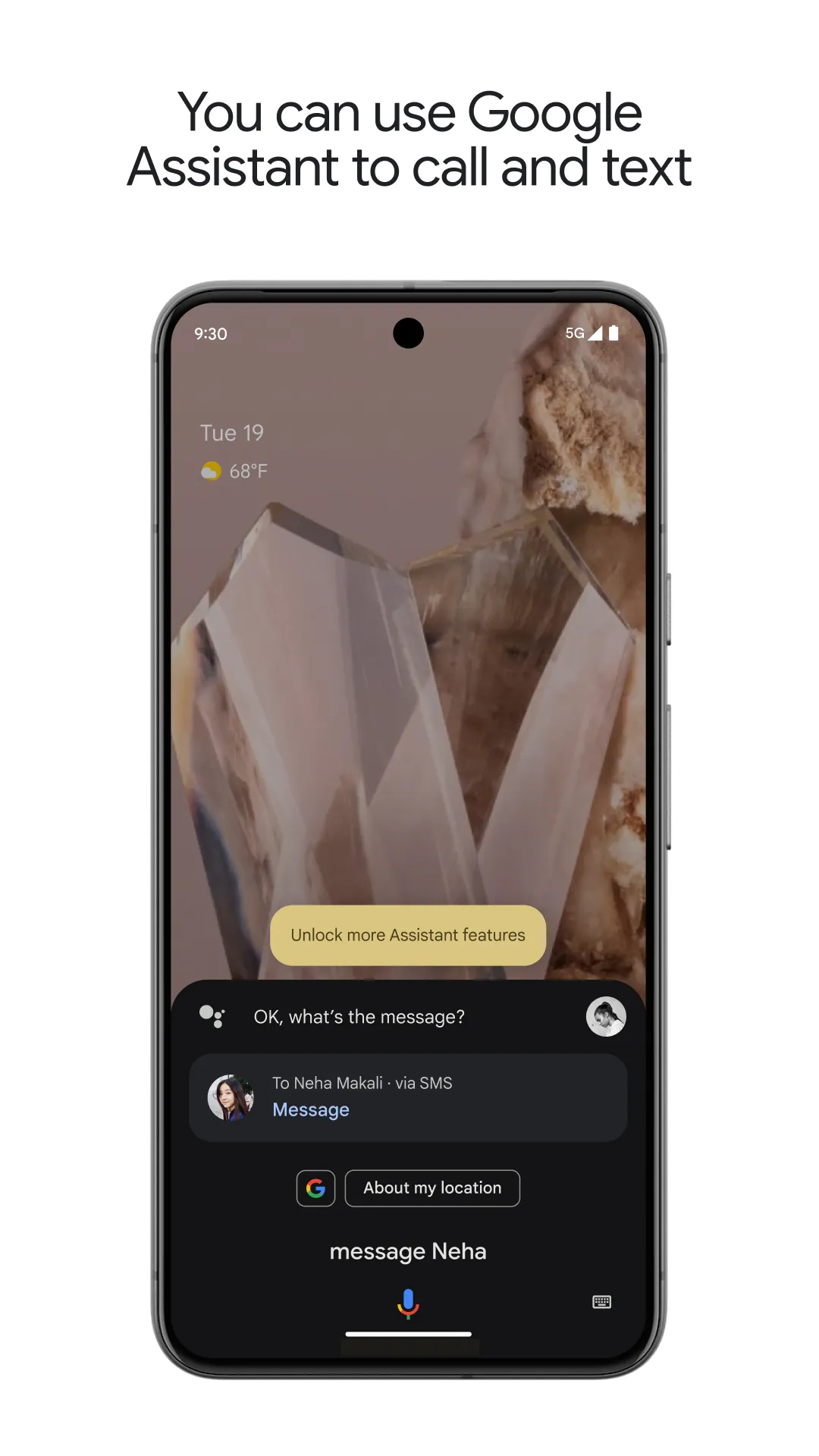
Schedule appointments and send messages.
Launch applications on your phone.
Read your notifications aloud.
Real-time translation.
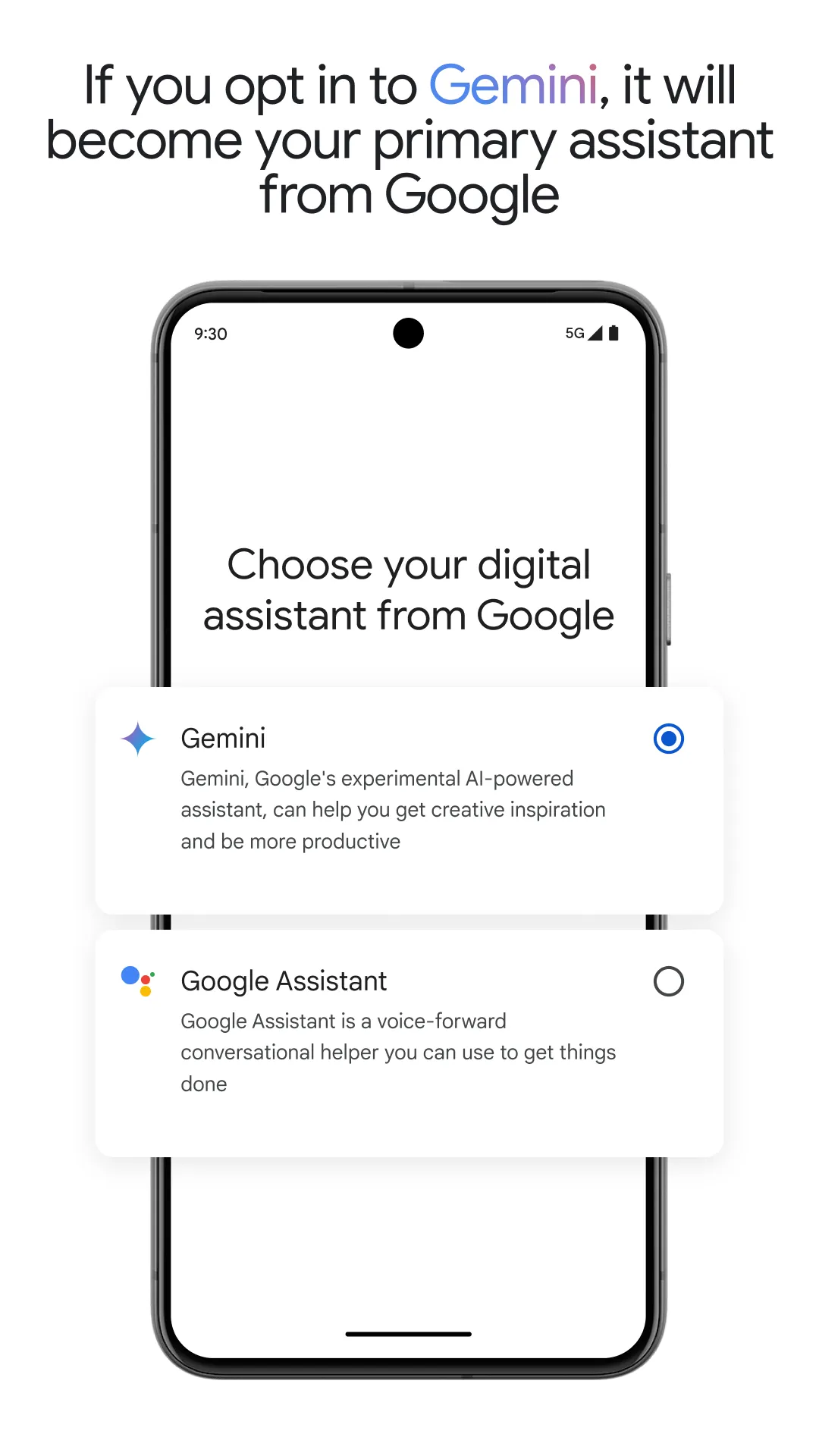
Pros:
Handle calls, reply to text messages, provide directions, check the weather, and answer general questions.
Designed specifically for Android (Go edition).
Accessible via an app icon or a home screen button.
Cons:
Lacks support for reminders or smart home control.
Users have reported issues where the "Hey Google" or "OK Google" activation commands fail to work.
Can I use Google Assistant without an internet connection?
While basic voice commands—such as setting an alarm—can be processed locally, most features require an internet connection to handle complex requests. The service relies on cloud-based AI to provide accurate answers and perform real-time web searches.
Does the service support the use of multiple languages simultaneously?
Yes, the platform allows you to select two languages, and it will automatically switch between them during interactions. This is especially useful for bilingual households, where users might naturally switch between different languages throughout the day.
Can the Assistant’s voice be customized?
Users can personalize their experience by selecting from a variety of voice profiles and accents in the settings menu. Once a new voice is chosen for Google Assistant, it will sound different across all compatible devices linked to your account.
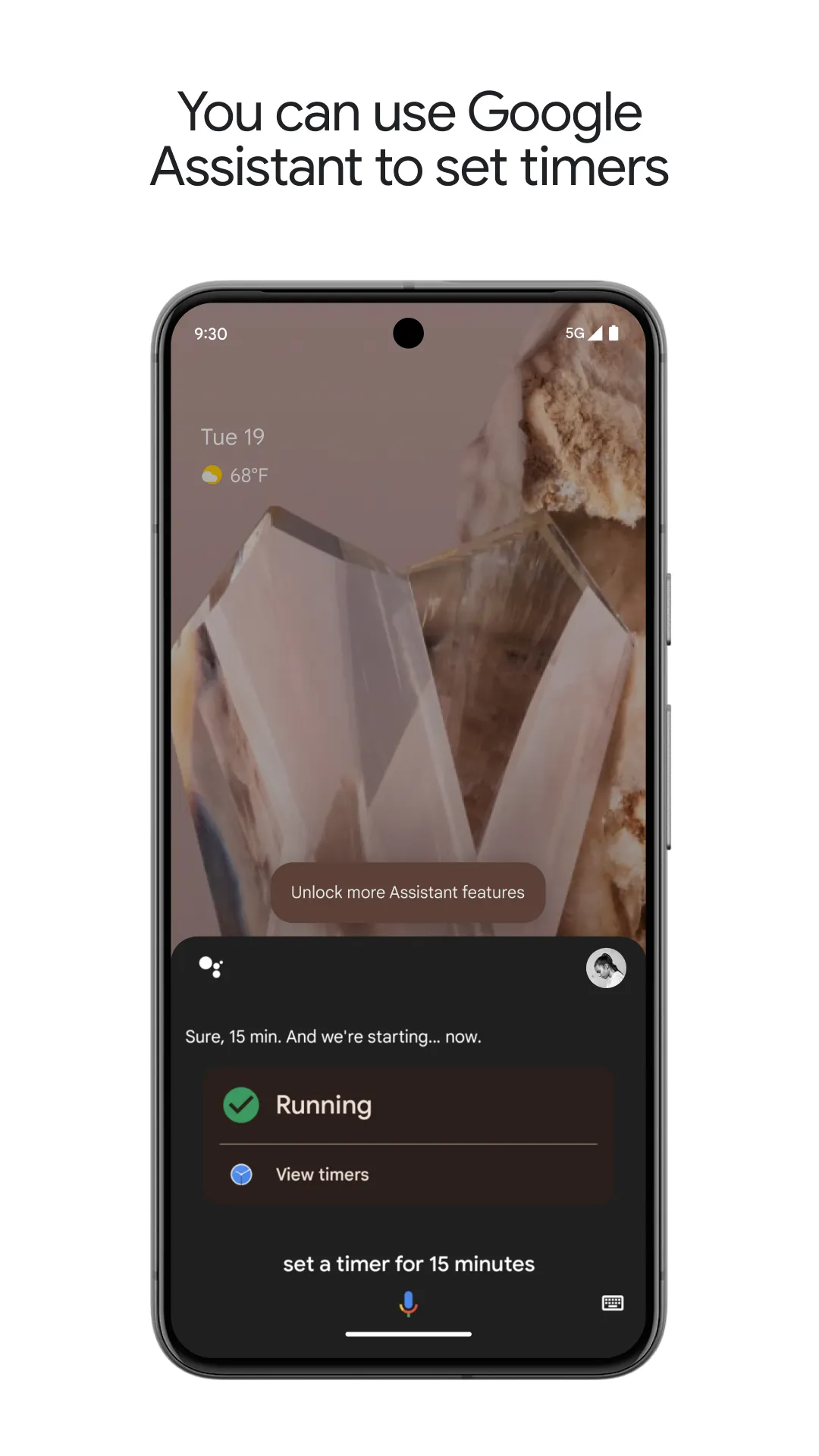
Google Assistant integrates seamlessly into your daily life—perfect for when your hands are busy or your eyes need to stay on the road. It listens to simple voice commands and provides quick assistance with everything from answering basic questions to handling everyday tasks, all without the need to touch a screen.
Size:2.42MB Version:0.1.884448652
Requirements:Android Price:Free
Package Name:com.google.android.apps.googleassistant Signature:c0decaa096941abb141161fd350e8512
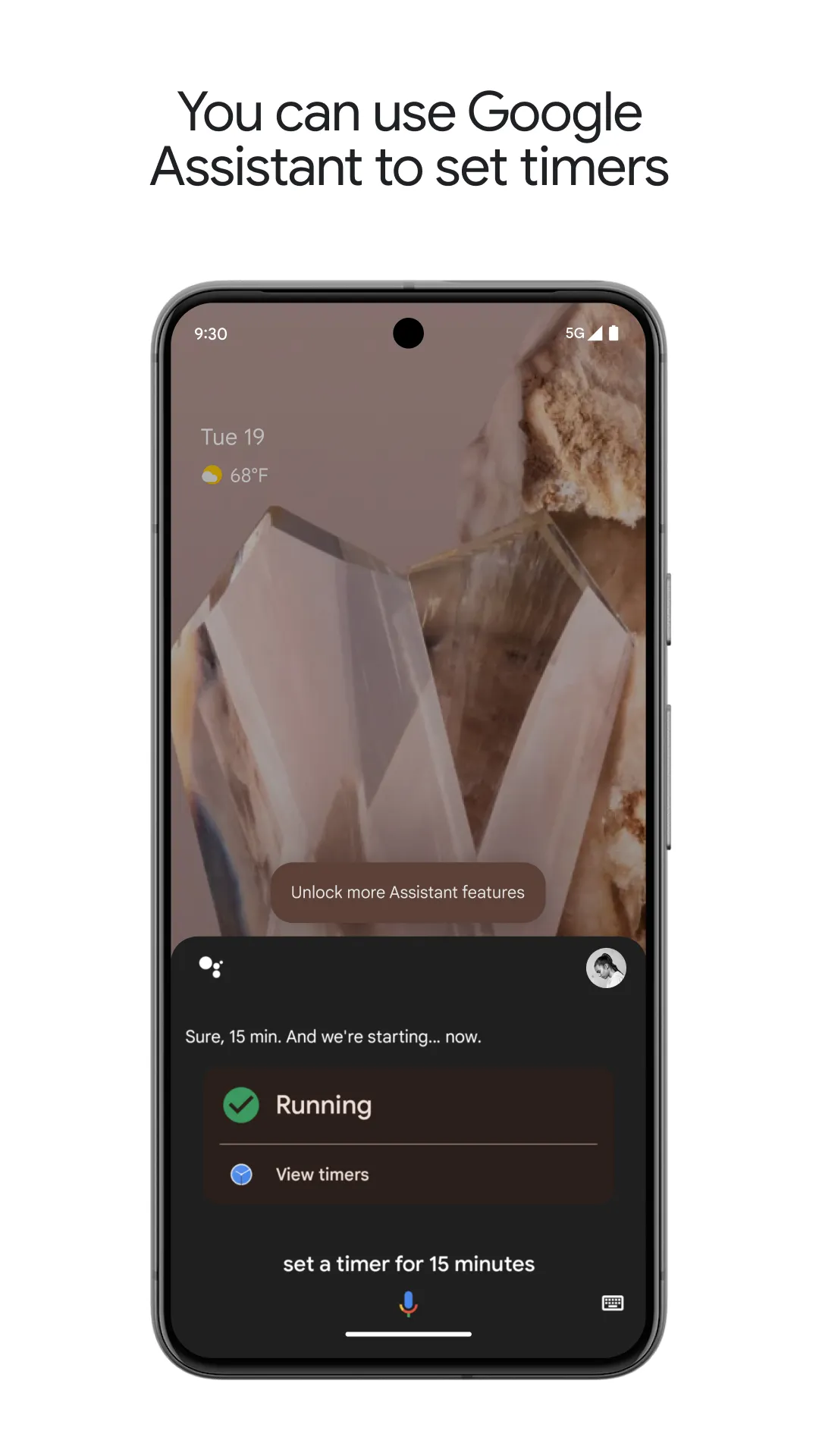
Feeling that there aren’t enough hours in the day? That you’re fighting a losing battle with your agenda? That each time you look up from your desk another year has rolled by? Well don’t worry, you’re not alone, and in today’s hyperconnected world, people are busier than ever before. On Android, there are countless productivity apps to help take control of your time and make your work more efficient. From a simple plugin for Chrome to a full-fledged app, picking the right productivity apps on Android can mean the difference between having a clear to-do list at the end of the day or having it overflowing with missed deadlines and projects that are off schedule. Productivity apps aren’t just about work, though. Using a productivity app in your personal life can keep you on top of deadlines for vacations, home repairs, and other family responsibilities.
Office Apps is a comprehensive and user - friendly platform that aggregates a wide array of office - related applications, catering to the diverse needs of modern professionals, students, and anyone who engages in office - based tasks. Whether you're working on a crucial business project, preparing academic papers, or handling daily administrative work, this aggregation page serves as your one - stop - shop.
The complete collection of office software is compiled based on user needs and referencing the popularity of major computer application stores. This collection selects various useful computer office software for users from multiple aspects such as office suite, communication and collaboration, email management, note management, cloud storage, download and decompression, etc. These software can meet your various document processing needs, making your team collaboration smoother, and conveniently managing your emails and keeping various meeting records. Download various materials and documents needed for office work. This collection of office software commonly used by professionals can meet all needs. Welcome to download and experience it!
About us | Contact us | Privacy policy| DMCA
Copyright © 2026 Xiaohei All rights reserved.