CamScanner is a highly powerful office productivity application. Its AI-powered scanning feature allows users to digitize content, which can then be edited and optimized to meet specific needs. The software supports a wide range of languages and enables the extraction of text from both images and PDF files. It includes a variety of built-in file converters, allowing users to convert between different file formats, as well as tools for compression, adding electronic signatures, and applying watermarks. Furthermore, the app supports one-click file export, sharing in various formats, and even faxing. It is also designed for seamless synchronization across multiple platforms.
AI Scanning and Enhancement
CamScanner enhances scan quality through intelligent edge detection, background removal, page flattening, and various filter options. Even if a document is folded or captured at an awkward angle, these tools ensure a clear, professional-looking result. You can preview your scans instantly and keep only the best versions.
Precise OCR in 41 Languages
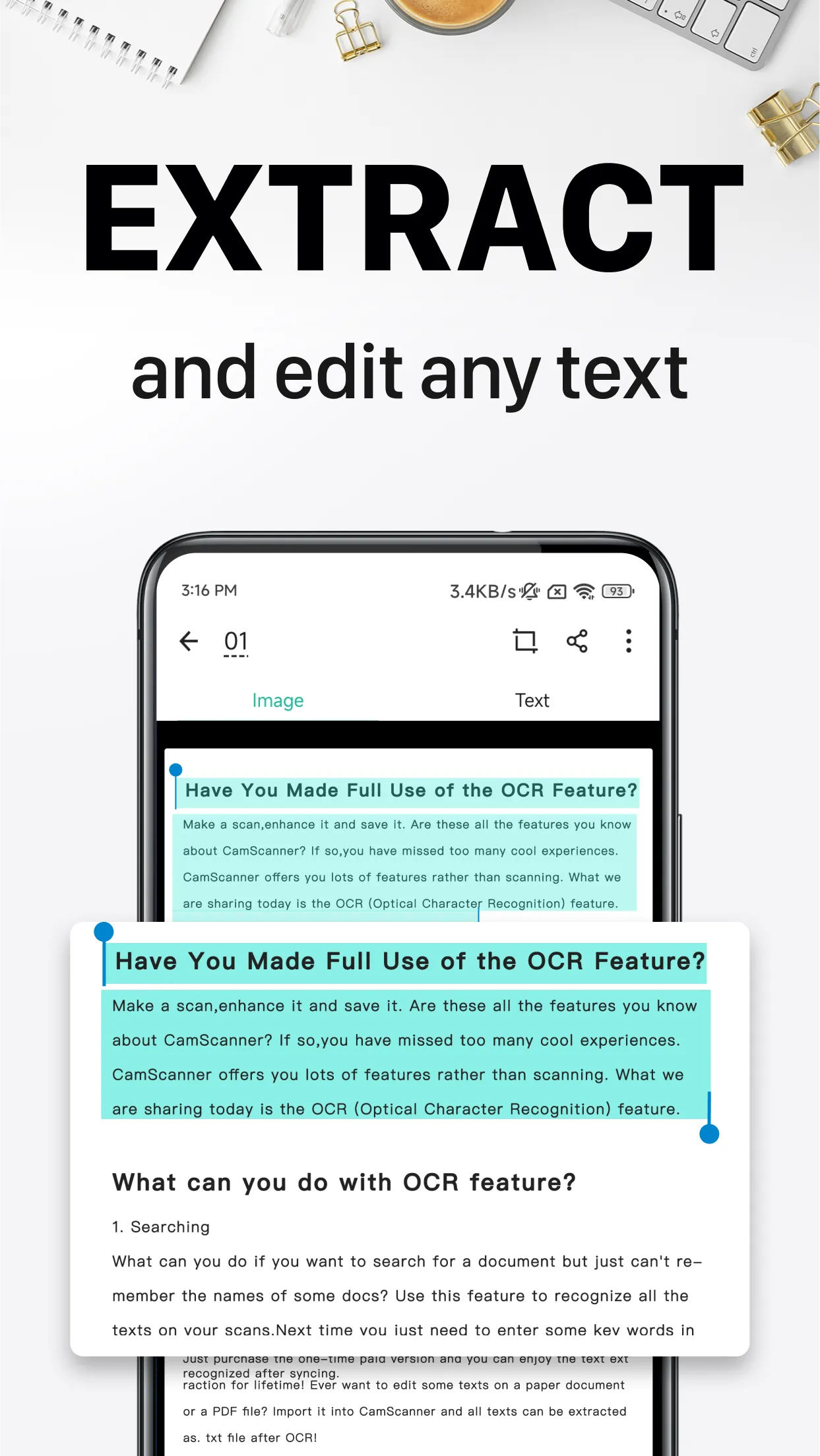
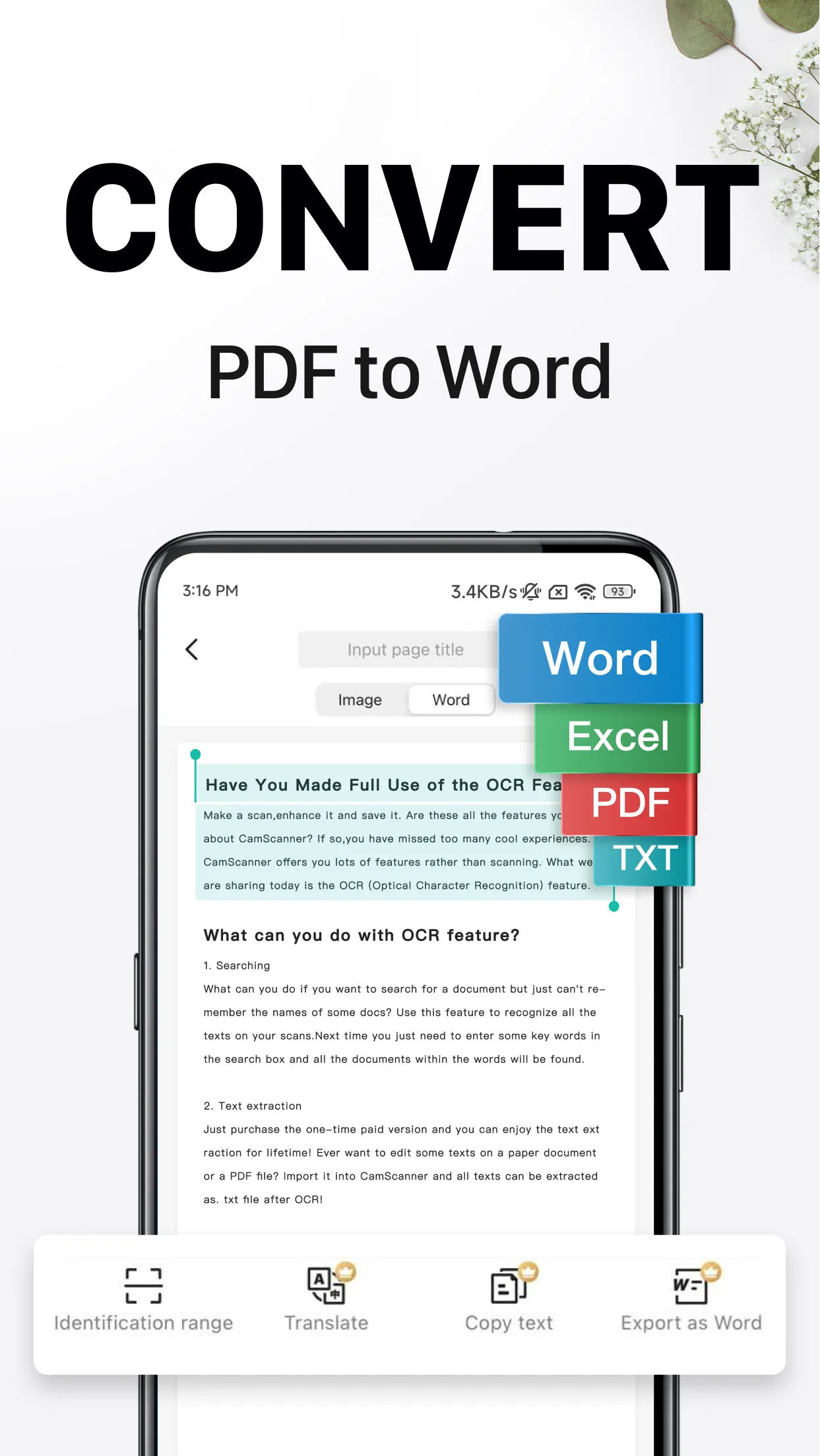
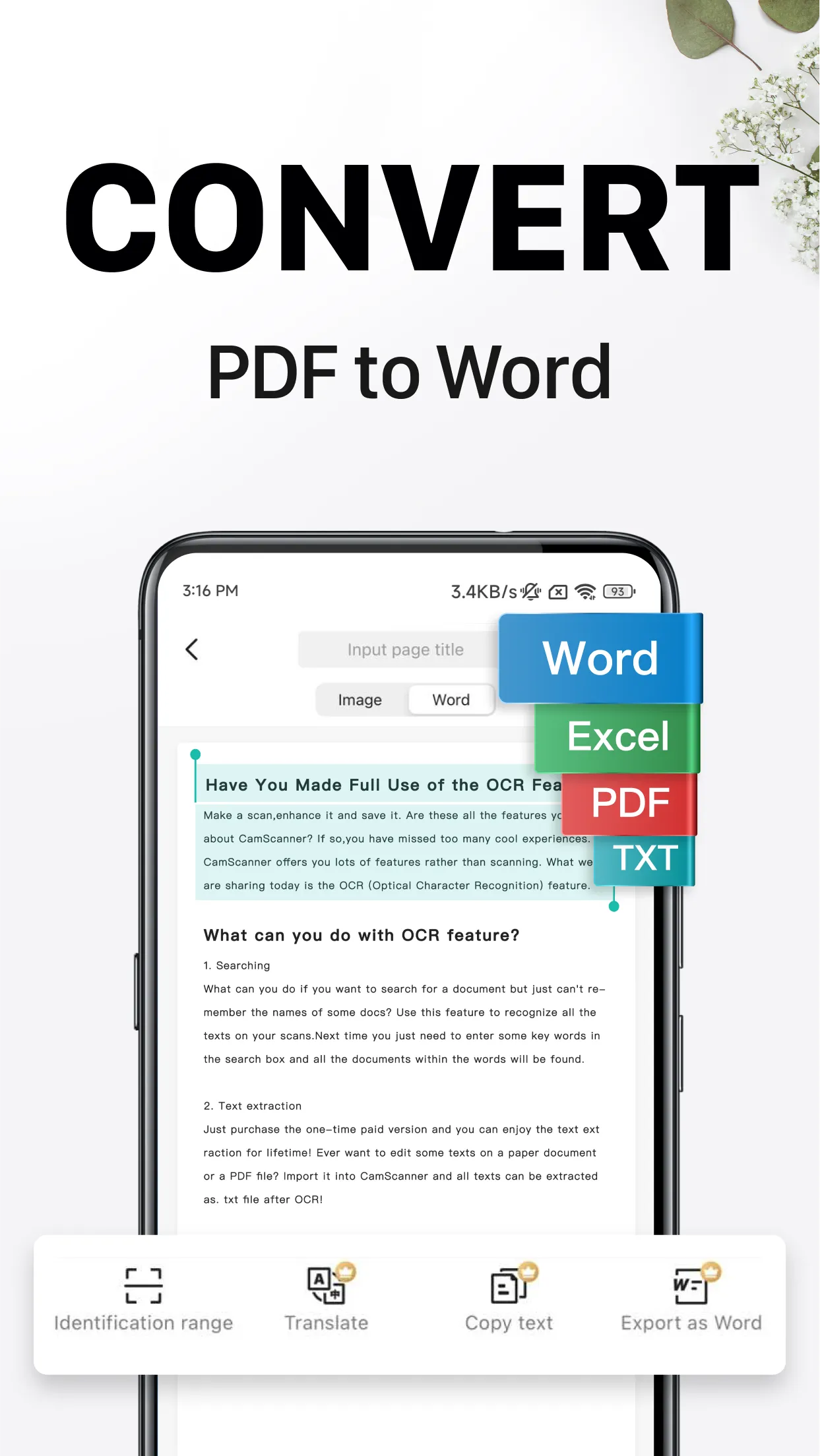
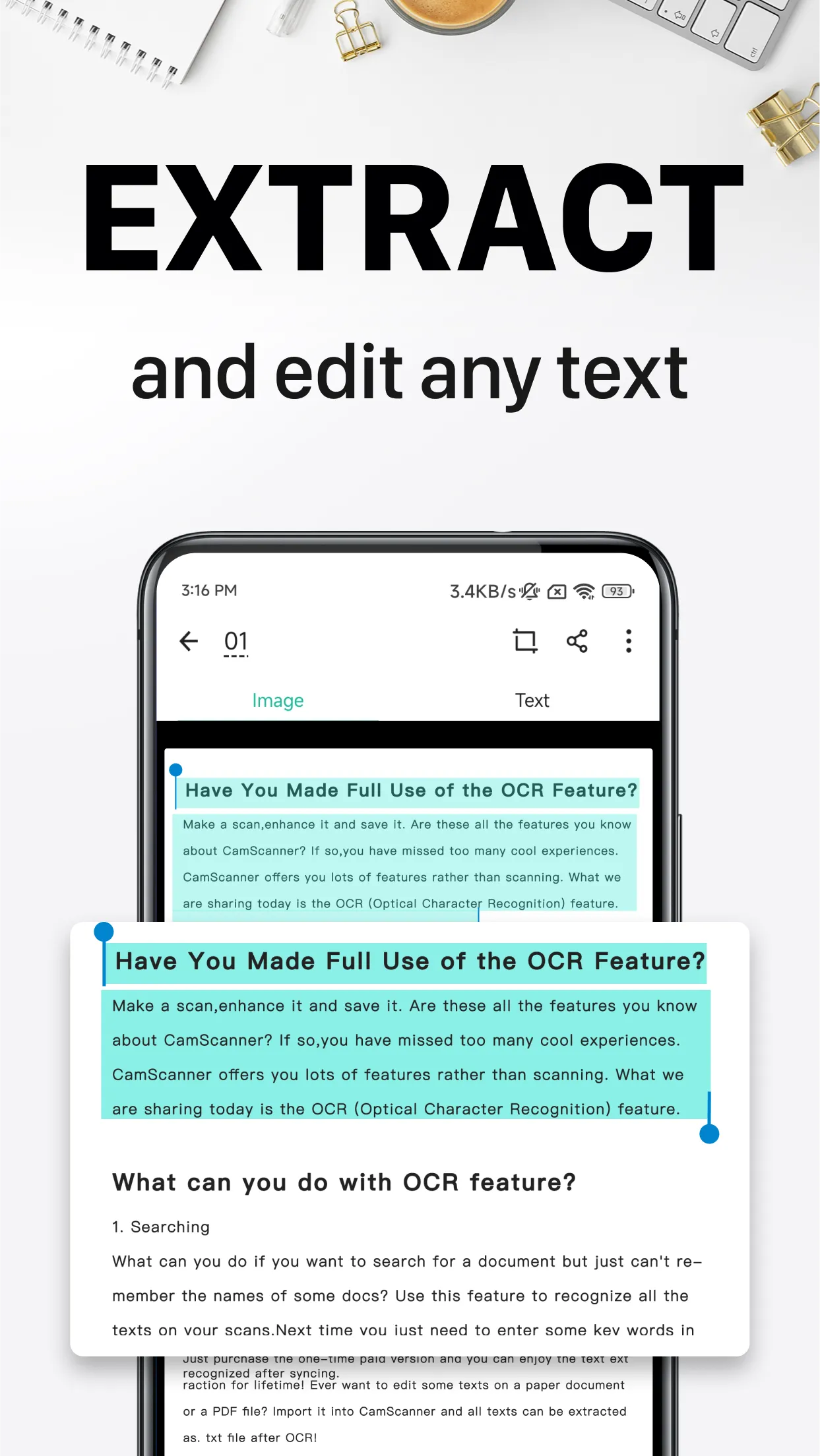
CamScanner can extract text from images or PDF files, making it easy to copy, search, and edit content. With support for 41 languages, the OCR feature allows you to export text into Word or TXT formats—a major time-saver when you need to reuse data from printed documents.
PDF Tools and Conversion
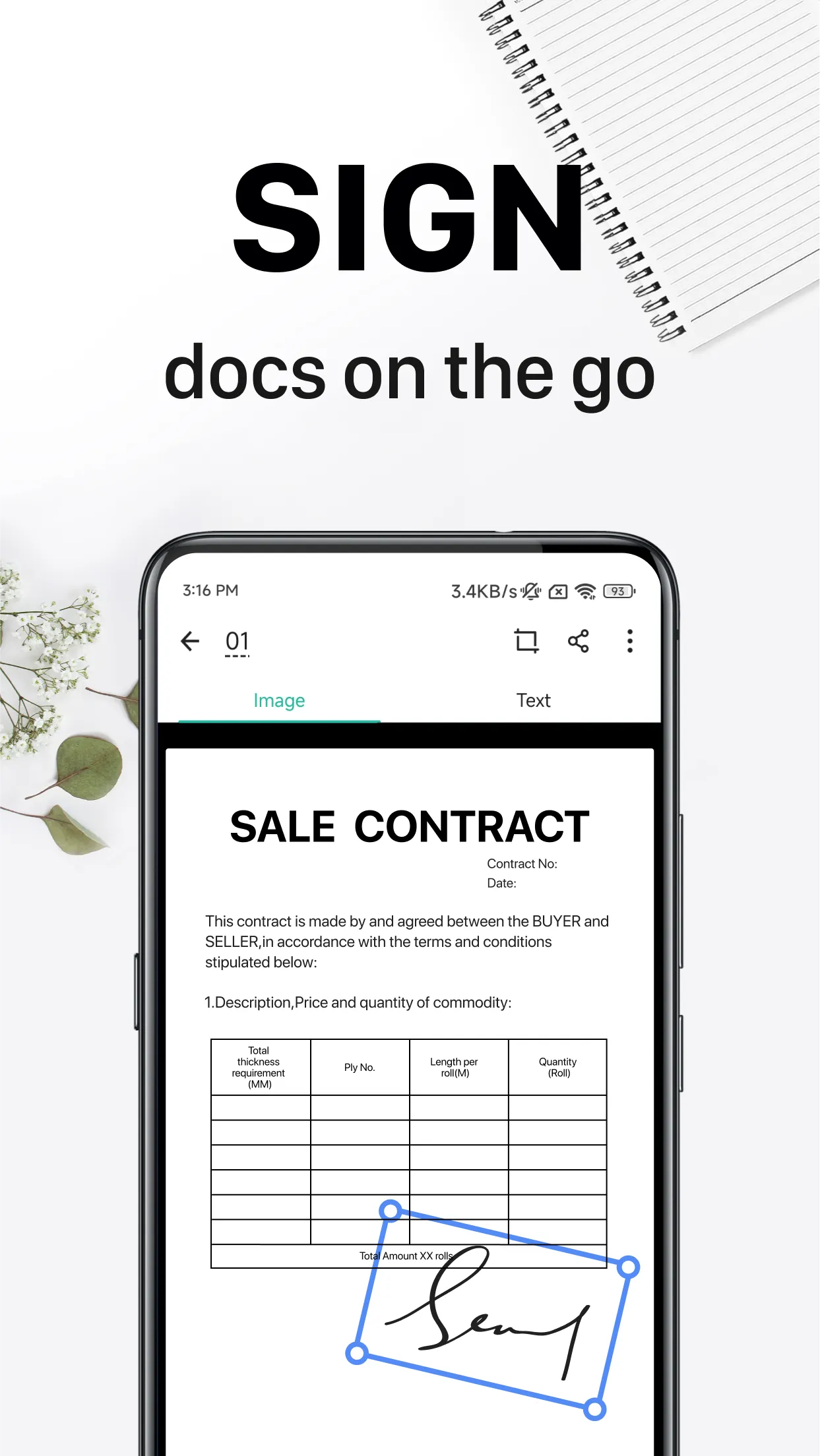
CamScanner offers a suite of PDF tools, including options to merge, split, reorder, compress, sign electronically, and apply watermarks. You can convert files between PDF and Office formats, or transform images into PDFs, streamlining the preparation of documents for sharing or archiving.
Sharing, Printing, and Faxing
The app supports one-click export and sharing in PDF or JPG formats. You can print documents wirelessly or send faxes to over 30 countries and regions, ensuring you can deliver files in the format preferred by your recipients—whether via email, hard copy, or fax.
Organization and Security
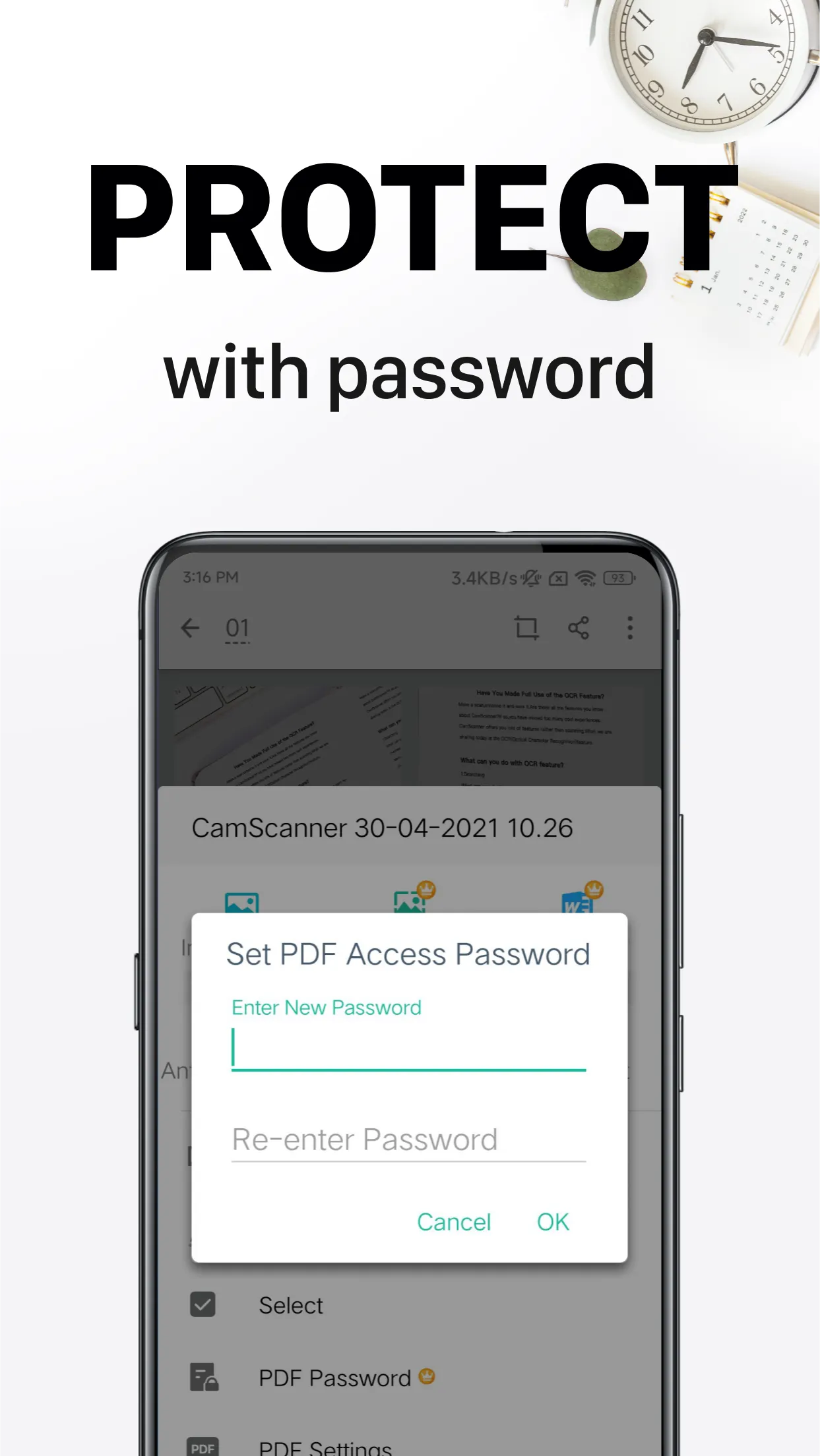
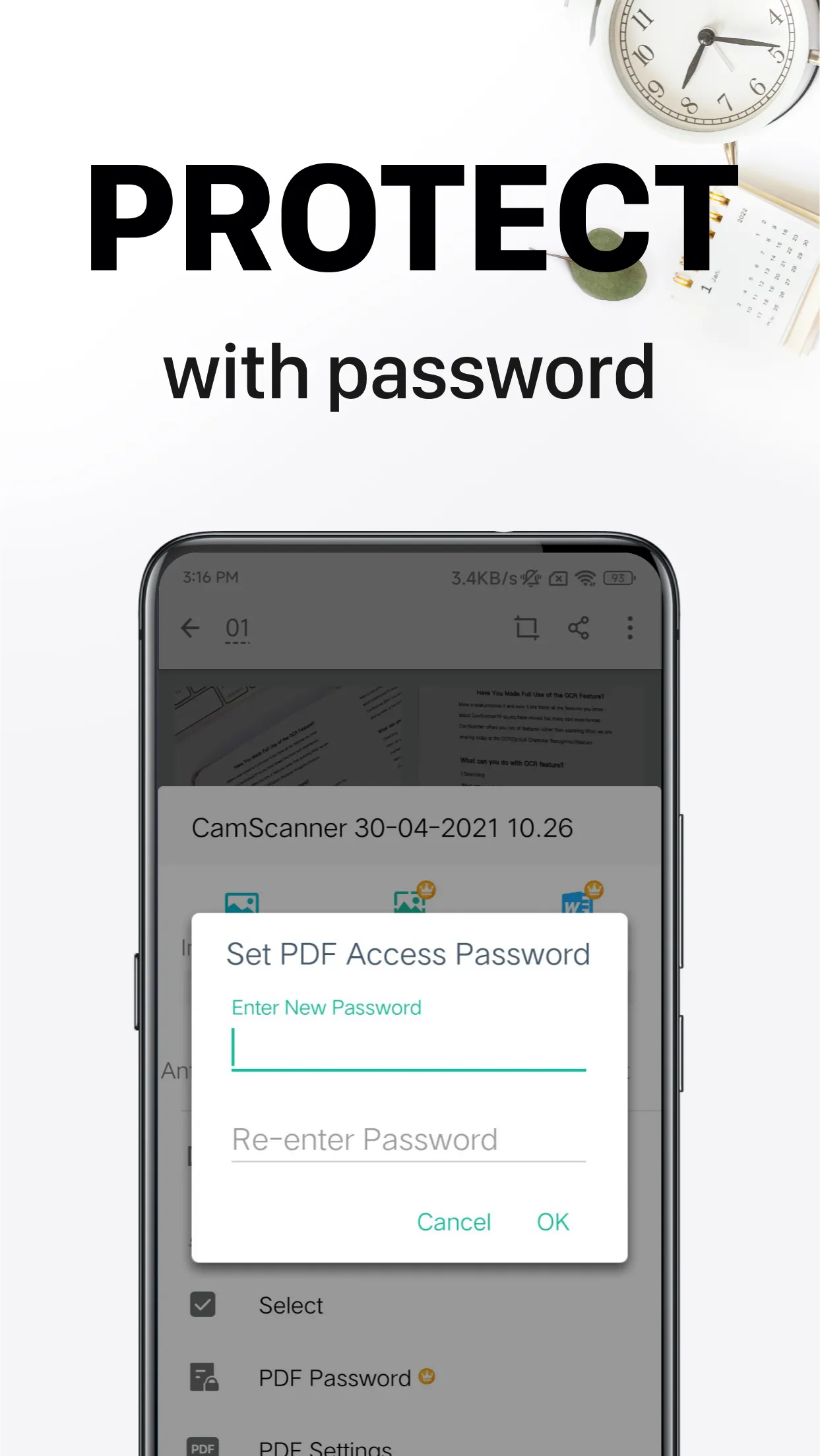
CamScanner helps you stay organized with features like tagging and quick search. You can share files via links, add password protection, and control access permissions to determine who can view or download your documents. You can also protect sensitive folders to prevent unauthorized access on shared devices.
Cross-platform synchronization and specialized scanning modes
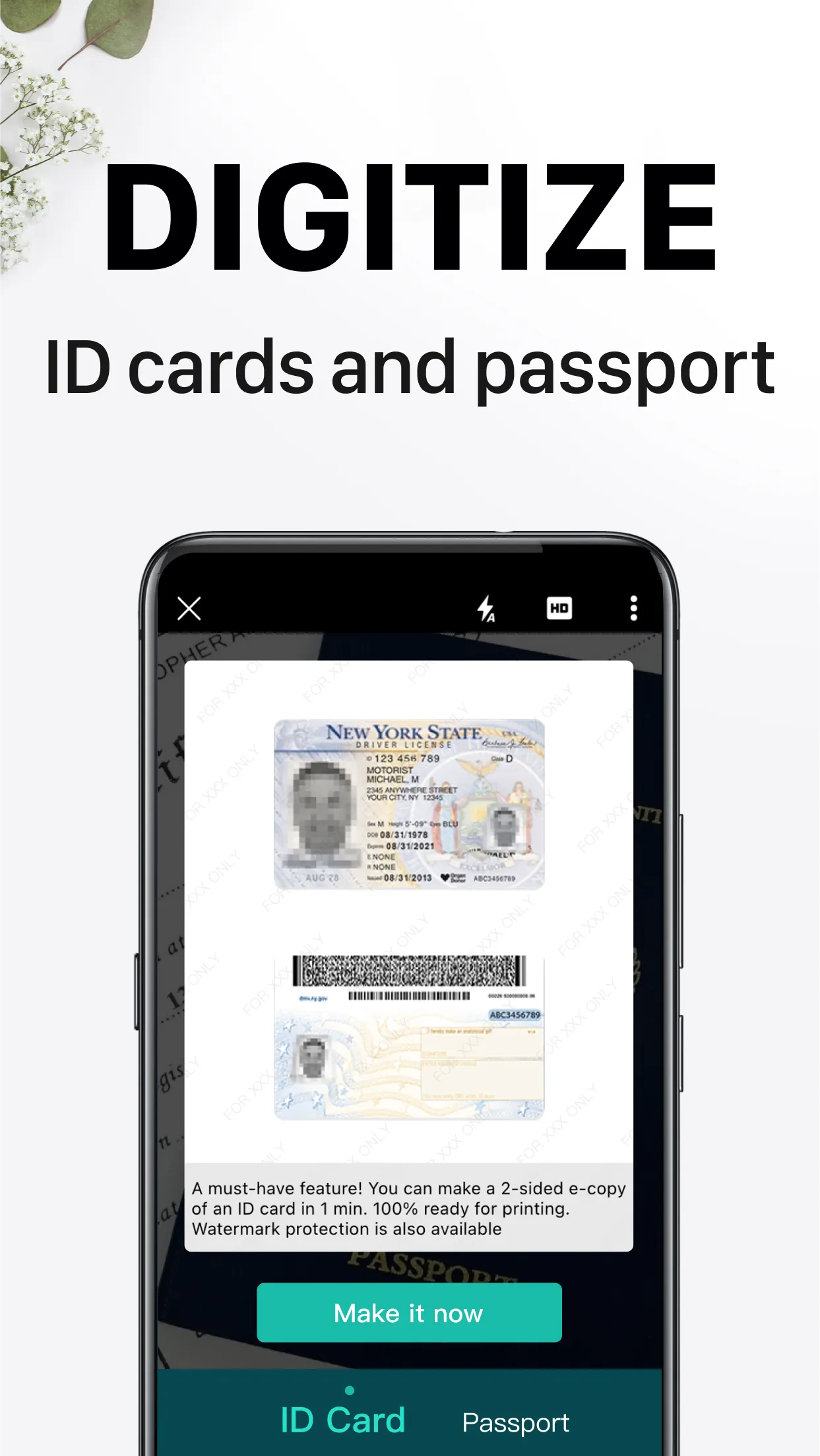
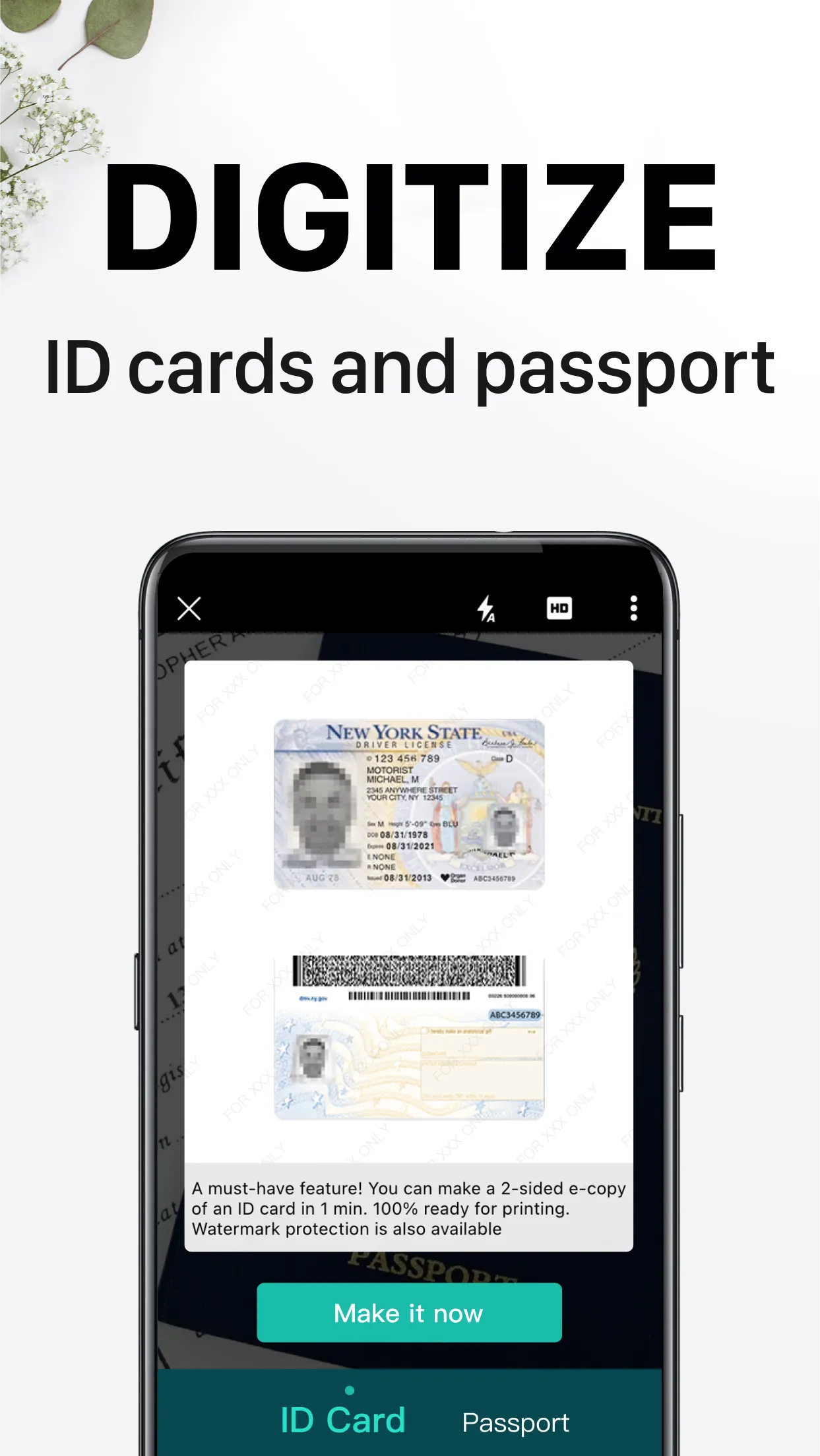
Finally, CamScanner syncs across Android, Windows, Mac, and the web, ensuring your latest files are always accessible. It also includes dedicated modes for scanning ID cards and books, capable of handling multi-page layouts correctly to ensure consistent scan quality across different document types.
Smart cropping and automatic enhancement
Text extraction from images
Easy sharing of documents in PDF or JPEG format
Addition of custom watermarks to label your documents
Editing of OCR results and annotations for entire documents, with the option to export as .txt files
Creation of multi-page document collages
10GB of cloud storage
Support for up to 40 collaborators
Sharing of document links with password protection and expiration dates
Automatic document uploads to Box, Google Drive, Dropbox, Evernote, and OneDrive
Batch downloading of PDF files
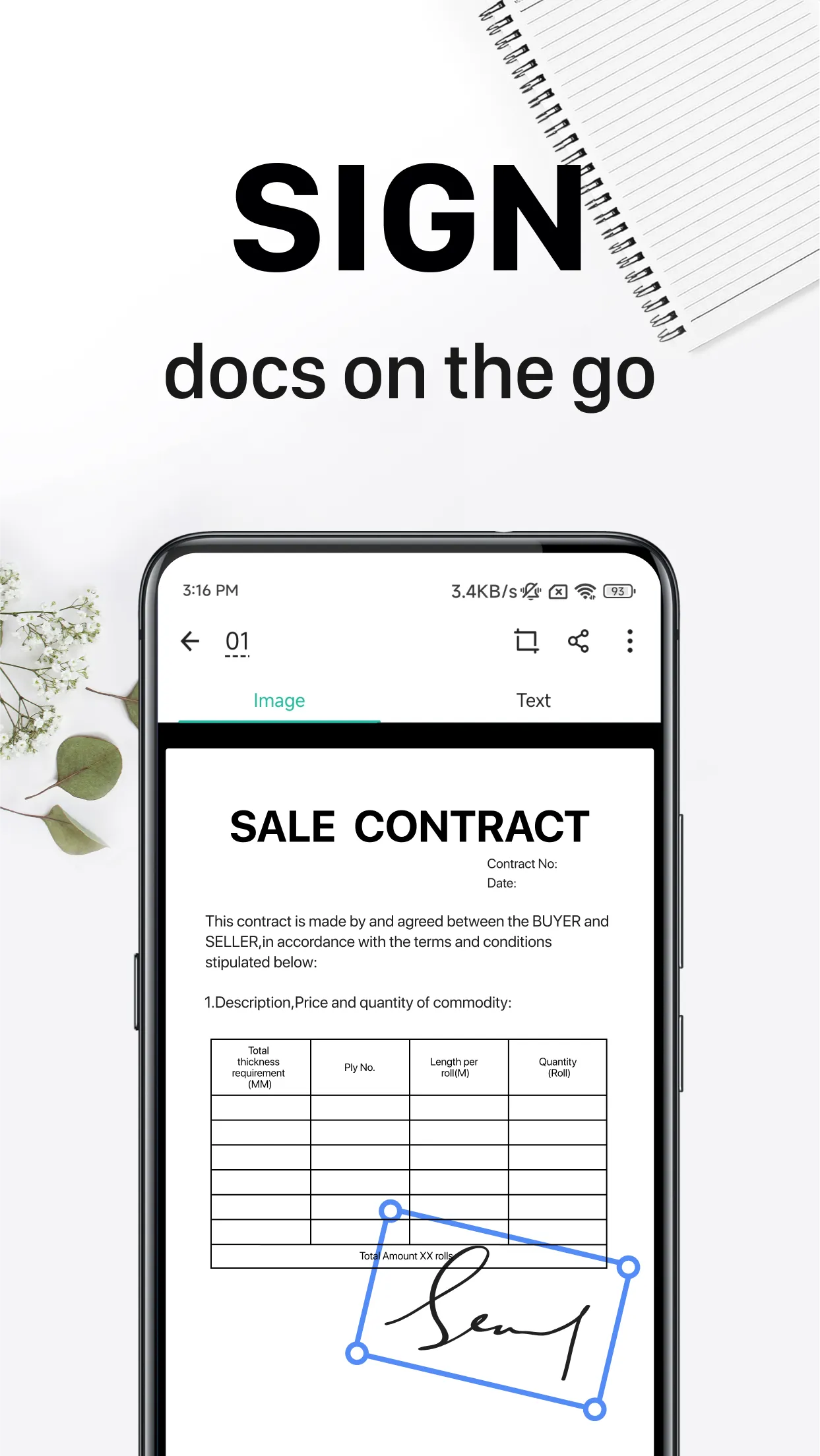
Open CamScanner and tap the camera icon to start a new scan.
Place the document on a flat surface, align it within the frame, and capture the page once the edges are detected.
Afterward, adjust the borders as needed, apply filters, and use the page-flattening feature to remove curves or shadows.
If necessary, use the OCR function to extract text, selecting the appropriate language to improve accuracy.
You can save and export files as PDFs or JPEGs, share them via link or email, print them wirelessly, or send them via fax. You can also add tags and organize files into the appropriate folders.
How do I change filters?
You can change filters in the following ways: Before capturing: Tap the star-shaped icon at the top of the capture screen to set a default filter. During the process: After capturing, you can select a filter on the preview screen. After capturing: For individual images, open the image and tap "Edit" > "Filters." For multi-page documents, open the document and tap "Edit" > "Filters"—you can then apply the chosen filter to all pages or specific selected pages. When importing images from your photo gallery, tap the icon in the bottom-left corner of the import screen to select your desired filter. Note: If an image is originally in black and white, CamScanner cannot convert it into a color image.
Can I manually adjust the crop area?
Yes. After taking a photo, you can tap the thumbnail at the bottom to readjust the crop area. For documents already captured, open the document, locate the image, and tap "Edit" > "Rotate & Crop" to make further adjustments. Alternatively, you can select multiple images and tap "More" > "Batch Process" to adjust them all at once.
Why did the conversion to Word fail?
If you need to convert a large number of image pages, we recommend selecting them in smaller batches before tapping "Share" to initiate the conversion. You can also split a large PDF file into several smaller files before importing them. Please note that non-standard documents—such as flowcharts, mind maps, or tables of contents—cannot currently be converted into Word documents.
CamScanner helps you scan paper documents and convert them into clear, searchable digital files. It organizes your pages into neat PDFs or images and syncs your work across mobile devices, desktop computers, and the web, allowing you to continue working anytime, anywhere. The app is designed for everyday tasks, such as scanning receipts, notes, whiteboards, books, and identification cards. It also makes it easy to share or send files to colleagues and clients, and integrates with online tools for converting and managing PDFs. In short, CamScanner consolidates your study, work, and personal record-keeping into a single platform.
Size:242.75MB Version:7.29.0.261108000
Requirements:Android Price:Free
Package Name:com.intsig.camscanner Signature:f51fc29c95618abcf6f0c85add8d772b
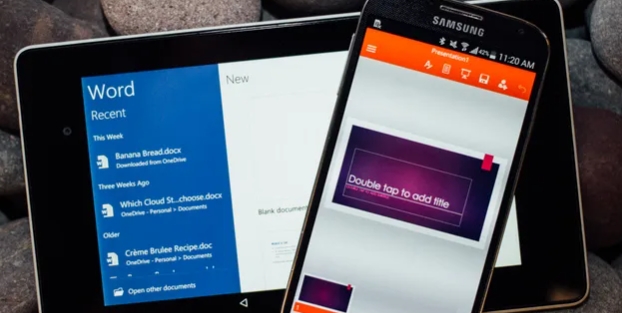
Feeling that there aren’t enough hours in the day? That you’re fighting a losing battle with your agenda? That each time you look up from your desk another year has rolled by? Well don’t worry, you’re not alone, and in today’s hyperconnected world, people are busier than ever before. On Android, there are countless productivity apps to help take control of your time and make your work more efficient. From a simple plugin for Chrome to a full-fledged app, picking the right productivity apps on Android can mean the difference between having a clear to-do list at the end of the day or having it overflowing with missed deadlines and projects that are off schedule. Productivity apps aren’t just about work, though. Using a productivity app in your personal life can keep you on top of deadlines for vacations, home repairs, and other family responsibilities.
Office Apps is a comprehensive and user - friendly platform that aggregates a wide array of office - related applications, catering to the diverse needs of modern professionals, students, and anyone who engages in office - based tasks. Whether you're working on a crucial business project, preparing academic papers, or handling daily administrative work, this aggregation page serves as your one - stop - shop.
The complete collection of office software is compiled based on user needs and referencing the popularity of major computer application stores. This collection selects various useful computer office software for users from multiple aspects such as office suite, communication and collaboration, email management, note management, cloud storage, download and decompression, etc. These software can meet your various document processing needs, making your team collaboration smoother, and conveniently managing your emails and keeping various meeting records. Download various materials and documents needed for office work. This collection of office software commonly used by professionals can meet all needs. Welcome to download and experience it!
About us | Contact us | Privacy policy| DMCA
Copyright © 2026 Xiaohei All rights reserved.