Whiteboard is a drawing tool designed for Android devices. Featuring an incredibly simple layout, it provides a canvas where users can draw freely, create visual notes, or develop mind maps related to their daily life, work, or studies. The app functions as a digital scratchpad or temporary notebook; users can incorporate various templates, utilize a range of colored brushes, and bring their creative ideas to life. Versatile across multiple devices, it serves as an excellent educational tool for parents to use with their children. Furthermore, users can save their work as high-quality, clear images and share them with others via social media or email.
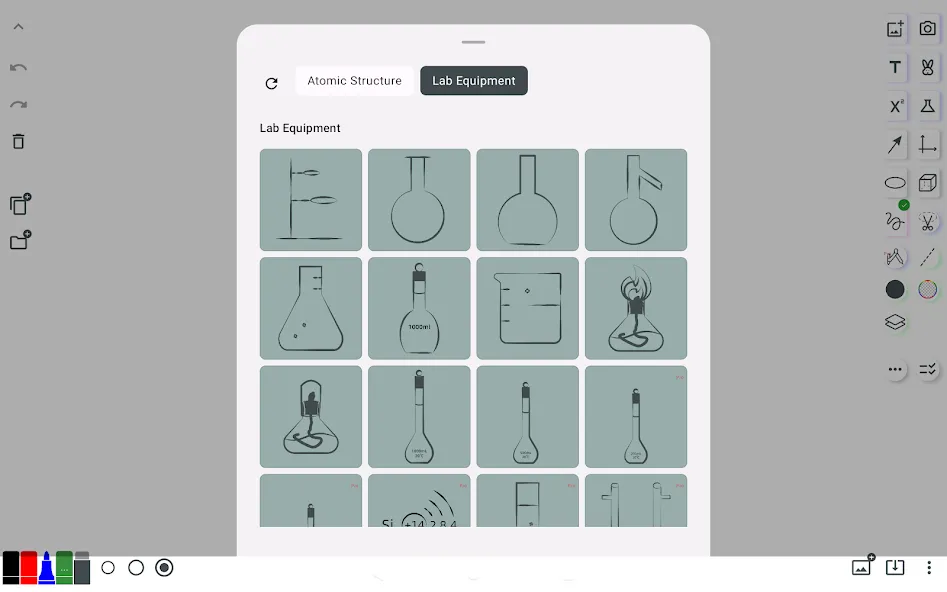
An intuitive, minimalist whiteboard designed to support your work, life, and learning. It serves many purposes: a space for quick sketches, presentations, writing, and doodling; a digital sticky note or scratchpad (ideal for memorizing vocabulary or performing calculations); a portable blackboard; a tool for home education; a whiteboard for meeting rooms; a tactical board for soccer or basketball coaches; or a drawing canvas for children.
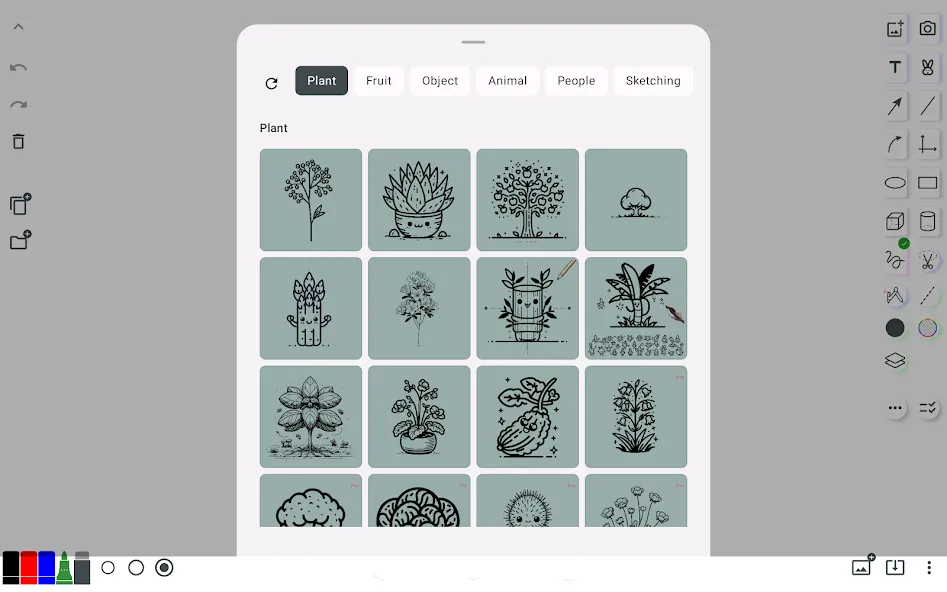
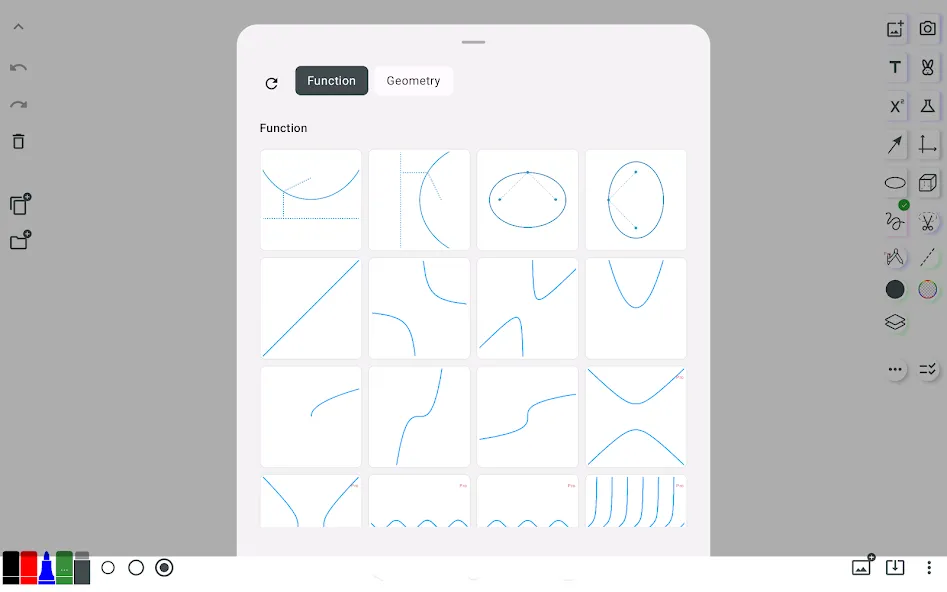
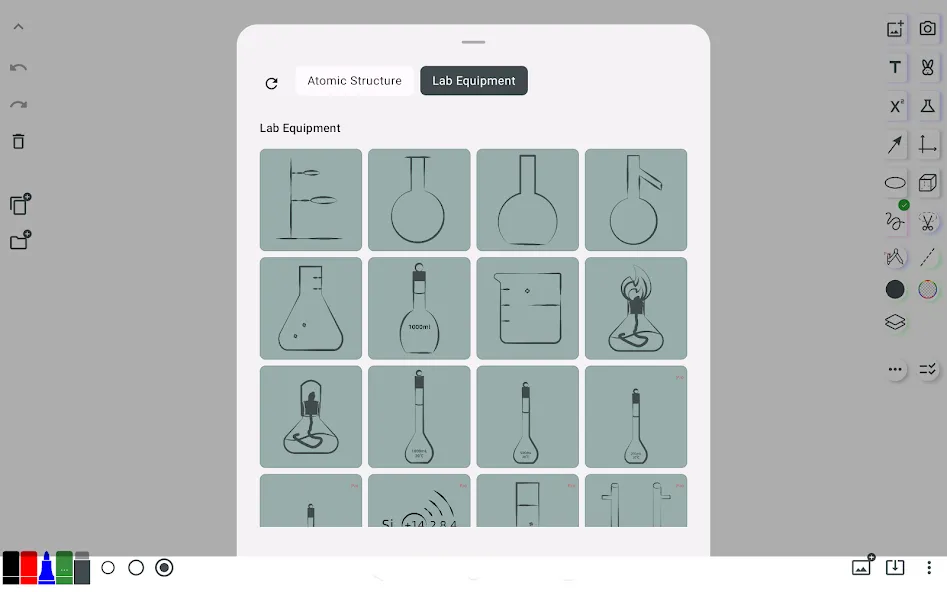
You can use your own photos as backgrounds and doodle over them, or choose from our pre-made templates—such as soccer or basketball courts—to suit your needs. Write using a single finger, and toggle between modes using the button on the right. Use two fingers to zoom in or out on the canvas.
Clean, Simple Interface
Choose from four colors and three stroke styles to suit your preferences.
Customize your own whiteboard pen colors.
This version offers expanded color options for both brushes and backgrounds.
Fine-tune your stroke thickness with a wider range of size options.
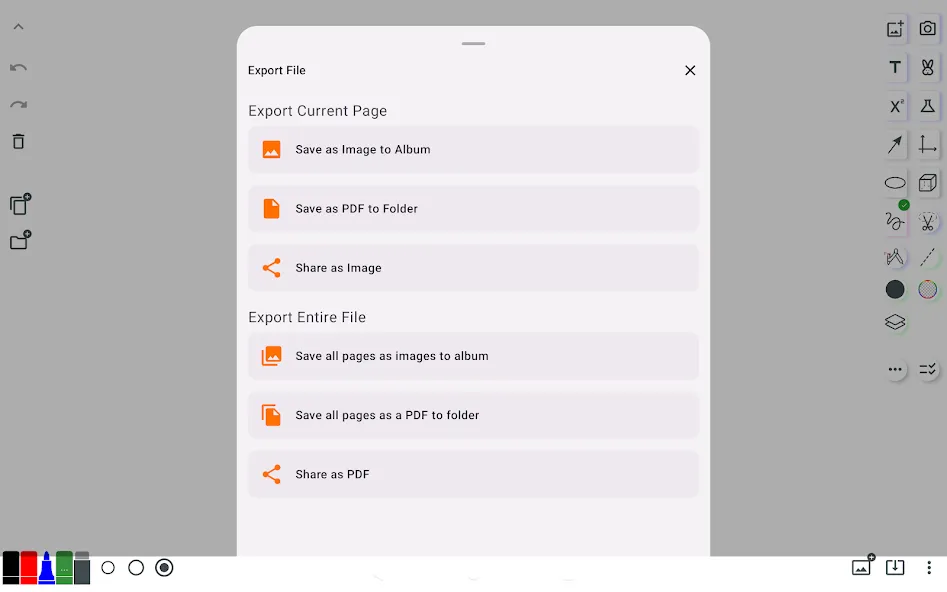
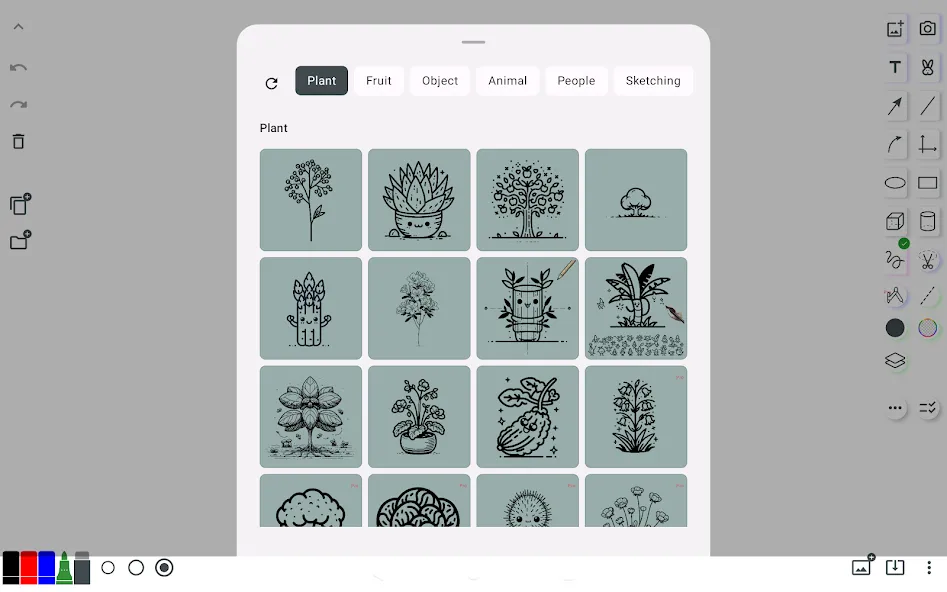
Save your finished creations as high-resolution images to your photo gallery, or print them directly. You can also share your work via text message, email, or social media.
Pros:
User-friendly interface that is easy to navigate.
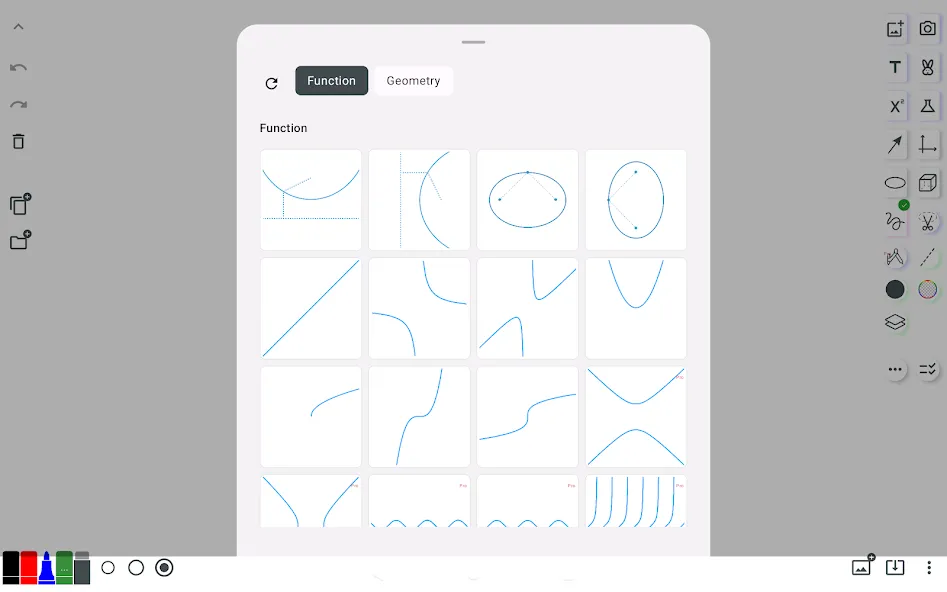
Offers a variety of tools for drawing, writing, and illustrating to help express ideas.
Cloud-based storage ensures your projects remain accessible from any device. Integrates with other productivity tools and software to enhance overall functionality.
Cons:
The free version has limited features; advanced tools require a paid subscription.
Performance may decline when handling larger files or complex graphics.
I’ve been looking for an app like this to keep track of things. I rarely look at my notes or reminders, but this app really grabs my attention. After just a few minutes of use, I’m already a fan of its features. It’s a simple whiteboard app that lets you doodle freely—though it lacks a layer function, which I actually don’t mind. I can do so much more with it!
The only reason I’m giving it four stars instead of five is that the eraser size remains constant, regardless of the pencil size you’re using. I’m a professional artist, and I use this app for on-the-go sketching since carrying a physical sketchbook is often inconvenient. I use a stylus to add details, but because the eraser size can’t be adjusted, I frequently end up erasing half of my drawing or sketch. That aside, you’ve created a fantastic, versatile, and user-friendly app. You should be very proud of it! Update: Thank you for your prompt and effective response! I’m really looking forward to the update—as soon as it’s released, I’ll be sure to leave a five-star review!
Friday: Well, I take back what I said earlier. Thank you so much for resolving my issue! This app is fantastic for me. All the bugs have been fixed, and your quick response was truly impressive. The app is perfect once again! Thursday: I’ve always loved using this app. It’s simple, smooth, and simply perfect.
Whiteboard encourages users to unleash their creativity without getting bogged down by complex features. Its ease of use makes it accessible to people of all skill levels—from casual users to those who need to quickly illustrate concepts, everyone can get started with ease.
Size:18.28MB Version:3.3.3
Requirements:Android Price:Free
Package Name:cn.readpad.whiteboard Signature:ad63972fc155b572f99c99da1694366c
Utility apps are indispensable in our lives, making our daily routines more convenient. To help you find these apps more easily, this site has created a collection. This collection brings together a series of practical tools covering various aspects of life, work, and education, meeting all your needs. What are you waiting for? Try these apps now and make your life easier!
Transform your mobile device into a powerhouse of efficiency with these handpicked essential tools. Whether you need professional-grade photo editing, seamless file organization, smart task management, or real-time weather updates, our curated selection of premium apps delivers unbeatable performance. Streamline your daily routine, automate repetitive tasks, and boost your productivity with intuitive interfaces and powerful features. Designed for both professionals and casual users, these editor-approved applications will revolutionize how you work and play. Don't settle for an ordinary phone - upgrade your digital experience today and unlock your device's full potential!
With the development of mobile hardware and software, many practical tool software have emerged, covering a wide range of aspects and becoming a good helper for everyone in work and life. Today, the editor provides you with a list of useful tool software downloads. These tools are not particularly complex types, and after reading them, everyone can quickly learn how to use them. Proper use can bring great convenience to life and work.
About us | Contact us | Privacy policy| DMCA
Copyright © 2026 Xiaohei All rights reserved.