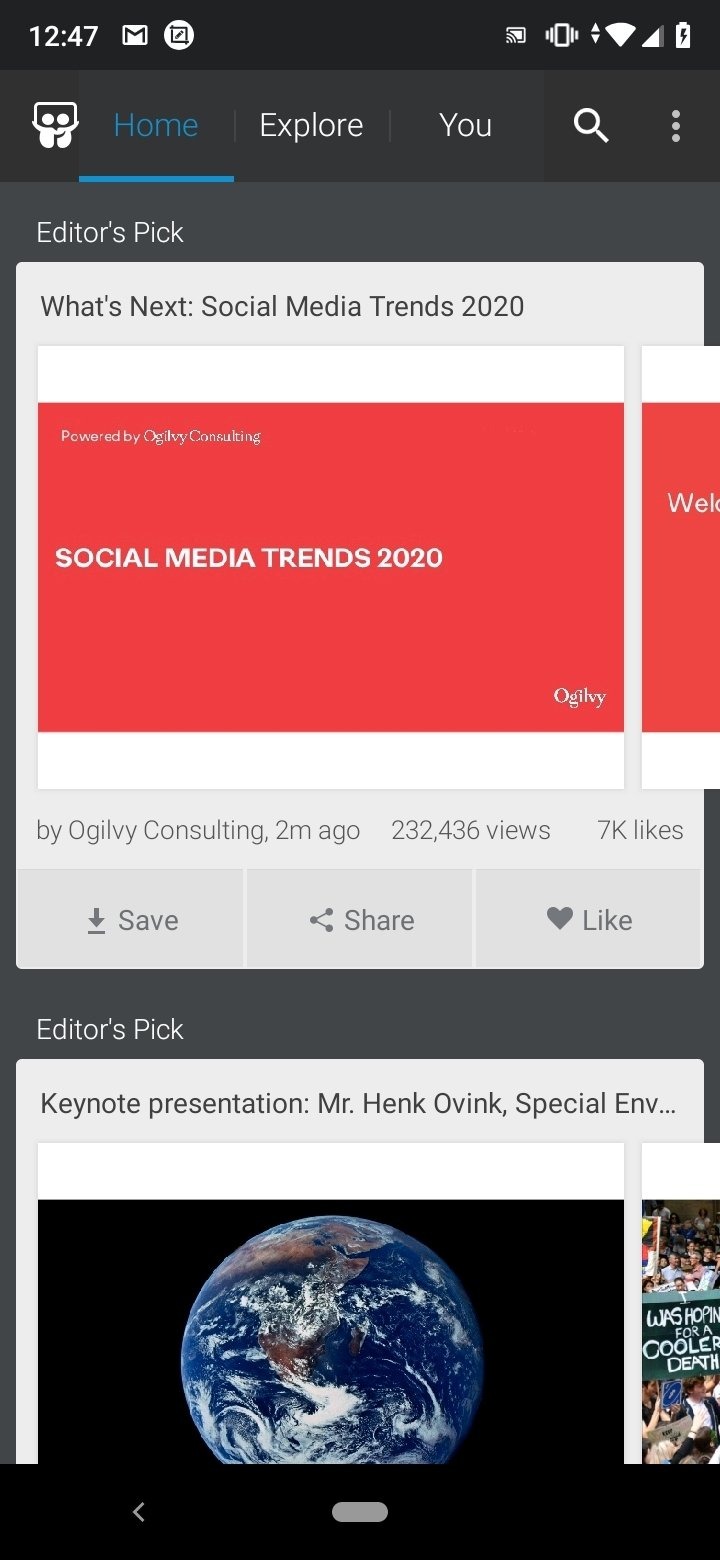
LinkedIn SlideShare is a productivity app for Android devices. Users can download a vast array of slide decks, infographics, and other content, while also following various organizations and institutions to gain access to their professional expertise. Students can leverage the platform for academic research, and professionals can use it to refine their skills and stay informed about industry trends. The content covers a wide range of professional scenarios, catering to diverse work-related needs. Users can also discover the most popular and highly recommended presentations from across the network and share them via social media. Furthermore, you can upload your own work to share with others and gather valuable feedback.
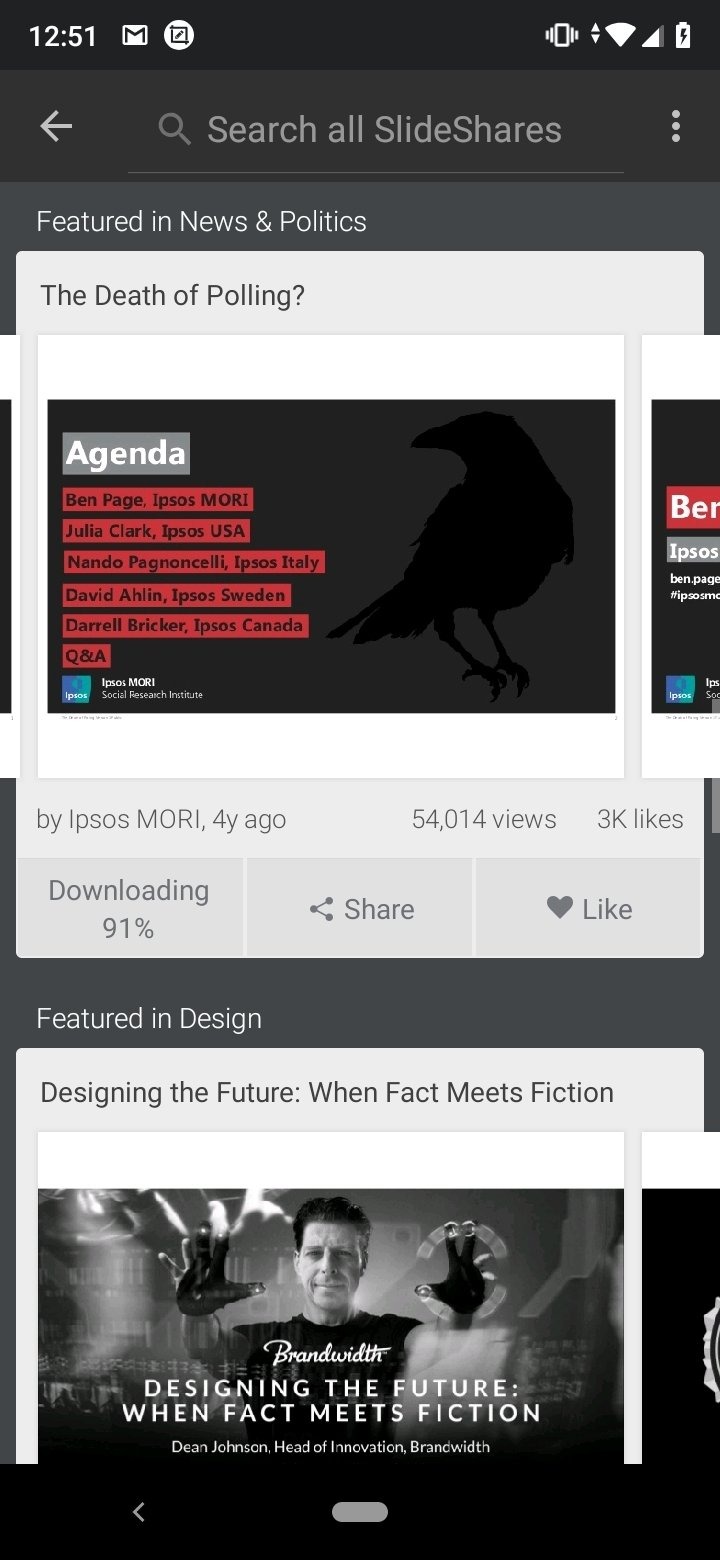
It’s more than just slide decks! Explore infographics, videos, how-to guides, data analysis reports, industry research, thought-leadership articles, Q&As, DIY tutorials, visual guides, and much more.
Follow companies and organizations—such as Dell, Ogilvy, the White House, Netflix, and NASA—that share their professional expertise on SlideShare.
Learn from industry experts like Netflix CEO Reed Hastings, LinkedIn co-founder Reid Hoffman, and Silicon Valley entrepreneur Guy Kawasaki.
Discover keynote presentations from top-tier industry conferences such as SXSW and Dreamforce.
Whether you are a student conducting academic research, a professional looking to deepen your industry knowledge, or simply someone curious to learn about new and interesting topics, there is something here for everyone!
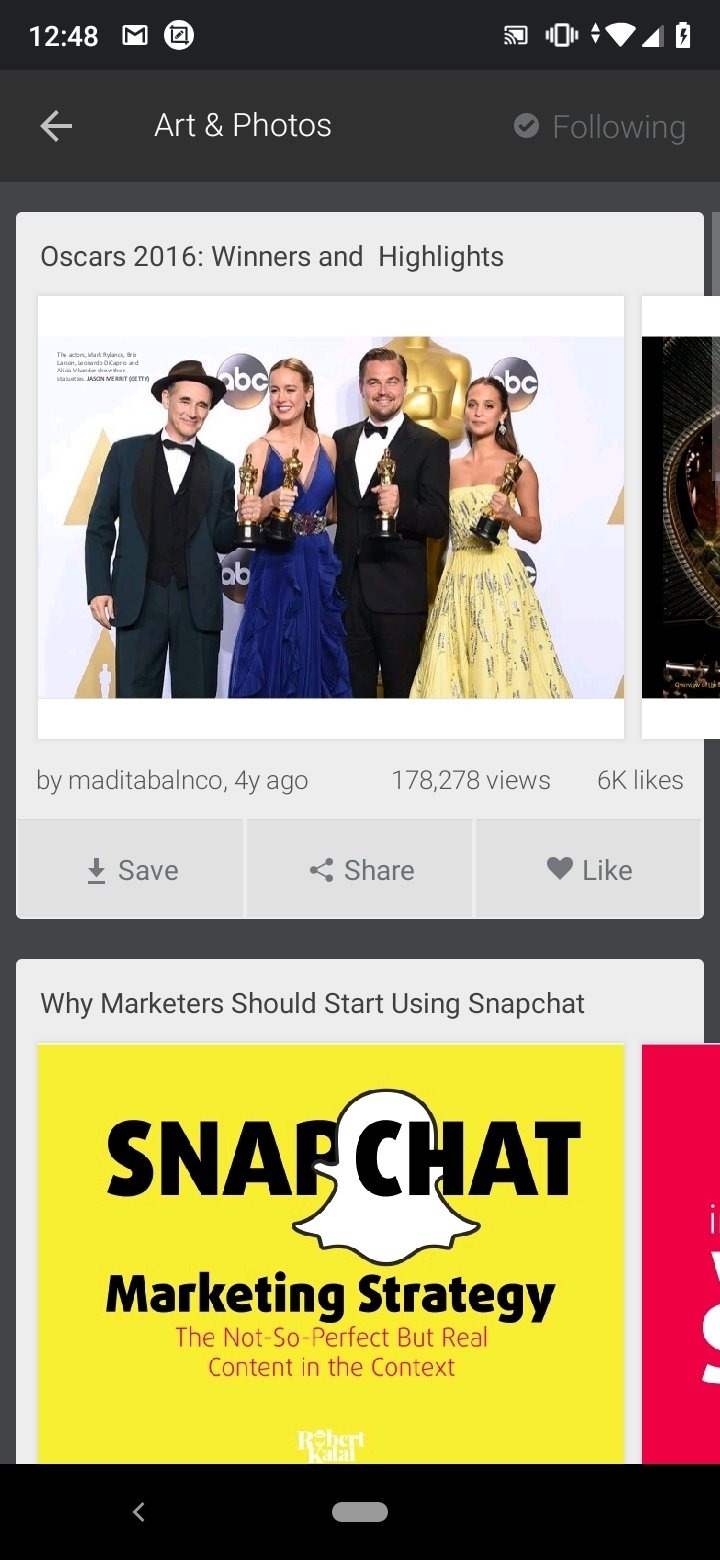
Full list of categories: Editor’s Picks, Art & Photography, Automotive, Business, Career Development, Data & Analytics, Design, Devices & Hardware, Economy & Finance, Education, Engineering, Entertainment & Humor, Environment, Food, Government & Non-profit, Health & Magazines, Healthcare, Internet, Investor Relations, Law, Leadership & Management, Lifestyle, Marketing, Mobile Apps, News & Politics, Presentations & Public Speaking, Real Estate, Recruiting & HR, Retail, Sales, Science, Self-Improvement, Services, Small Business & Entrepreneurship, Social Media, Software, Spirituality, Sports, Technology, and Travel.
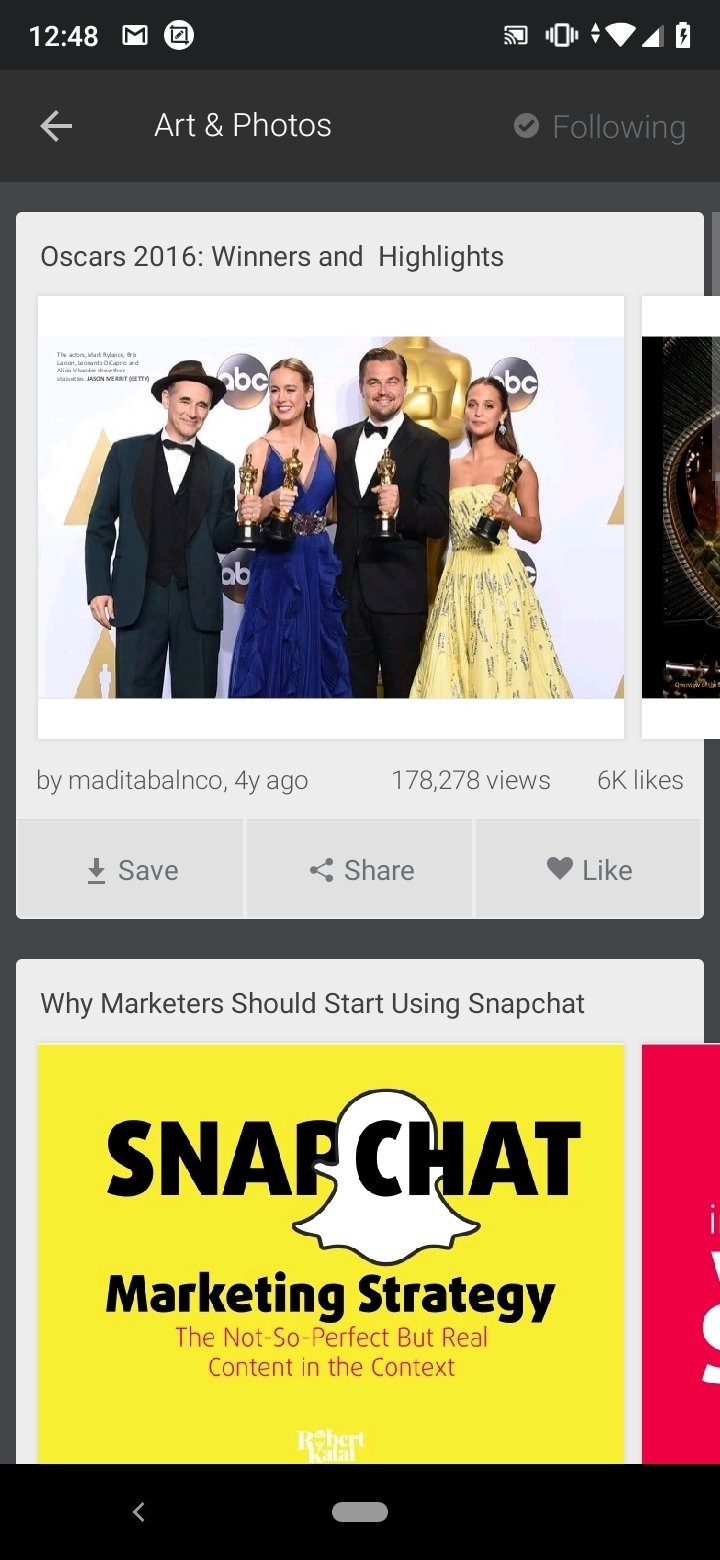
Browse over 15 million professional presentations, infographics, and videos, all presented in a stunning full-screen layout. Explore over 30 topics that interest you, spanning fields such as technology, leadership, engineering, and healthcare.
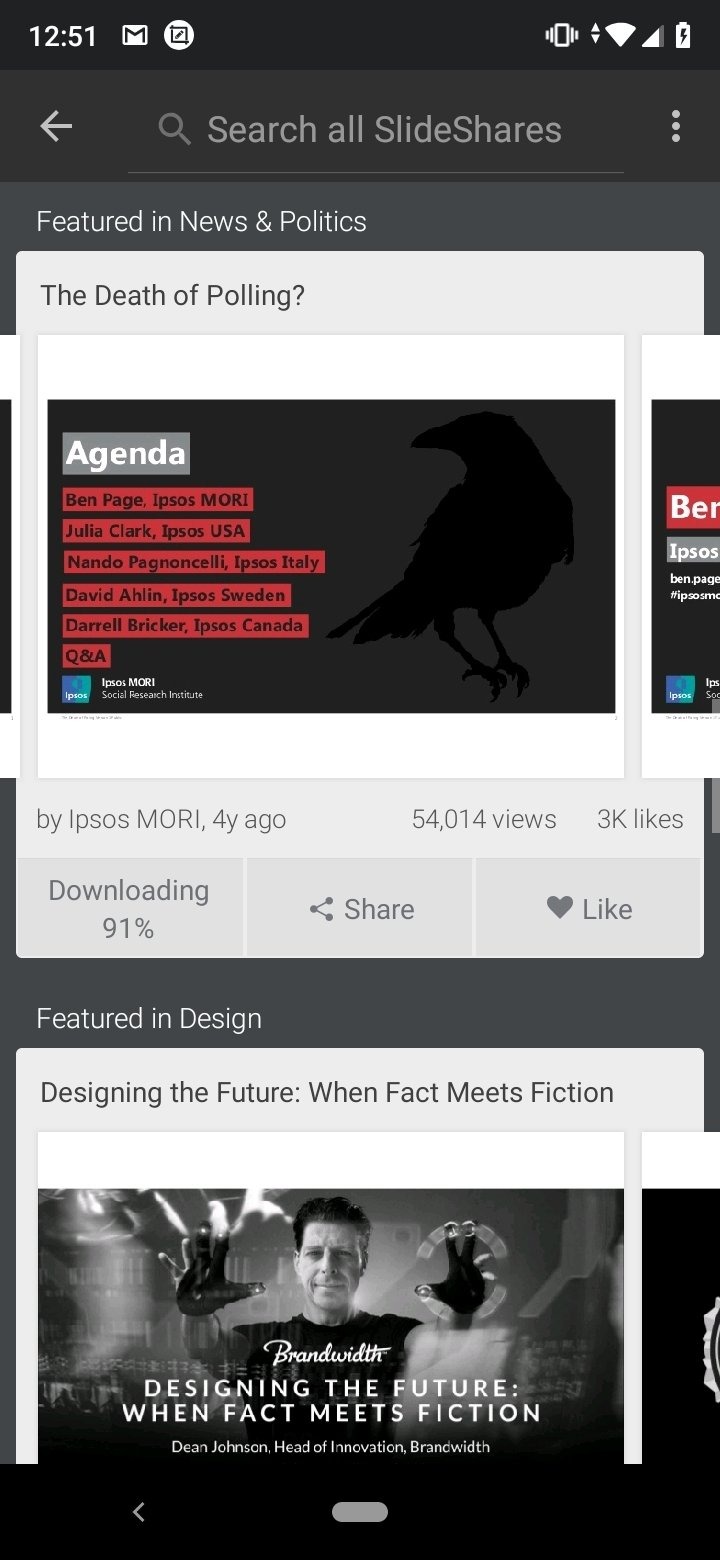
Save content you like to your phone or Android tablet to read later—even when you’re offline!
Check out the most popular presentations trending on social networks, and share your favorites with friends and colleagues via SlideShare, LinkedIn, Facebook, or Twitter.
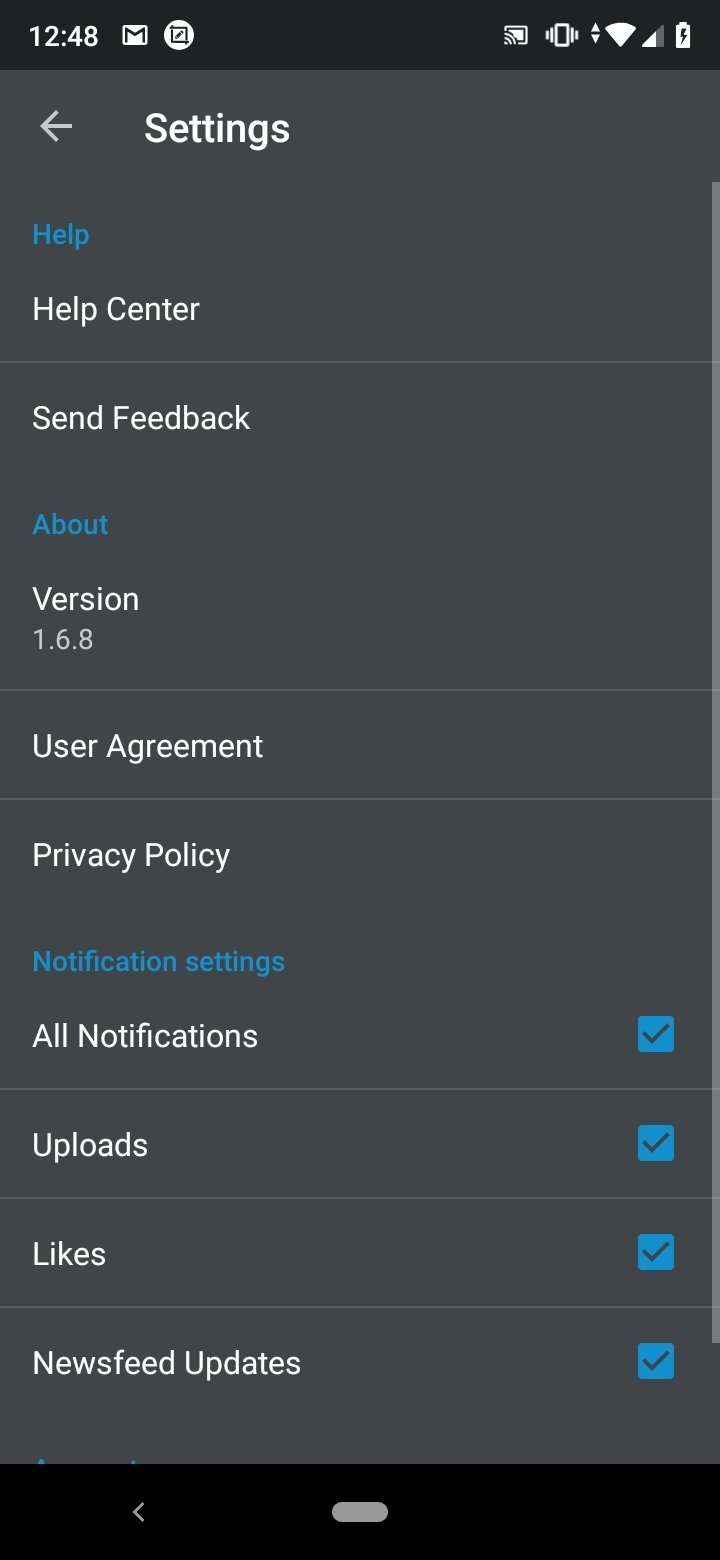
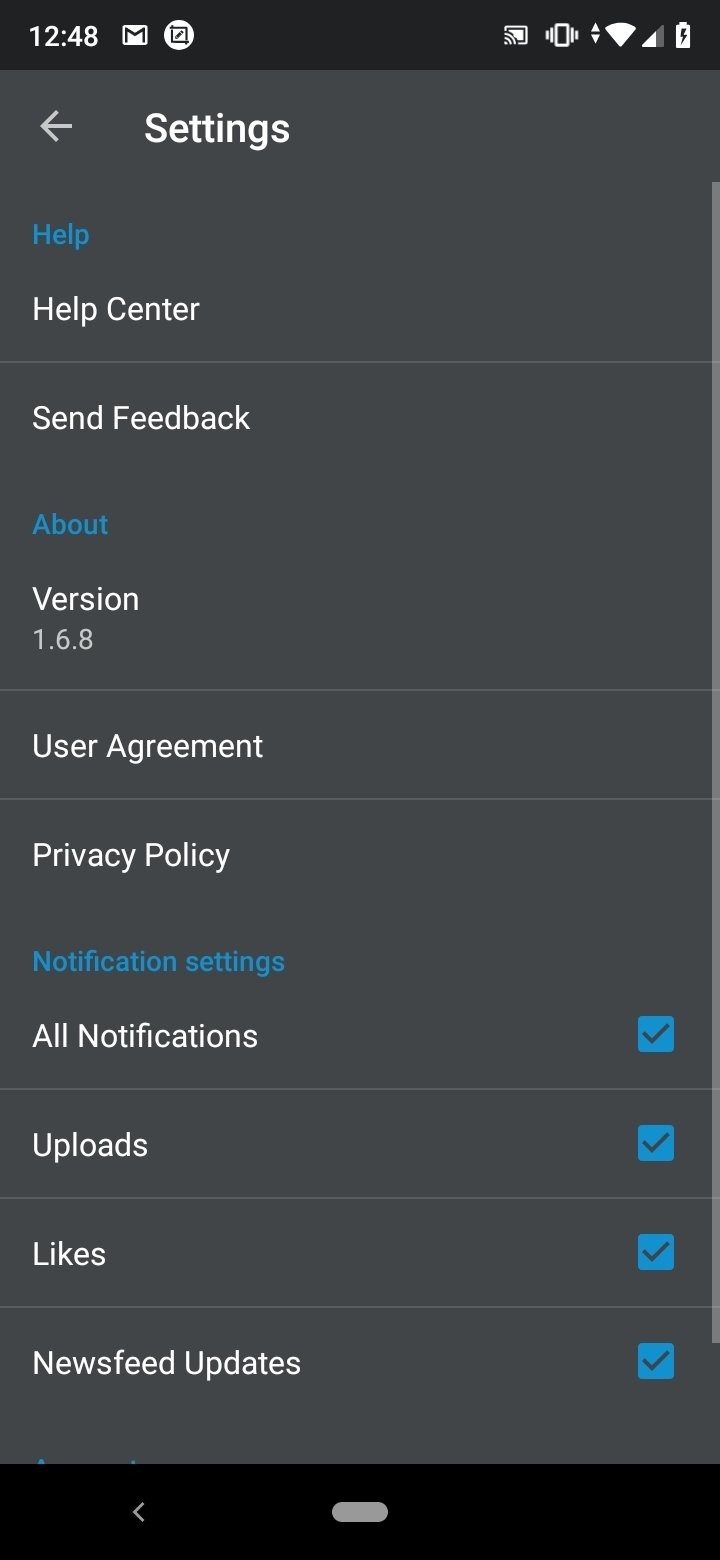
You can now curate the best content on LinkedIn SlideShare and organize your research into "clipboards"—all in one place.
Pros:
The app offers a virtually limitless library of content.
Ability to download presentations for offline viewing.
A wealth of additional features and a smooth user interface.
Stay focused: Helps you find the presentations you need quickly and efficiently.
Explore new areas: The app’s "Explore" tab is a great way to stay up to date with what’s happening in fields that interest you.
Cons:
Some users have reported issues with logging in or signing up.
Occasional problems with downloading content may occur.
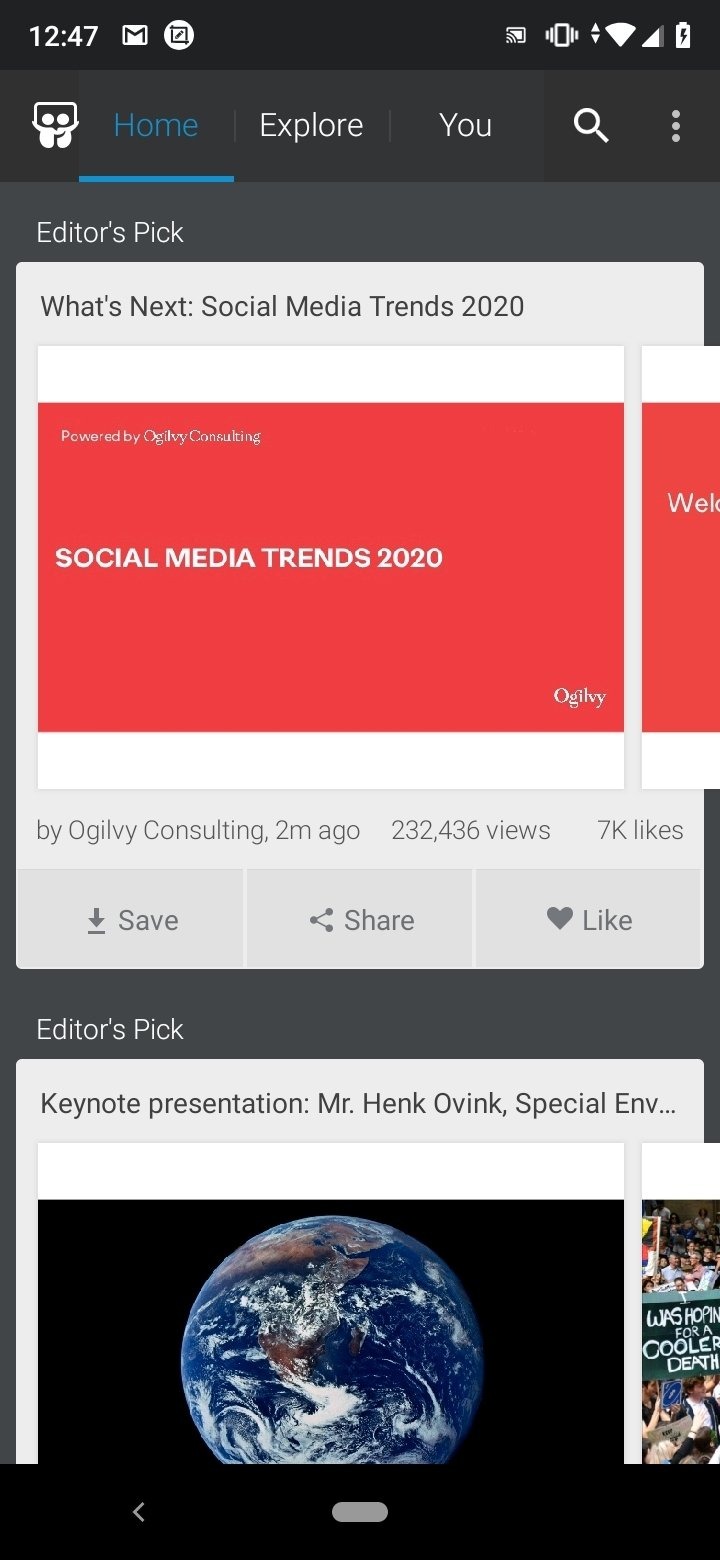
LinkedIn SlideShare allows you to discover and view professional presentations on your Android device, and share your favorites with colleagues through the world’s largest community for presentations and business information.
Size:7.97MB Version:1.7.6
Requirements:Android Price:Free
Package Name:net.slideshare.mobile Signature:ad359276cd5c42342d4573553516bd94
Feeling that there aren’t enough hours in the day? That you’re fighting a losing battle with your agenda? That each time you look up from your desk another year has rolled by? Well don’t worry, you’re not alone, and in today’s hyperconnected world, people are busier than ever before. On Android, there are countless productivity apps to help take control of your time and make your work more efficient. From a simple plugin for Chrome to a full-fledged app, picking the right productivity apps on Android can mean the difference between having a clear to-do list at the end of the day or having it overflowing with missed deadlines and projects that are off schedule. Productivity apps aren’t just about work, though. Using a productivity app in your personal life can keep you on top of deadlines for vacations, home repairs, and other family responsibilities.
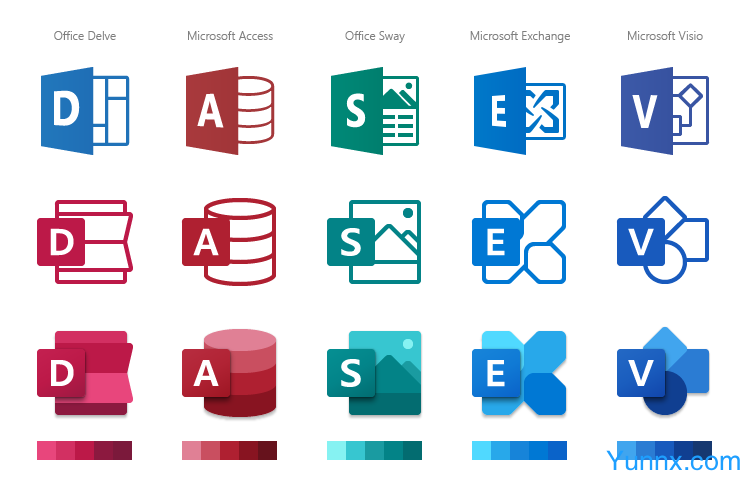
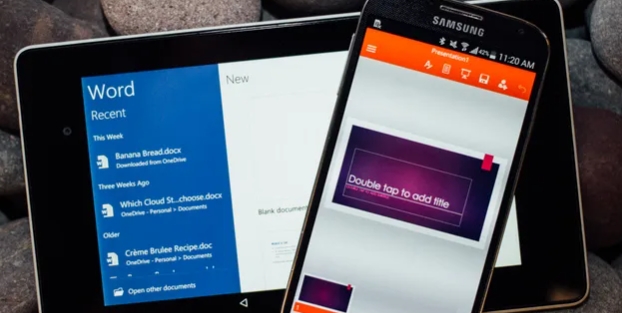
Office Apps is a comprehensive and user - friendly platform that aggregates a wide array of office - related applications, catering to the diverse needs of modern professionals, students, and anyone who engages in office - based tasks. Whether you're working on a crucial business project, preparing academic papers, or handling daily administrative work, this aggregation page serves as your one - stop - shop.
The complete collection of office software is compiled based on user needs and referencing the popularity of major computer application stores. This collection selects various useful computer office software for users from multiple aspects such as office suite, communication and collaboration, email management, note management, cloud storage, download and decompression, etc. These software can meet your various document processing needs, making your team collaboration smoother, and conveniently managing your emails and keeping various meeting records. Download various materials and documents needed for office work. This collection of office software commonly used by professionals can meet all needs. Welcome to download and experience it!
About us | Contact us | Privacy policy| DMCA
Copyright © 2026 Xiaohei All rights reserved.