Photoshop Express Photo Editor is a powerful and easy-to-use smart photo editing app for mobile phones. It provides comprehensive editing tools from basic cropping, rotation, and brightness adjustment to advanced AI background removal, face retouching, and skin smoothing. It also has built-in rich filters and automated suggestion functions, allowing users to quickly optimize photos without professional knowledge. It also supports RAW format editing and multi-platform adaptive sharing, greatly simplifying the entire workflow from editing to publishing.
For those of you who’re needing a proper photo editing tool to work with your selected images, you can totally make uses of Adobe Photoshop Express in various tasks. Feel free to enjoy your editing applications, with lots of engaging and exciting features to explore and play with. Have fun customizing your selected photos with many available tools and your brilliant imaginations. Take on the ultimate editing experiences as you attempt to do whatever you want with the images.
Start by recovering and refining the photo quality as you try to make the most of your taken images. Then you can attempt to add multiple customizations and enhancements for your photos, which will enable powerful visual experiences on your images. Explore the in-depth, precise, and exciting edits that you can have on your photos, which would make the overall images a lot more exciting.
Smooth, shiny skin: Remove unnecessary things on your skin to make it bright, smooth and give you confidence.
Basic to advanced editing: Apply one or more features to give your image a positive change and help demonstrate your editing skills.
Use AI support: AI is powerful in identifying things on images and helps users use features it recommends, such as removing objects.
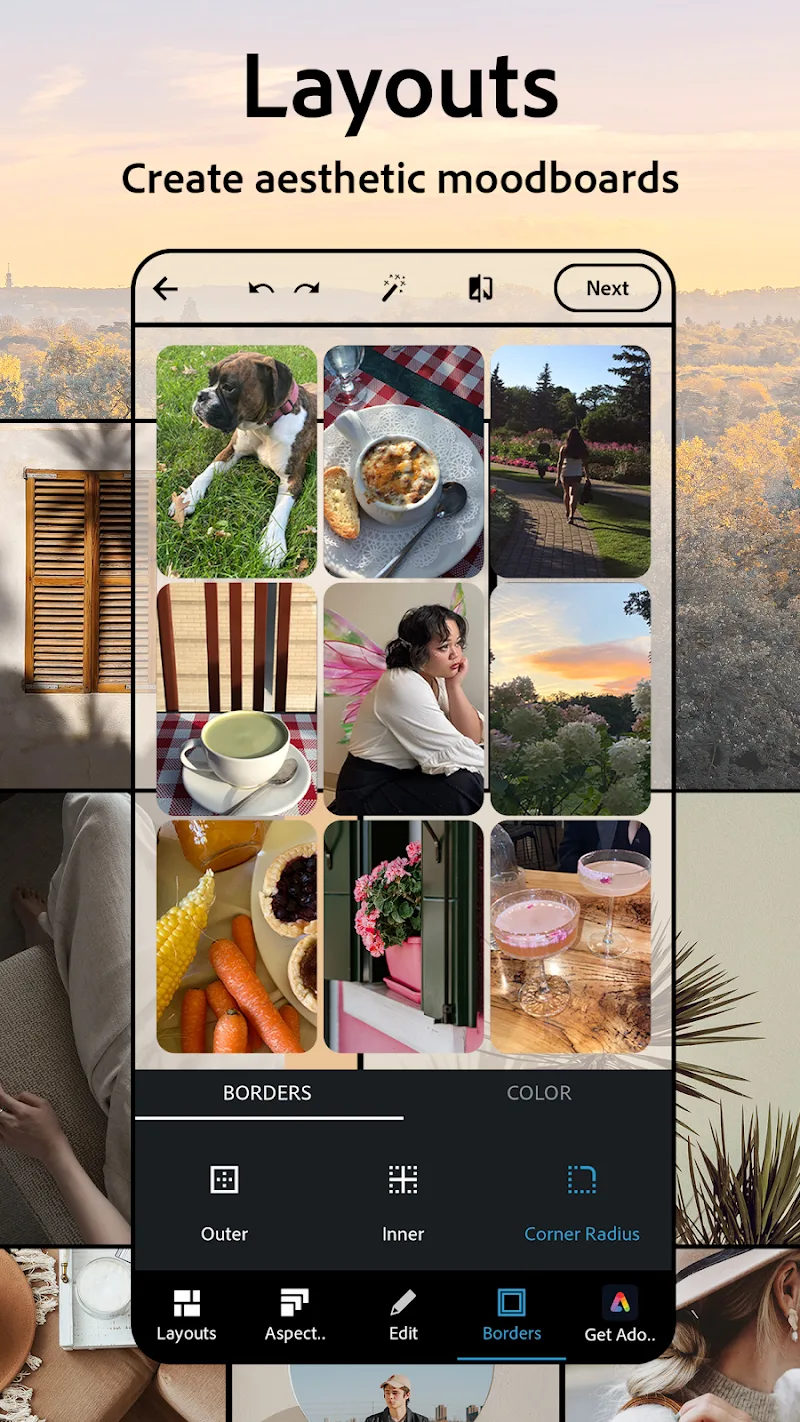
Use diverse layouts: Collage images can appear to help you tell many details of a different story with pre-made layouts.
Create what you want: Change the image in the most positive direction by combining many things you want and creating harmony between them.
Use multiple resources in multiple ways: Create a series of different types of images, from beautiful images to funny memes.
Supports a wide range of formats: Professional image editing applications always support more formats than you think and include features to handle them.
Choose products suitable for social networks: Social networks have different requirements in terms of characteristics and image content that can be handled easily.
Always use the highest quality images: The highest quality images are always ready for you to use or share on another platform.
In truth, this app is an extremely watered-down version of Adobe Photoshop, which is quite limited in its functionality. Photoshop Express allows you to perform basic image editing tasks, giving you the option to select a photo from your phone or Adobe Revel, or take one using the device's camera.
Adobe Photoshop Express furnishes you with several useful tools for tidying up pictures or giving them a creative new look. There's an option to crop and straighten images, which includes the ability to flip the picture or constrain the proportions as you resize the canvas.
You can use Adobe Photoshop Express to correct various aspects of a photo, including clarity, contrast, shadows, temperature, and more. Alternatively, hit the Looks button and you can apply one of a number of preset filters to the image, in much the same way as you would with Instagram or Retrica, for example. Many of the adjustment effects and filters are free, though some you'll have to pay for.
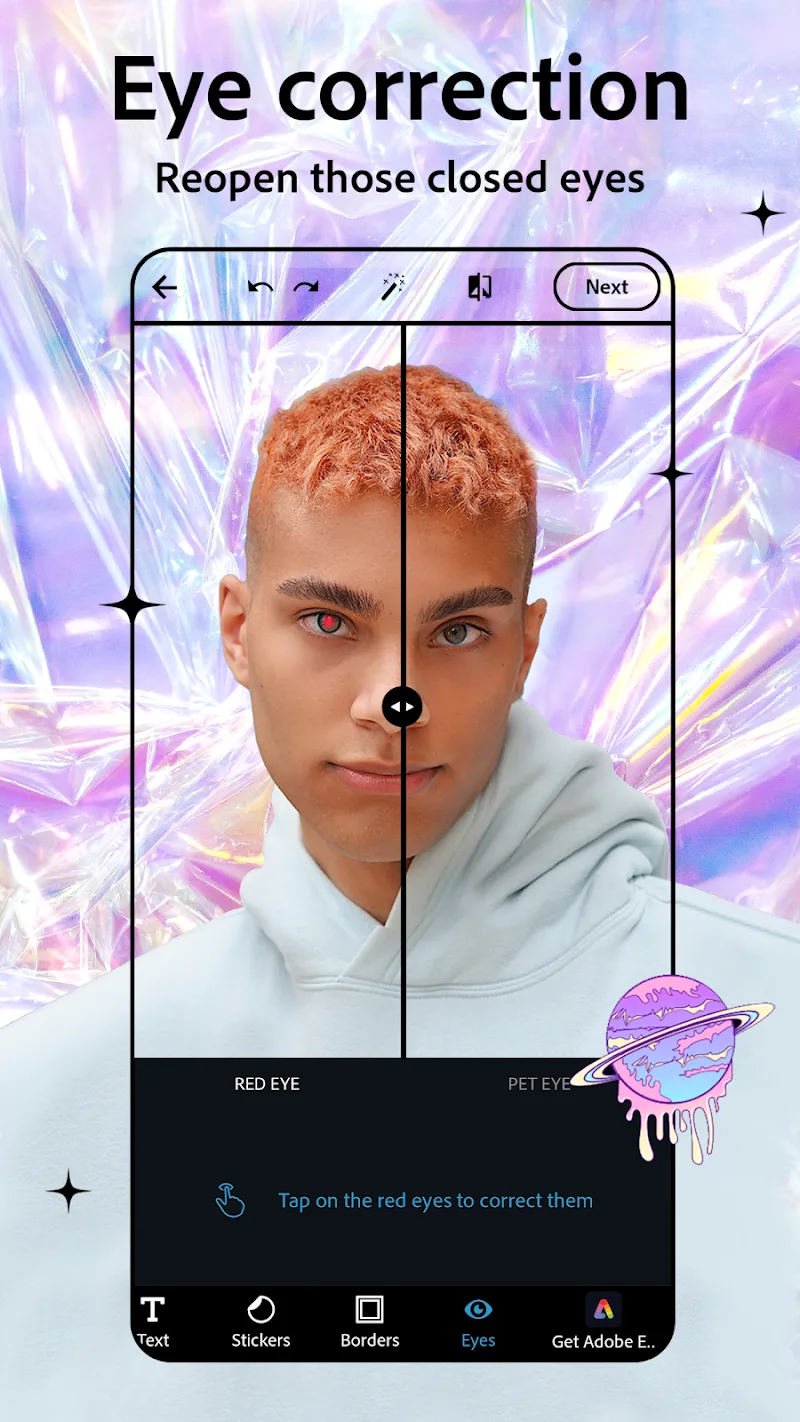
Other tools within Photoshop Express include red-eye removal, borders and frames, and a blemish remover. There's an auto-adjustment tool too, if you can't be bothered to tinker around with the image yourself.
Once you're done editing you can save your image to your device or to Adobe Revel, or share it via social media or messaging.
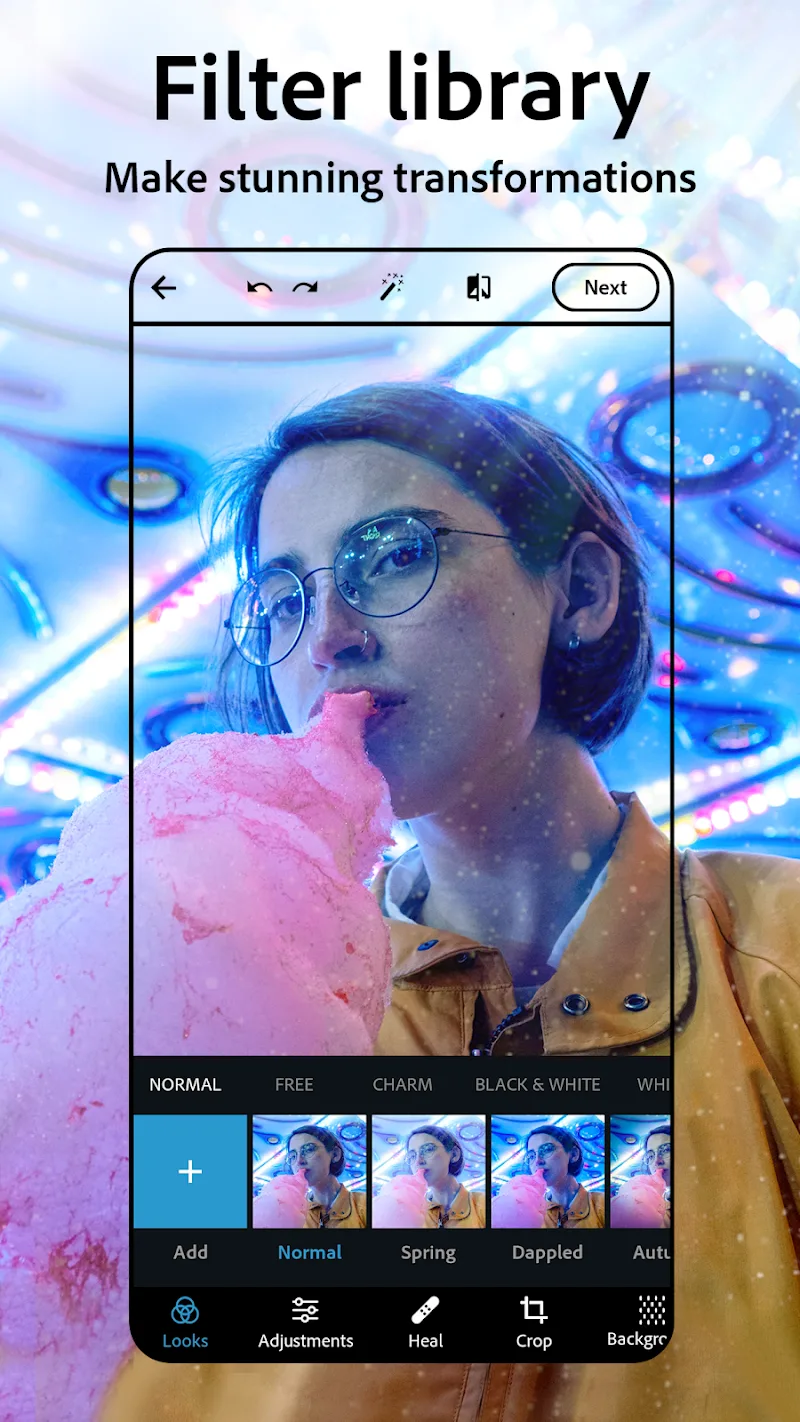
Photoshop Express Photo Editor is a photo editing tool specially designed to be paired with an Android terminal. The application offers you many choices such as cropping, straightening and rotating, adjusting levels, saturation, contrast and exposure, applying different filters and isolating images, making changes with different colors such as black and white, sepia, etc.. and applying different frames with embellishments.
Size:234MB Version:17.7.12
Requirements:Android Votes:251
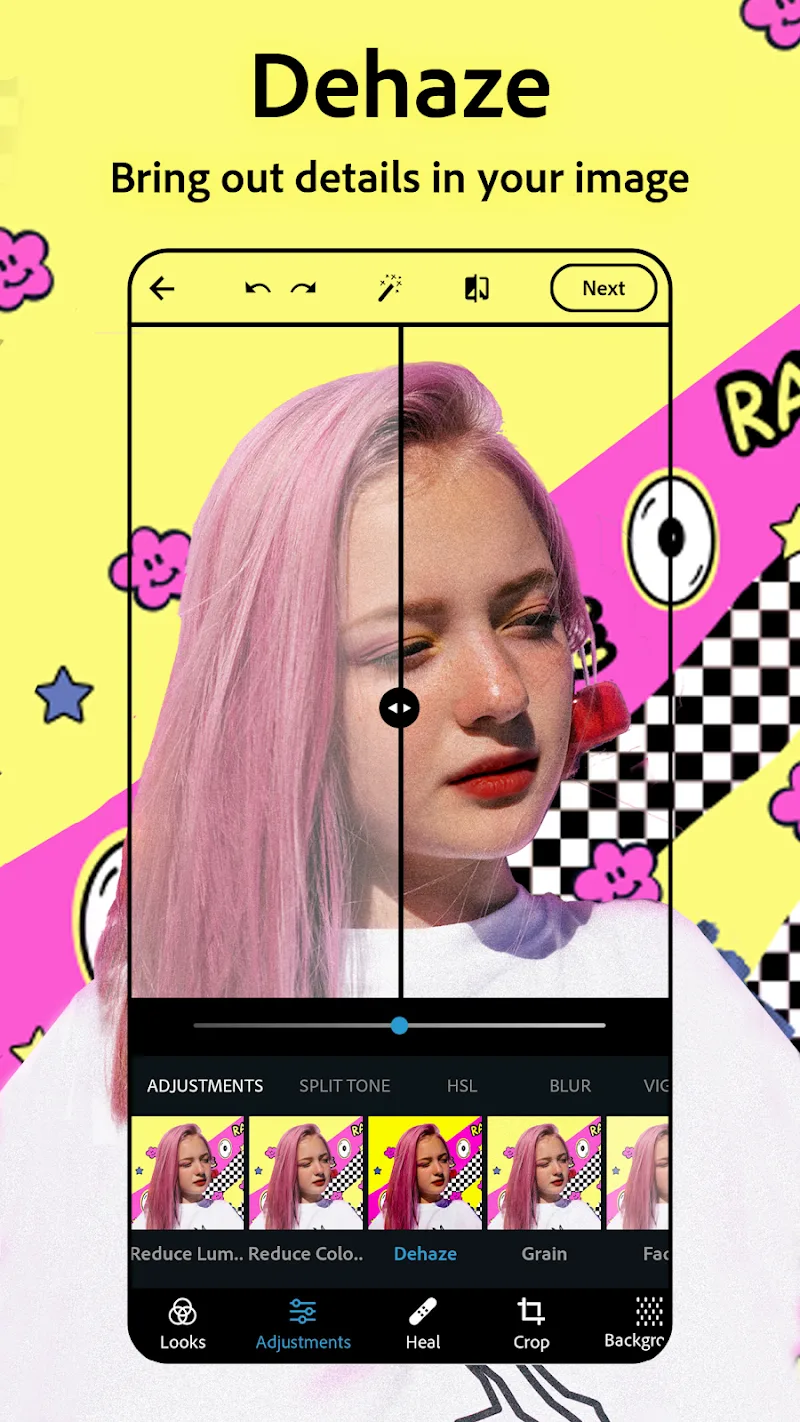
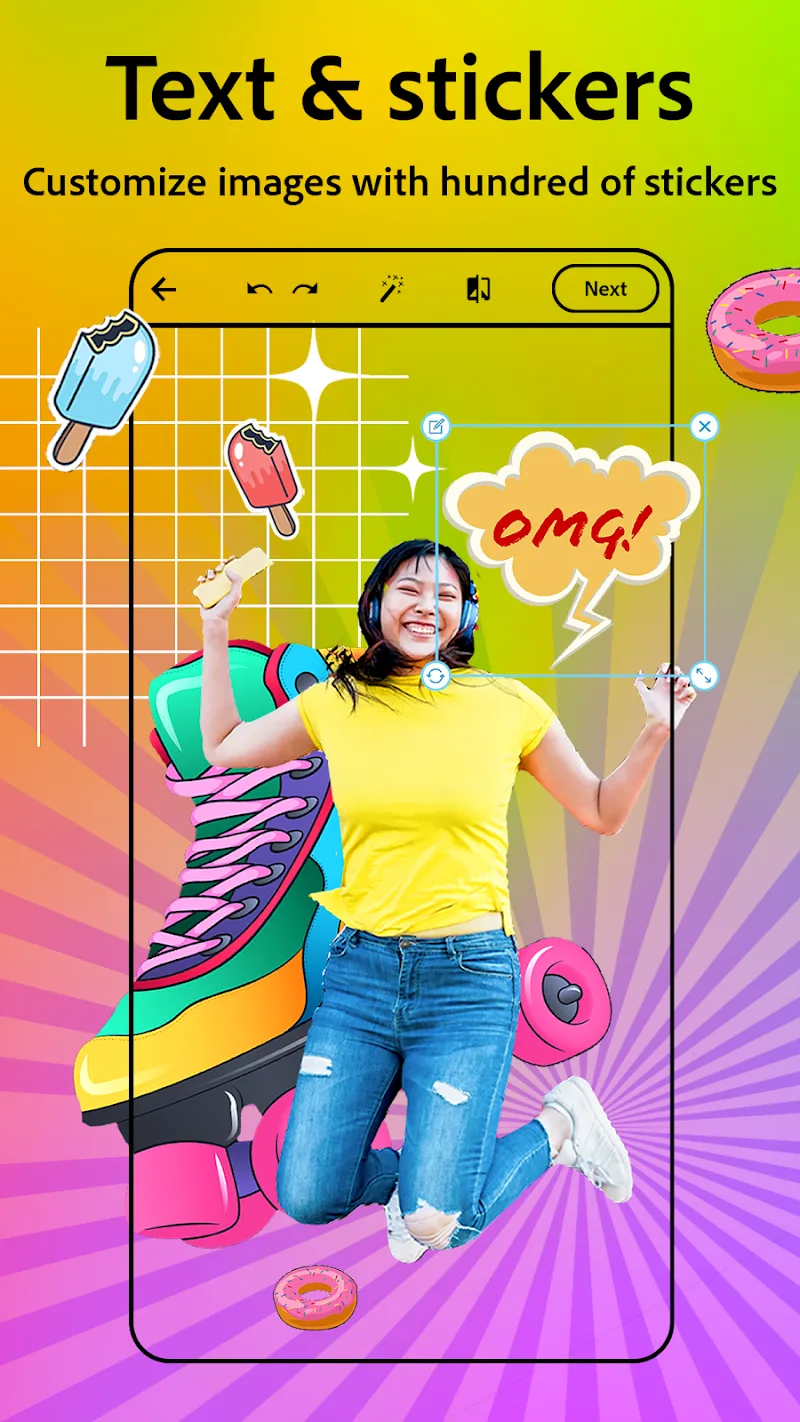
Welcome to our image editing apps! Perfect for beginners and pros alike, they make photo enhancement easy. Use PicsArt to crop, adjust colors, and apply filters. Remove backgrounds instantly with Remove.bg. Get creative with layers and advanced tools on Adobe Photoshop Express. Start transforming your images today!
Visuals serve as a primary gateway for players to engage with games, where distinctive art direction immediately captures attention and creates lasting impressions. An unconventional aesthetic not only stands out in crowded markets but also enhances immersion and emotional connection. When executed with creativity and polish, striking visuals elevate gameplay into a memorable artistic experience. That's why titles with truly exceptional art styles deserve recognition - they offer both visual delight and meaningful interactive expression that resonates with players long after the session ends.
AI Photo Editing Apps - encompassing both image generation and enhancement tools - utilize cutting-edge machine learning algorithms to produce, refine, or transform visuals using text prompts, uploaded images, or artistic preferences. These powerful applications are reshaping digital art, photography, and media production by streamlining sophisticated processes such as professional-grade retouching, artistic style replication, and completely AI-generated artwork. By combining automation with creative control, they empower users to achieve stunning results with unprecedented speed and precision.
About us | Contact us | Privacy policy| DMCA
Copyright © 2026 Xiaohei All rights reserved.