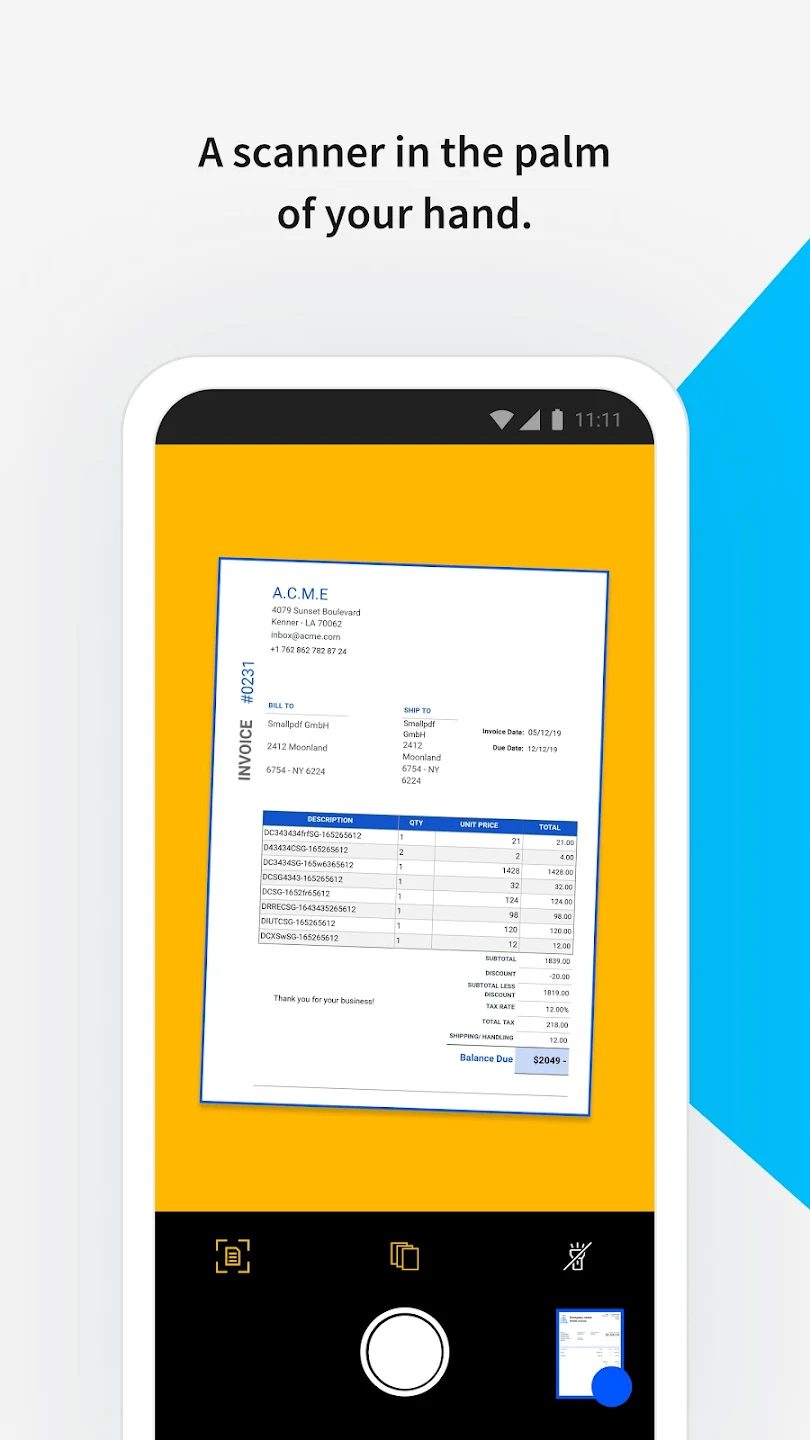
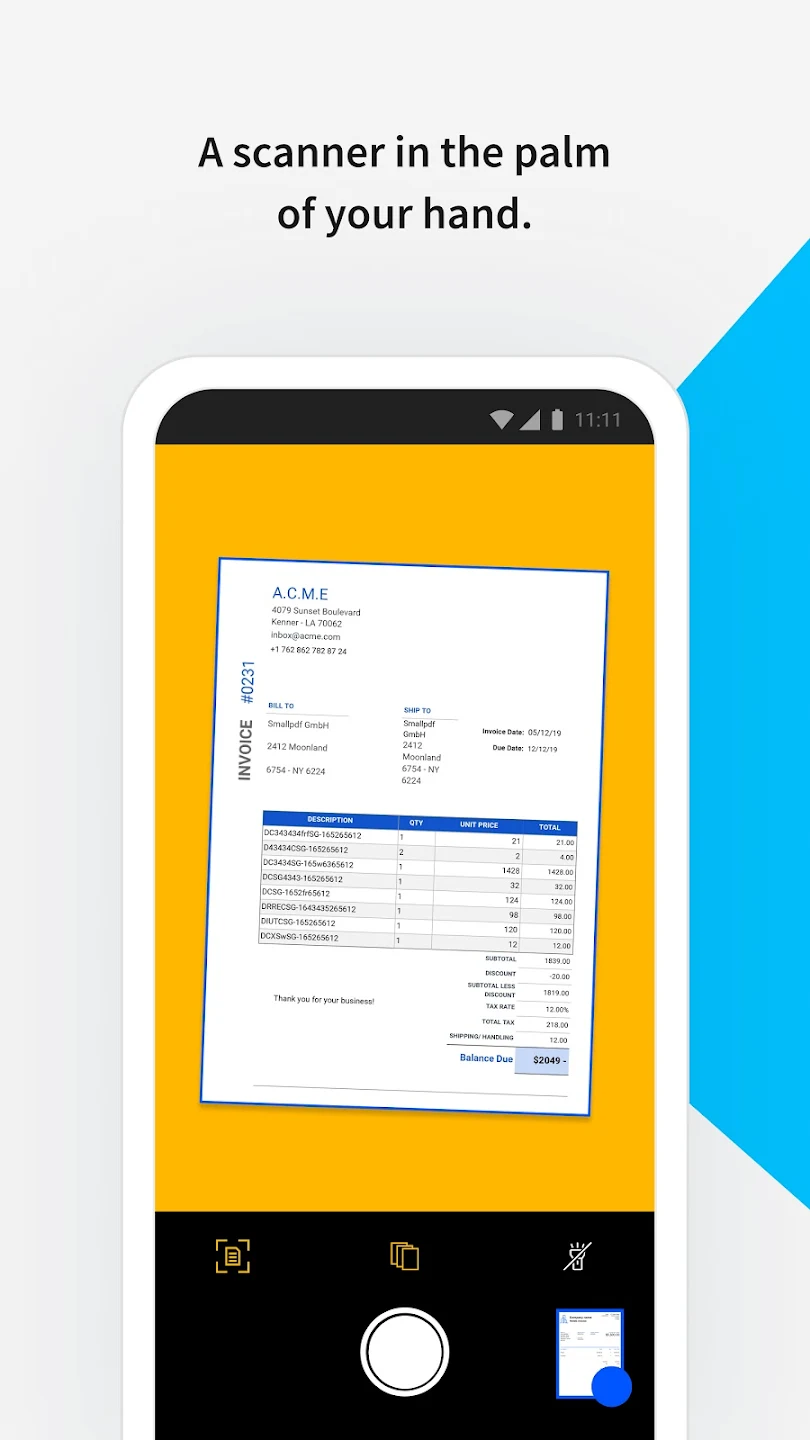
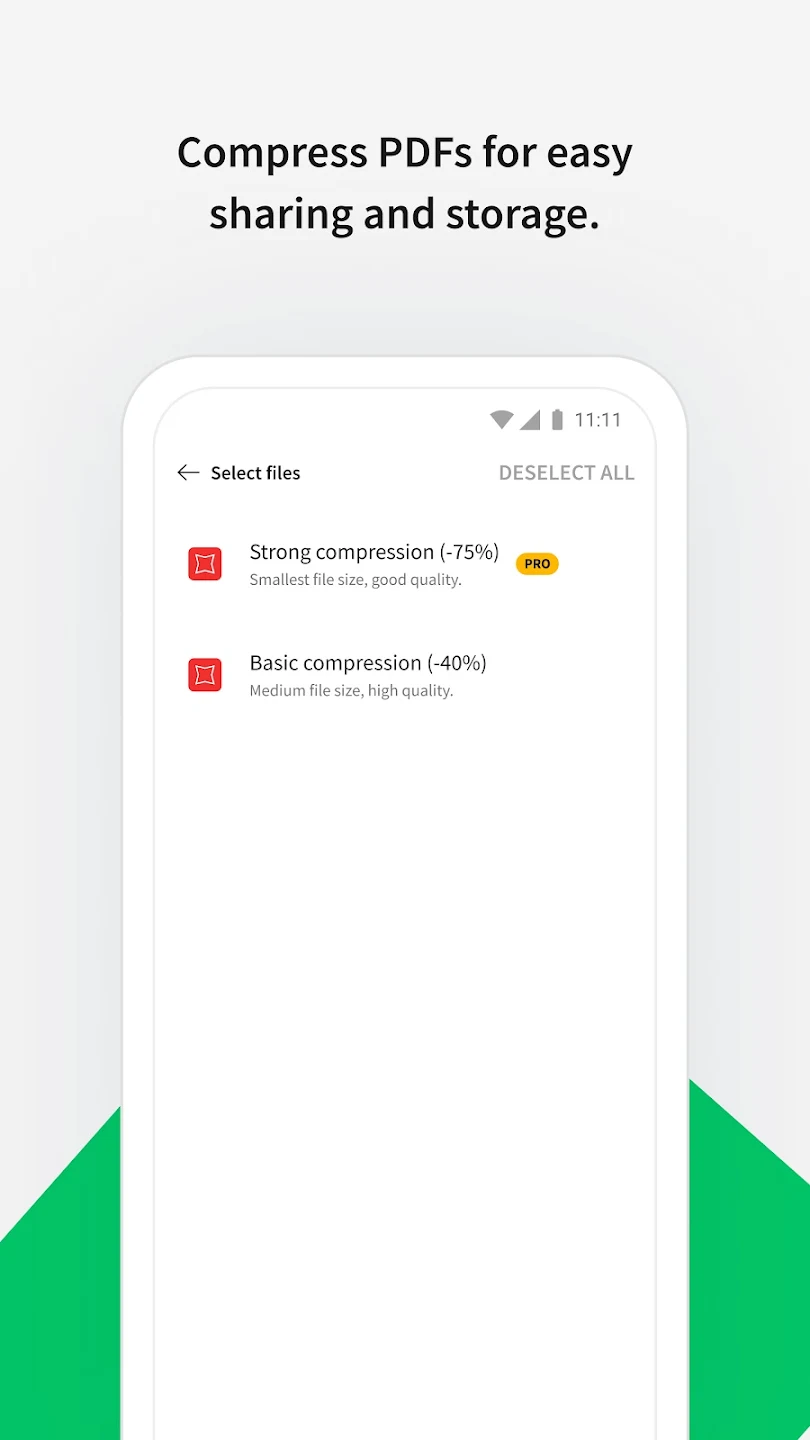
Smallpdf is a user-friendly PDF editing and management software that supports conversion between different document formats, facilitating easy export and editing. Users can edit images and text in PDF files, adding annotations, highlighting, and other effects to make them more visually appealing. The software also supports PDF compression, reducing file size as much as possible without compromising quality to meet user needs. Furthermore, the software prioritizes user data security, employing advanced encryption technology to protect user accounts and regularly deleting uploaded files for peace of mind.
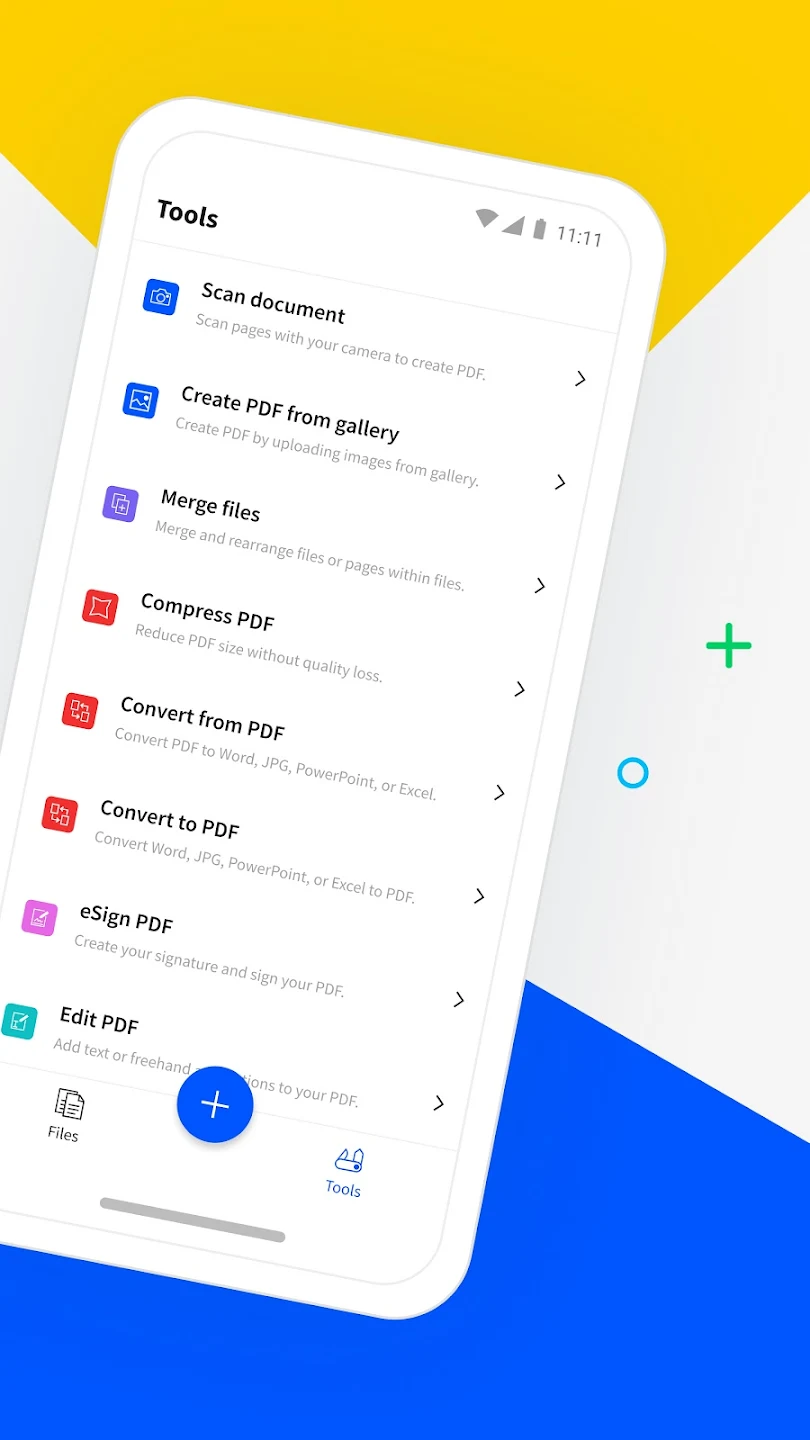
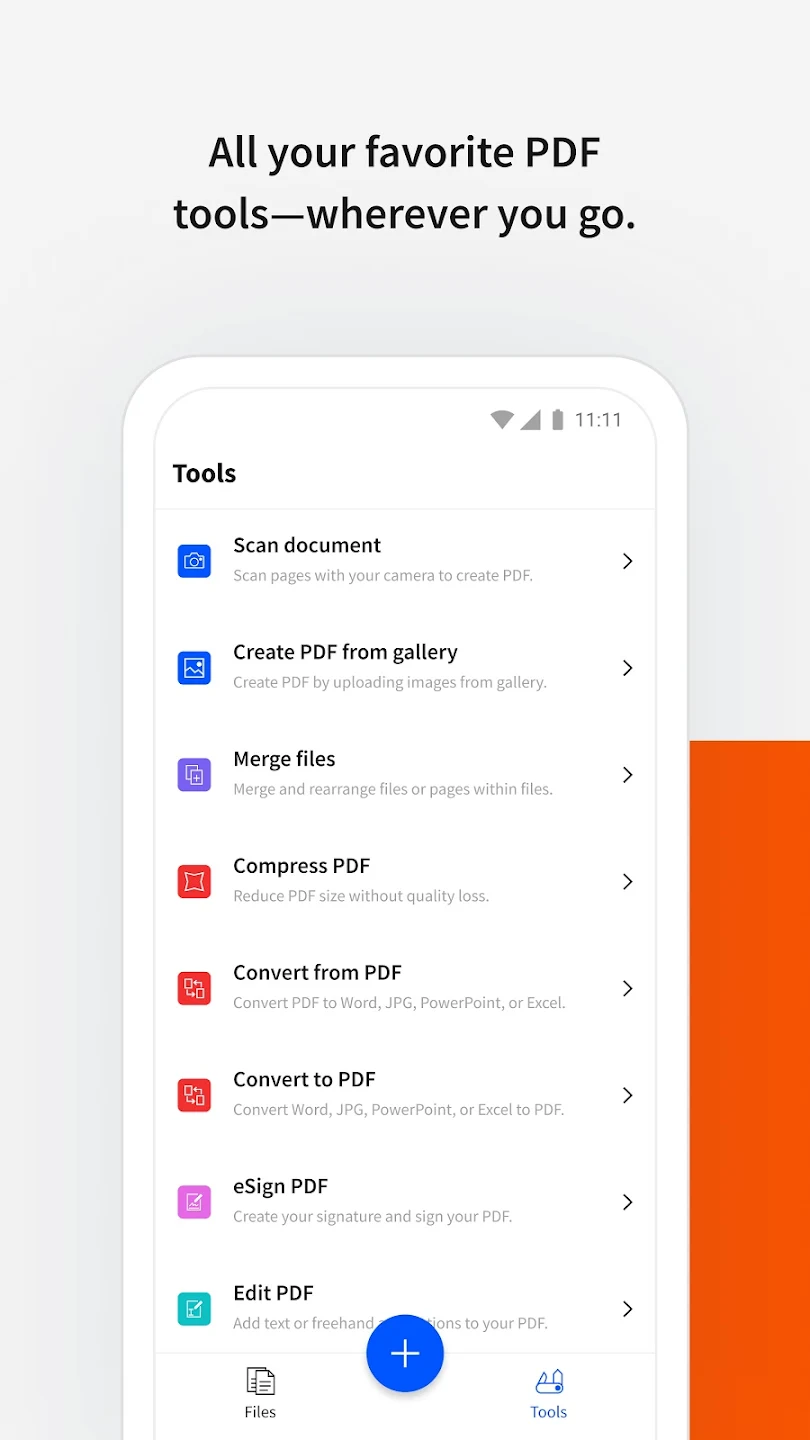
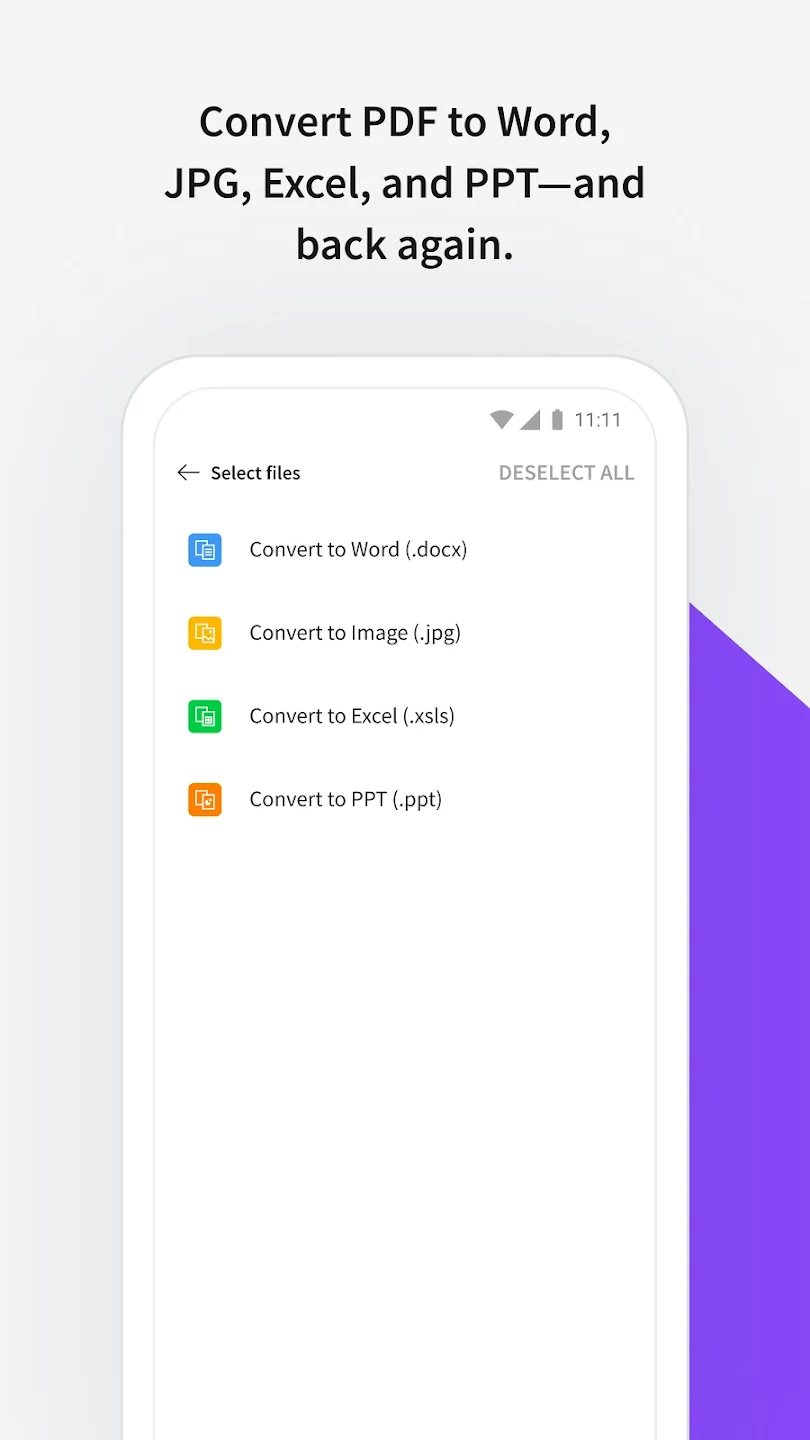
Document Conversion: The app gives you the fastest and easiest converter, it can convert PDF files to different file formats and vice versa.
Versatile Functionality: The application also allows you to convert multiple files at the same time smoothly and quickly, giving you accurate and perfect results.
Easy Navigation: With a simple and easy-to-use design, you can quickly navigate and convert files so you can handle your work promptly without affecting your working speed.
Beginner Friendly: When you just start using the application, you don’t need to be too confused and don’t know where to start. Because the application will give you an extremely detailed and meticulous guide, helping you step by step so that you can get acquainted with the application more quickly.
Efficient Workflow: The application’s workflow is also extremely fast and efficient. You can use the features and tools smoothly and smoothly without any lag or freeze.
Time Saver: You will not have to wait too much time for the app to convert files, everything only takes a few minutes. And you will be able to quickly handle your work without having to wait too long.
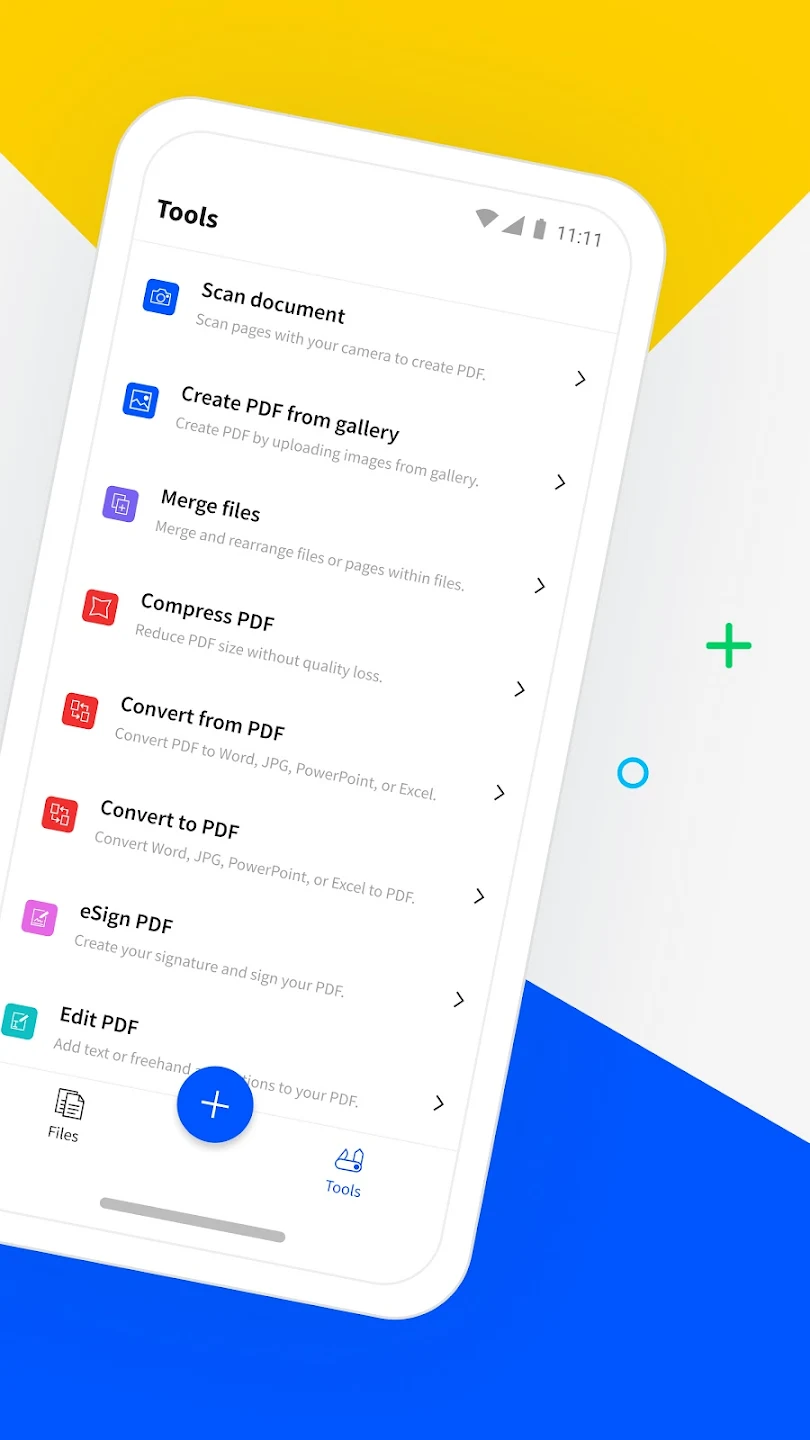
Simple to use: You choose any file you want to convert to a pdf file, then choose to upload to the application and click convert. It only takes two to three seconds to wait for you to have a converted pdf file with all the formats in the file kept in place for you. Not only performing the conversion function, you can also save the pdf file to your computer with one click of the download button. You can use this application even on your smartphone and personal computer anywhere when you need to convert files.
Resolve all file extensions into pdf files: The application will convert any file domain like docx., PPT, JPG,… into pdf file with just one first conversion. Besides converting to pdf files, the application can also help convert from pdf file extensions to filenames that you want to use for studying or working. Also with the same operation as you use when converting pdf files, for converting pdf to other file extensions, you also in turn select the pdf file you need to convert, then upload to the application and click the file extension you want. convert and wait for the conversion to be completed.
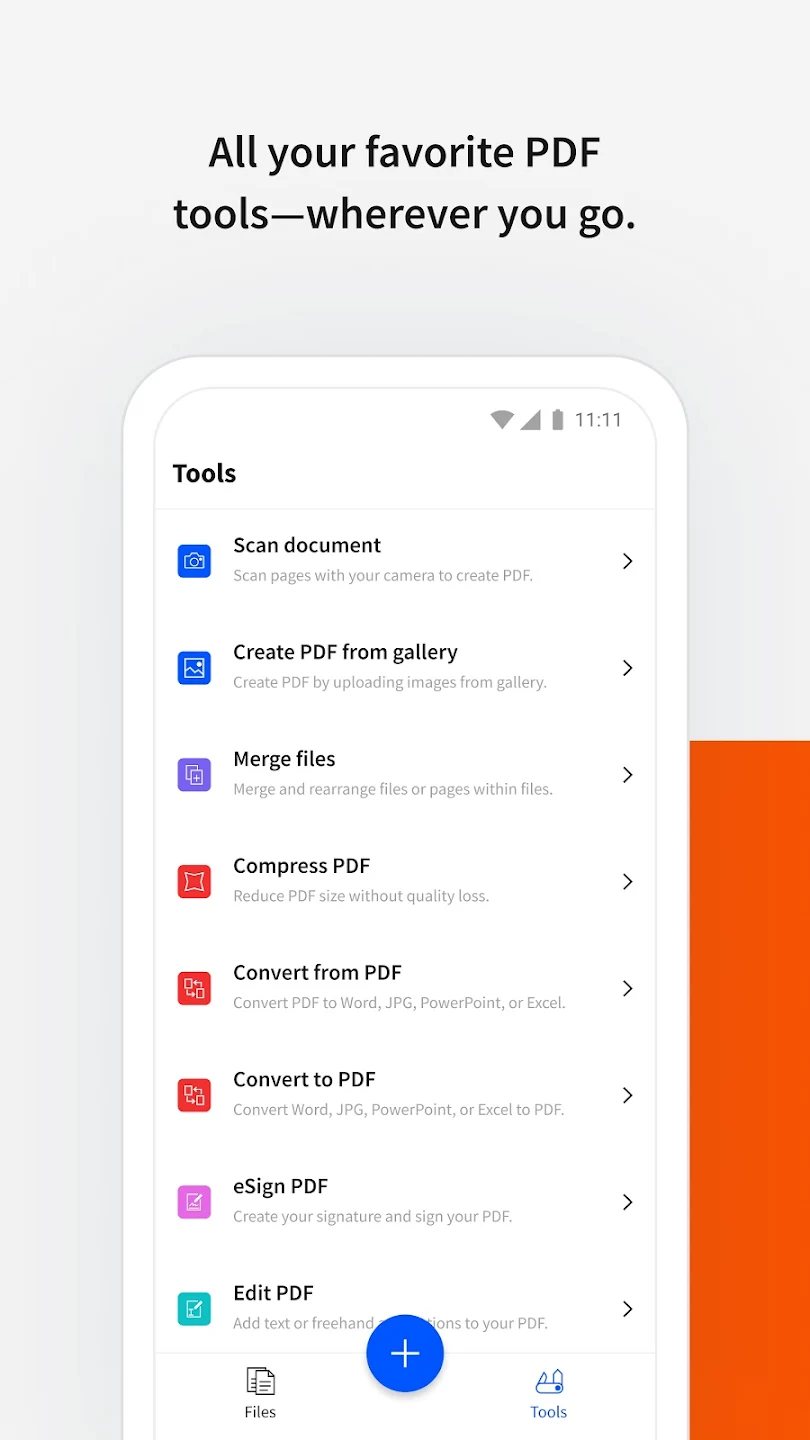
Simple pdf file editing: Deleting pdf pages, rotating pdf pages or inserting pdf pages is always a difficult thing for you when working with this file extension? Don’t worry because now the application will save you a great deal of time so that you are free to choose to edit your pdf file in the most thoughtful way. You choose the pdf editing function with a series of functions displayed on the toolbar such as inserting pages, deleting pages, converting files, merging pdf files… then you continue to select the pdf file, corresponding to the editing function. You choose with a few seconds of waiting, the application returns the complete pdf file to you for you to view and download.
When Adobe was too complicated I found the smallPDF app to be more simplified than I imagined. Thank you for turning a nightmare into a positive experience. Now I'm just praying that my PDF submission will be accepted. If not, I'll come back to the smallPDF app to revise and save. Thank you so much for your easy-to-use app, which was able to create a one-page PDF when other apps disallowed it. God bless you!!
I was skeptical at first to try this app because it is not mentioned often. The app does everything except let me delete existing text in a pdf. It let me add text, delete pages, rearrange pages, highlight text, and strikeout text. Finally, I was able to extract and merge pages. It was easy to learn since you are able to experiment knowing if it didn't work out you could undo. A robust undo implementation is a must when you are performing many edits to a document.
Excelente app, really save my day, I need merge and compression some pdf files and this tool helps a lot with simple and easy to use, and I try to put my signature in one document with another app, then the file jumps from 0.84kb to 4.16mb, that's insane. With this app it jump to only 0.92kb. This help me a lot because I had a limited amount of 2mb for the file. I don't regret installing it, this became my everyday pdf tool.
Stop wasting hours trying to find an app to just help you deal with pdf's because you found it. I have tried tested and then deleted exactly 22 PDF manager apps(yes I know!) Every time they will not let me do what I want to with my files even when they said they would. I am pretty sure a great number of them are actually the exact same app in a different jacket. This will be my last ever one and the only one I ever use now, it does what it says it will & more and even I can use it with ease.
How do I cancel my free trial or subscription to Smallpdf Pro?
You can cancel a Smallpdf Pro trial or existing subscription at any time via the “Plan” section on the Account page. When you cancel an existing subscription, you will still have access to all Pro features for the rest of the current billing period.
How do I change my login email or password?
Once you log in, you can update this information via the Account page. If you don’t remember your password, you can request a password reset email via the login page. If you would like to update the login email to one already in use, please contact our support team.
Why do I still receive a limitation message with a paid account?
If you have paid, but are still receiving a limitation message while trying to use our tools, you have probably logged into an incorrect account.You can check whether an account is active via the “Plan” section of the Account page. If it states that you don’t have a subscription and you have tried all possible email addresses, please contact our support team.
Can I use Smallpdf for my business?
We offer flexible team plans for businesses and organizations that need more than 1 license. You can check out the benefits of our team plans by visiting our business page.
How does the auto-renewal subscription work?
Smallpdf Pro subscriptions will always auto-renew to prevent disruptions to your work. If you have an annual subscription, we will send you a notification email 10 days before the renewal occurs. You can turn off the auto-renewal at any time via the Account page. Please refer to the question “How do I cancel my free trial or subscription to Smallpdf Pro?” for more instructions.
I need to compress a file further?
We offer a stronger compression mode for all Pro users. You can always sign up for a free trial to access and test out this feature. Otherwise, we currently don’t offer any further compression.
With Smallpdf, you can easily add text boxes, brushes, and highlighters to PDF documents and perform other direct edits. No matter how many PDFs you have or how many services you use, this program makes it simple to transfer them to Gmail, Outlook, Facebook, Zalo, Line, and so on.
Size:74.6MB Version:3.3.0
Requirements:Android Votes:206
Feeling that there aren’t enough hours in the day? That you’re fighting a losing battle with your agenda? That each time you look up from your desk another year has rolled by? Well don’t worry, you’re not alone, and in today’s hyperconnected world, people are busier than ever before. On Android, there are countless productivity apps to help take control of your time and make your work more efficient. From a simple plugin for Chrome to a full-fledged app, picking the right productivity apps on Android can mean the difference between having a clear to-do list at the end of the day or having it overflowing with missed deadlines and projects that are off schedule. Productivity apps aren’t just about work, though. Using a productivity app in your personal life can keep you on top of deadlines for vacations, home repairs, and other family responsibilities.
Office Apps is a comprehensive and user - friendly platform that aggregates a wide array of office - related applications, catering to the diverse needs of modern professionals, students, and anyone who engages in office - based tasks. Whether you're working on a crucial business project, preparing academic papers, or handling daily administrative work, this aggregation page serves as your one - stop - shop.
The complete collection of office software is compiled based on user needs and referencing the popularity of major computer application stores. This collection selects various useful computer office software for users from multiple aspects such as office suite, communication and collaboration, email management, note management, cloud storage, download and decompression, etc. These software can meet your various document processing needs, making your team collaboration smoother, and conveniently managing your emails and keeping various meeting records. Download various materials and documents needed for office work. This collection of office software commonly used by professionals can meet all needs. Welcome to download and experience it!
About us | Contact us | Privacy policy| DMCA
Copyright © 2026 Xiaohei All rights reserved.