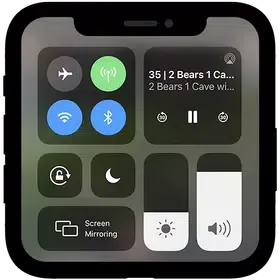
iPhone Control Center is a fun and engaging control center app. It boasts unique features and integrates various tools for a convenient user experience from any screen. With iPhone Control Center, you can easily access settings, actions, and notifications to create a personalized experience. Its convenient customization features allow you to personalize the Control Center with your favorite colors, create a unique look, and choose different icon shapes, background types, and more.
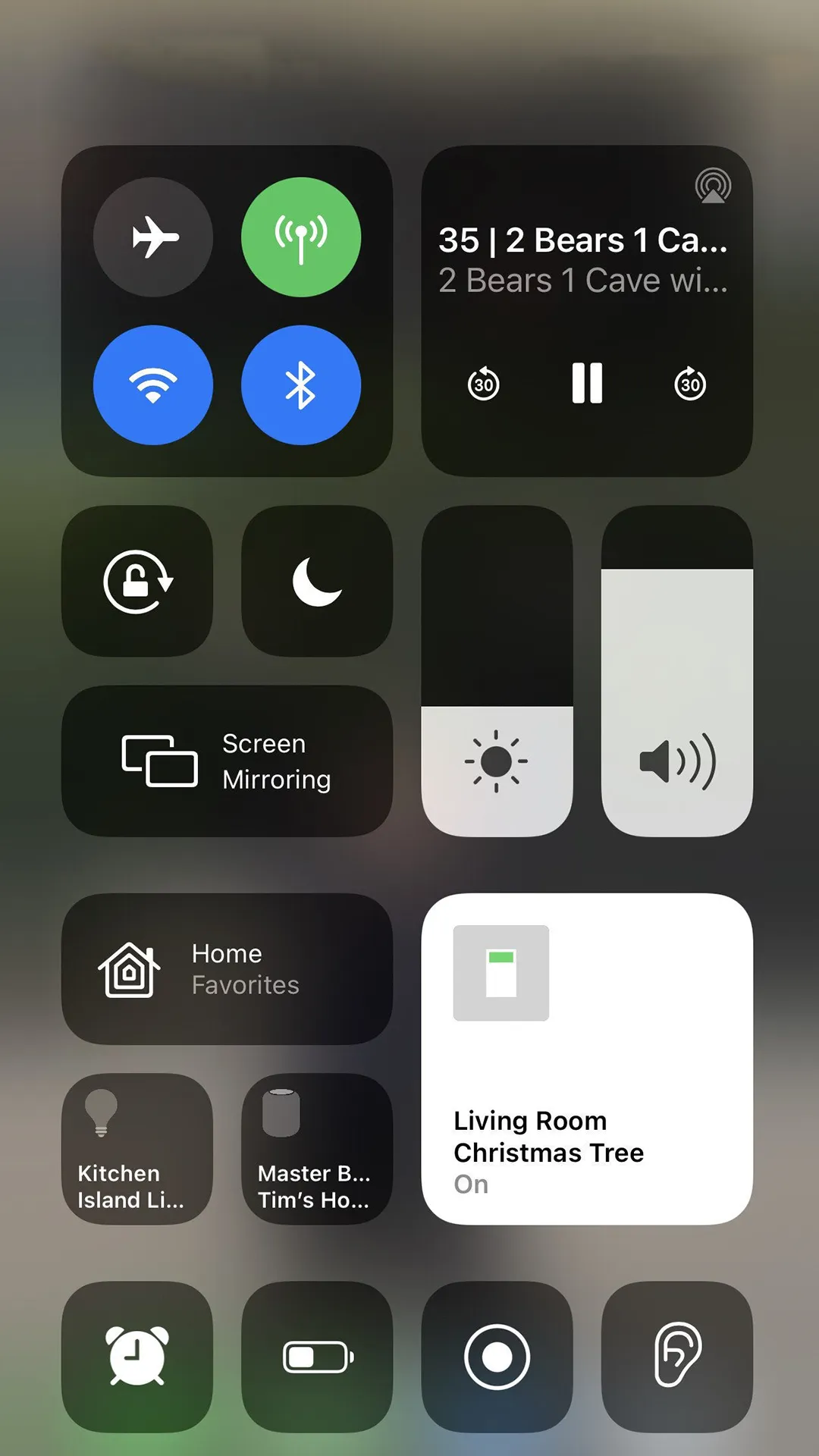
One tap to on and off internet / mobile internet connection access easily.
Easily adjust the volume and brightness of your device with a swipe and a tap, just like on iOS.
Switch easily between light and dark modes to suit your preferences and reduce eye strain.
Manage your Wi-Fi connections easily, with options to connect, disconnect, and switch between networks.
Bluetooth on and off, and connect to your favourite devices with ease.
Silence notifications and calls when you need to focus or relax, with customizable settings for peace of mind.
Lock your screen orientation or switch between portrait and landscape mode with a simple gesture.
Quickly toggle Airplane Mode on and off for when you're on the go or need to conserve battery.
Capture your screen activity easily, whether you're gaming, streaming, or creating tutorials.
Take screenshots with a single tap and share or save them instantly.
Launch your device's camera in an instant, ready to capture the perfect shot.
Stay on top of your notifications with a centralised hub for all your incoming alerts.
Control your music playback with ease, including play, pause, skip, and volume adjustments.
Manage your notifications with granularity, including snooze, prioritise, or dismiss options.
Other functions are offered, such as the ability to turn Bluetooth, and Do Not Disturb on or off; lock the screen's orientation; play, pause, or skip a song, see what is playing; connect to screen mirroring -enabled devices; and quickly access the clock, calculator, and camera apps.
You can customize Control Center by adding more controls and shortcuts to many apps, such as Calculator, Notes, Voice Memos, and more.
Click an item in Control Center to see additional controls for that item. For example, click Wi-Fi to choose from a list of nearby networks, click Sound to choose an audio device, or click Display to see options for Dark Mode, Night Shift, or True Tone.
If you swipe too close to the top-center of your screen, you might open Notification Center instead of Control Center.
Need to quickly adjust the brightness of your display or change the volume? You can customize your Control Center settings to get to your apps, settings, and features with just a few taps.
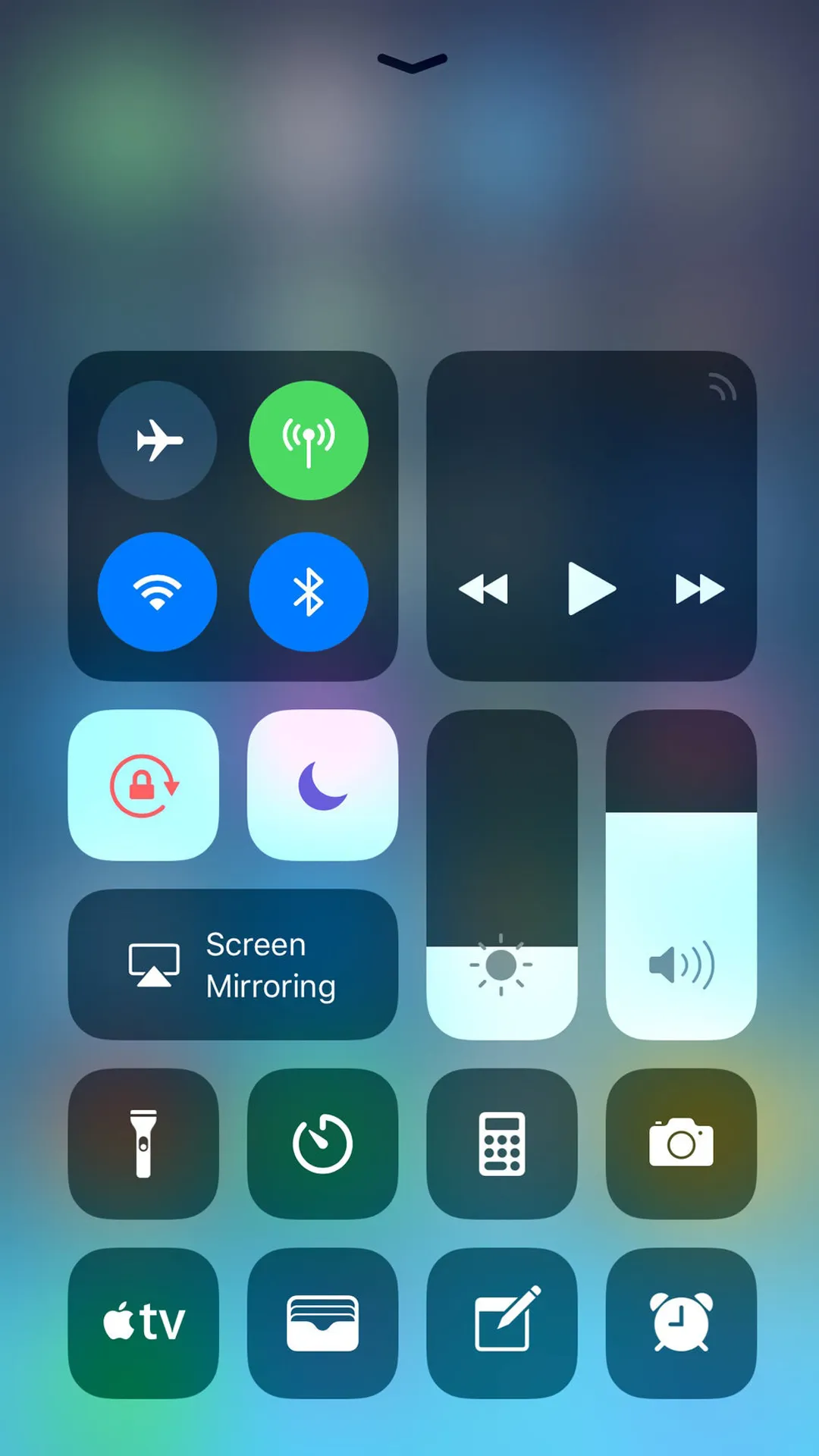
Airplane Mode: Turn off Bluetooth, Wi‑Fi, and cellular in one tap.
Wi‑Fi: Quickly connect or disconnect from wireless networks.
Bluetooth: Pair with headphones, car kits, and keyboards.
Do Not Disturb: Silence calls and alerts while the screen is locked.
Orientation Lock: Keep the display in portrait when you move the device.
Can I use it on any Android device?
Yes, it is compatible with most Android devices, allowing you to personalize your phone's settings and design regardless of the make or model.
Will it drain my battery?
No, it is designed to be lightweight and efficient. It will not significantly drain your battery or impact your device's performance.
Can I customize the it interface?
Yes, it allows you to customize the layout and arrangement of the quick access settings. You can choose which features are most important to you and prioritize them accordingly.
Is it user-friendly?
Absolutely! It is designed with simplicity in mind. It has an intuitive interface that makes it easy for users of all levels to navigate and customize their phone settings.
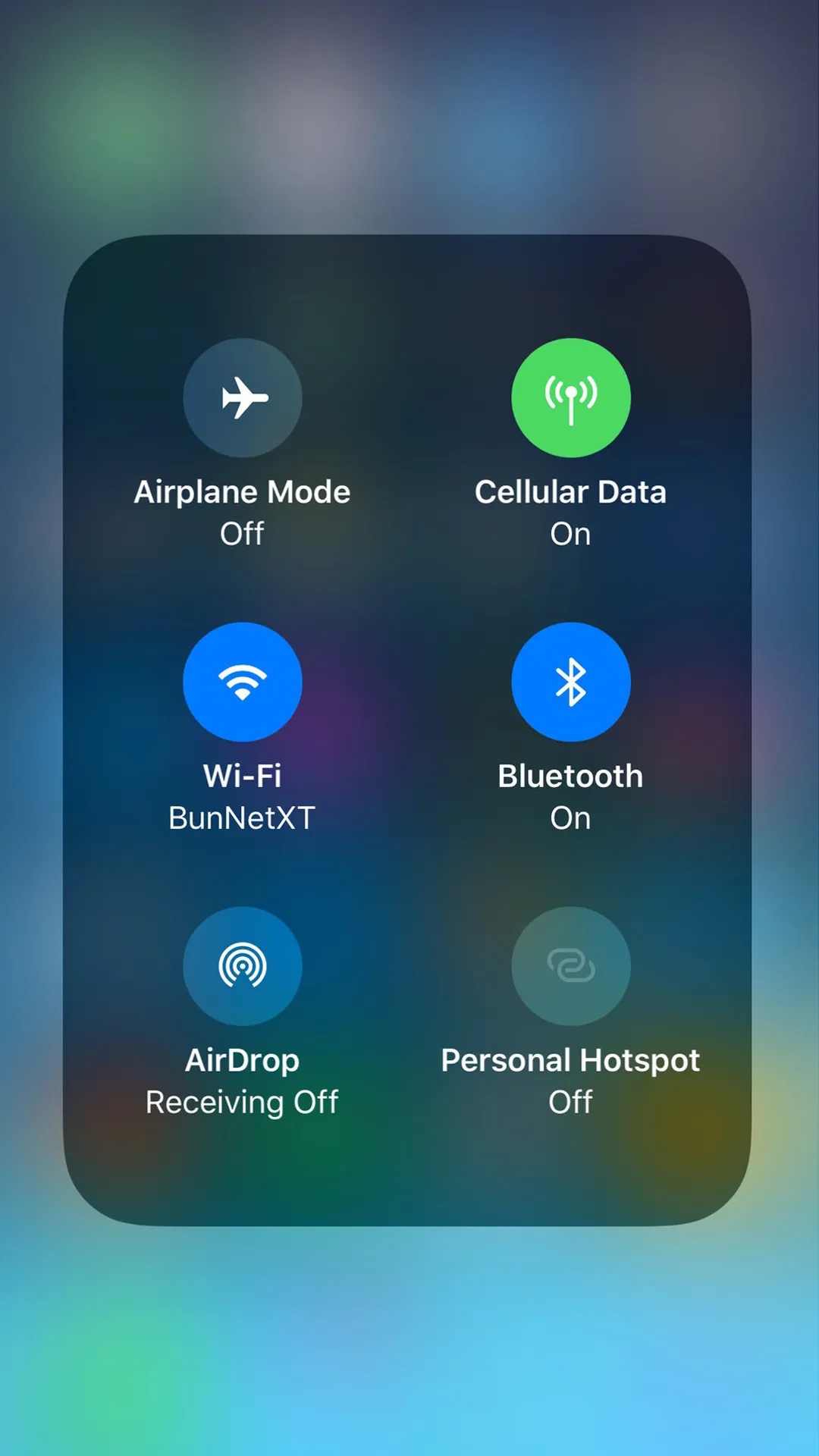
IPhone Control Center is a must-have app for anyone looking to customize their Android device with a powerful control center. With features like full color customization, advanced music controls, and quick reply options, this app will change the way you use your phone. Download IPhone Control Center now and enjoy a personalized and efficient user experience!
Size:12.4MB Version:1.3
Requirements:Android Votes:569
Package Name:com.controlcenter.tools.assistivetouch.screenrecoder Signature:84ae50084e3bf3e4d911e93120b333352a002f50
Feeling that there aren’t enough hours in the day? That you’re fighting a losing battle with your agenda? That each time you look up from your desk another year has rolled by? Well don’t worry, you’re not alone, and in today’s hyperconnected world, people are busier than ever before. On Android, there are countless productivity apps to help take control of your time and make your work more efficient. From a simple plugin for Chrome to a full-fledged app, picking the right productivity apps on Android can mean the difference between having a clear to-do list at the end of the day or having it overflowing with missed deadlines and projects that are off schedule. Productivity apps aren’t just about work, though. Using a productivity app in your personal life can keep you on top of deadlines for vacations, home repairs, and other family responsibilities.
Office Apps is a comprehensive and user - friendly platform that aggregates a wide array of office - related applications, catering to the diverse needs of modern professionals, students, and anyone who engages in office - based tasks. Whether you're working on a crucial business project, preparing academic papers, or handling daily administrative work, this aggregation page serves as your one - stop - shop.
About us | Contact us | Privacy policy| DMCA
Copyright © 2026 Xiaohei All rights reserved.