Add-On: Wiko is a comprehensive utility application. Powerful and built on the TeamViewer ecosystem, it provides remote access and support for compatible handheld devices, delivering a unique user experience. With Add-On: Wiko, you can achieve remote control, device input mapping, and improved handheld device ergonomics. Furthermore, this application is only available on supported devices and host apps, effectively reducing setup complexity and making the overall application more streamlined.

Remote control of handheld devices from desktop or mobile TeamViewer clients.
Forwarding of keyboard and scanner input to the connected endpoint for seamless data entry.
Secure connections using TeamViewer authentication and encrypted channels.
Compatibility with common handheld form factors and industrial scanners.
Add-On: Wiko provides support for compatible handheld devices through the host TeamViewer client.
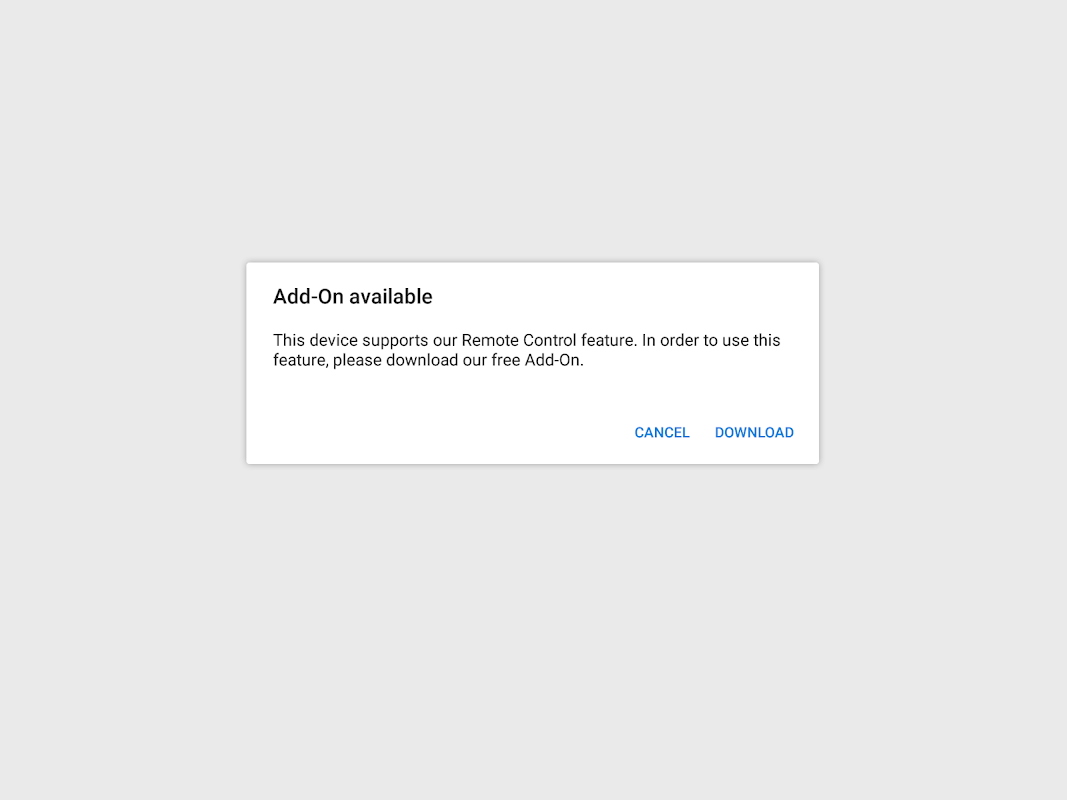
Automatically made available on supported hardware via the main application, so manual installation is unnecessary in those cases.
Enables remote troubleshooting and maintenance workflows optimized for handheld form factors.
Lightweight extension behavior that relies on the host app to supply and activate the add-on.
- Major performance improvements
- New permissions for Android 5
- Injection of modifier keys (i.e. Ctrl, Alt)
- 64 bit compatible
- More secure authentication between the add-on and the main app
- New app icon
Overall, Add-On: Wiko is a valuable app for users who need to access their Wiko devices remotely. It is a free app that provides a seamless experience and is easy to use. However, it is important to note that this app is not a standalone app and can only be accessed through supported devices.
Size:1.2MB Version:10.0.3086
Requirements:Android Votes:446
Package Name:com.teamviewer.quicksupport.addon.wiko Signature:b485239e8620608a538a964947e2b56b4f994ba3
Feeling that there aren’t enough hours in the day? That you’re fighting a losing battle with your agenda? That each time you look up from your desk another year has rolled by? Well don’t worry, you’re not alone, and in today’s hyperconnected world, people are busier than ever before. On Android, there are countless productivity apps to help take control of your time and make your work more efficient. From a simple plugin for Chrome to a full-fledged app, picking the right productivity apps on Android can mean the difference between having a clear to-do list at the end of the day or having it overflowing with missed deadlines and projects that are off schedule. Productivity apps aren’t just about work, though. Using a productivity app in your personal life can keep you on top of deadlines for vacations, home repairs, and other family responsibilities.
Office Apps is a comprehensive and user - friendly platform that aggregates a wide array of office - related applications, catering to the diverse needs of modern professionals, students, and anyone who engages in office - based tasks. Whether you're working on a crucial business project, preparing academic papers, or handling daily administrative work, this aggregation page serves as your one - stop - shop.
About us | Contact us | Privacy policy| DMCA
Copyright © 2026 Xiaohei All rights reserved.