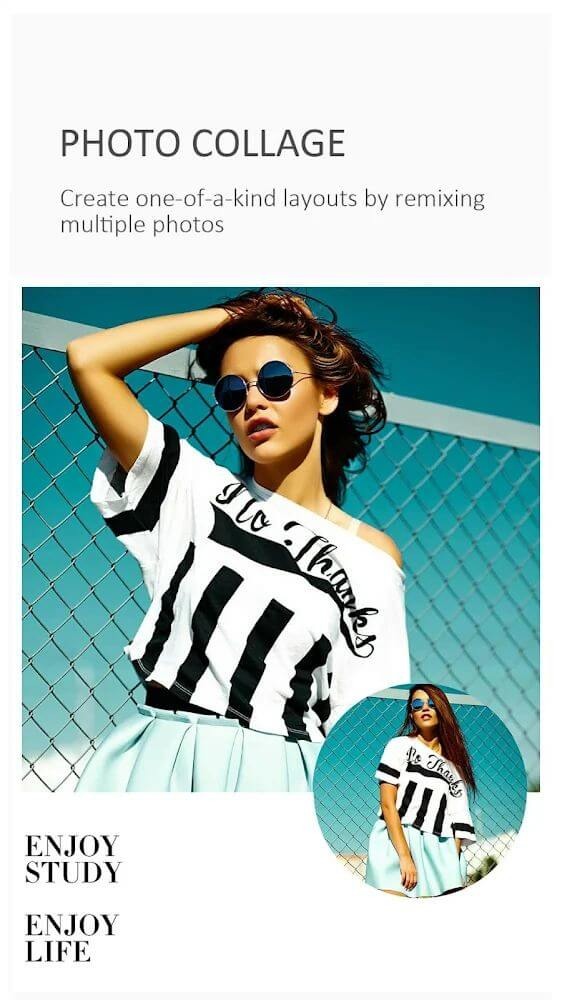
Toolwiz Photos is a photo editing tool designed for Android devices. It provides users with numerous practical editing tools and resources, helping them add various styles of filters, effects, blur effects, and captions to their photos. Depending on your needs, you can rotate, crop, merge, and stitch images, and adjust the color temperature, contrast, and brightness to create satisfying results. The software offers many free resources that users can easily apply to their photos with a simple click. After editing, users can export the photos to their devices or share them directly to different social media platforms to gain more likes.
The core editing toolkit covers essential image processing. Users can rotate, crop, flip, and resize images, apply perspective adjustments and reshaping, and use healing and patching tools for removing unwanted elements. Lens correction and deskewing functions address optical distortions. The toolkit also includes Lasso and Magic Cutout tools for precise selection, Magic Wand for quick area selection, and layer blending through a Blending Mixer. Additional tools enable expanding, shrinking, and recomposing images.
Image tone and color control comprises a substantial portion of the editing features. Users can adjust levels, brightness, contrast, and temperature, with separate white balance, color balance, and tint controls. RGB curve adjustments provide granular tonal control, while automated modes include Auto-Tone for one-step color correction, Gradient Map for tone mapping, and Day Lighting for lighting adjustments. Color-specific tools include Color Effect and Color Transfer for palette shifting, along with independent toning controls for warm or cool adjustments.
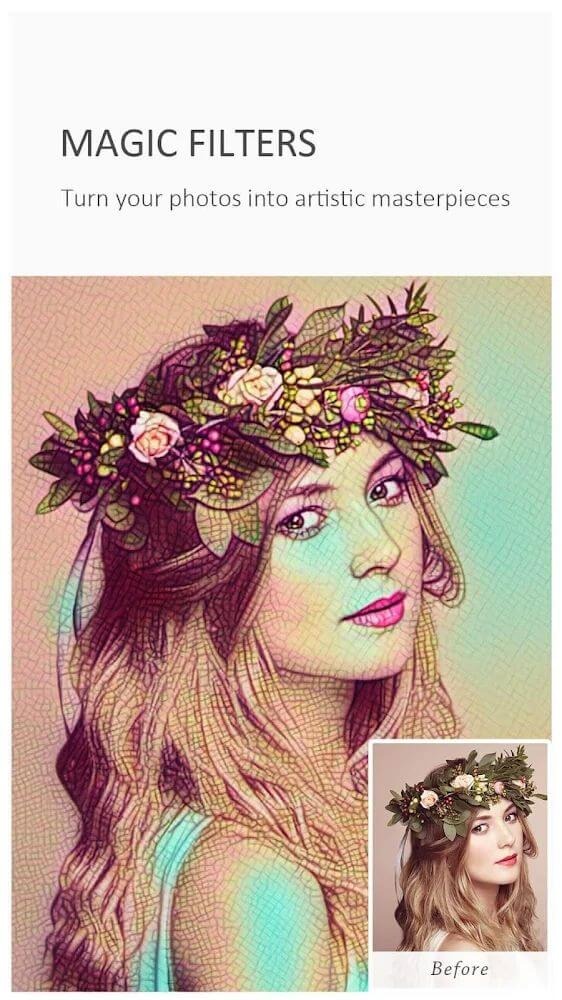
The app organizes effects and filters across multiple categories. Magic Filters number over 40 styles, while Art Filters include Landscape, People, Glamour Glow, Grainy Film, LOMO, Flatten, Art, Strong, and Vintage, plus 50+ fast-processing filters and 80+ feeling tone variants. Blur functionality encompasses 20+ types: Gaussian, Motion, Zoom, Radial, Linear, Box, Cross, and Surface. Black and White conversion offers 50+ modes beyond Classic, including High-Contrast, Max Channel, and Min Channel. HDR processing includes global and partial modes, High Contrast processing, Keep mode, and 30+ variants designed for different lighting conditions.
Painting styles comprise 10+ options ranging from Oil Painting and Gouache to Fire, Freeze, Quick Sketch, Line Drawing, Color Lead Painting, Abstract, Wall Painting, Crayon Drawing, and Elaborate-style Painting.
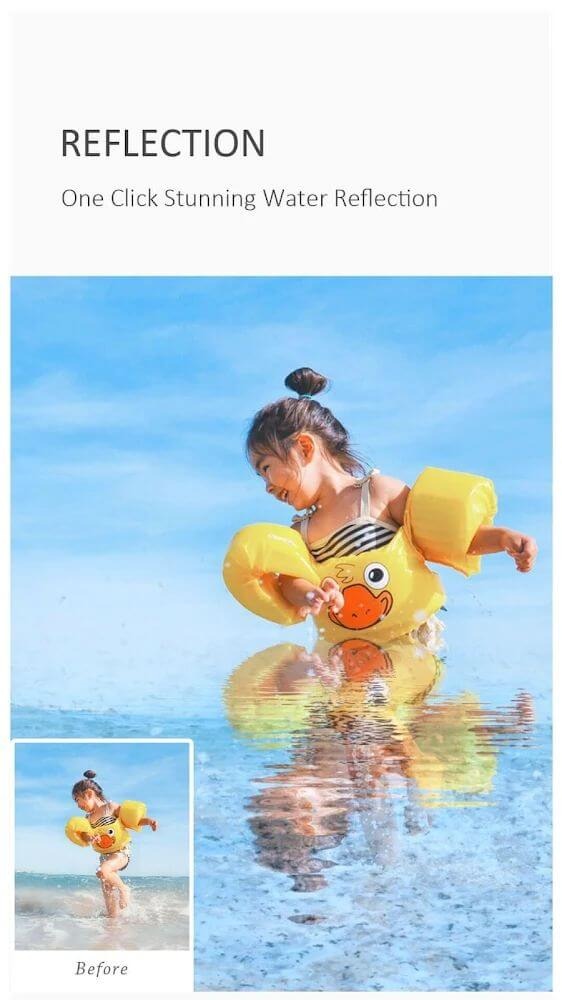
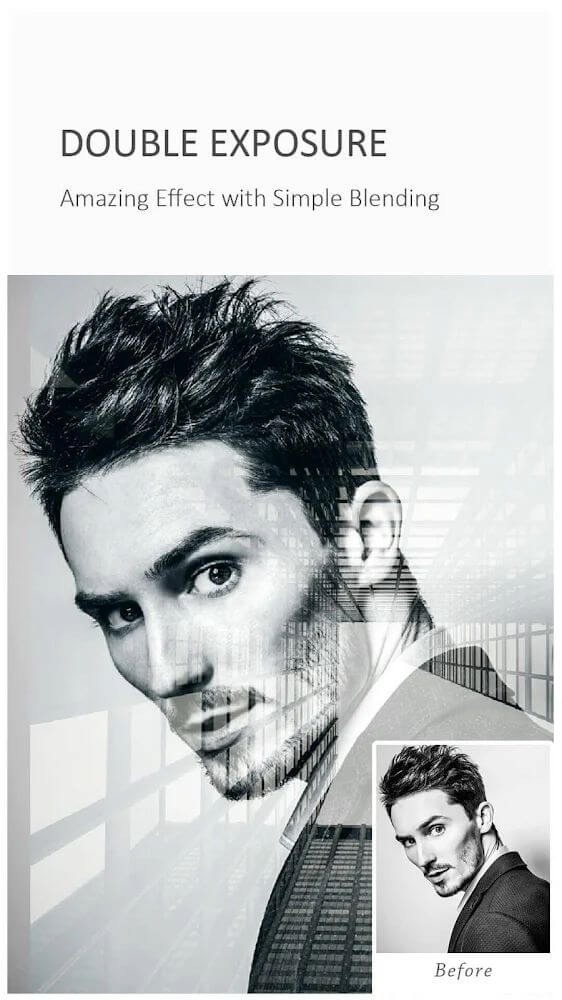
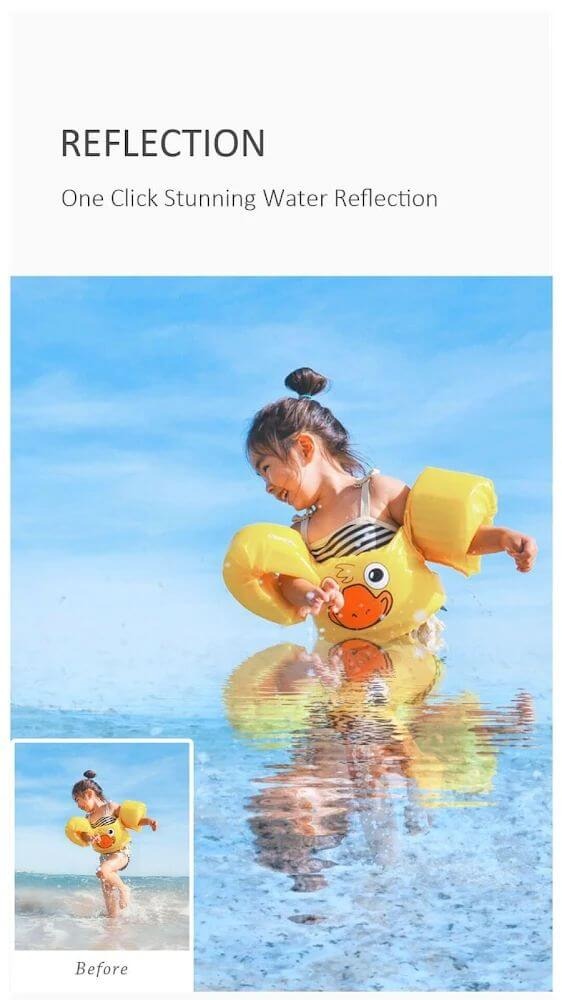
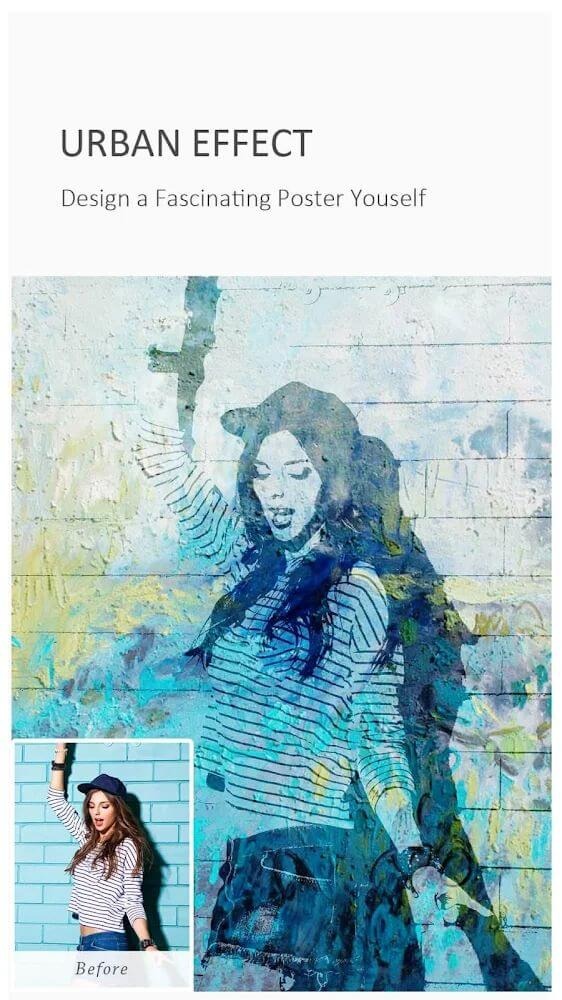
Specialized art effects enable creative composition, including Picture-in-Picture functionality, Double Exposure, Mirror effects, Kaleidoscope patterns, Fish Eye distortion, Polar Coordinates transformation, Color Splash for selective colorization, Water Reflection, Soft Smudge, Deep Render processing, Urban effects, Texturizer, Spatial effects, Target effects, and Watermark tools.
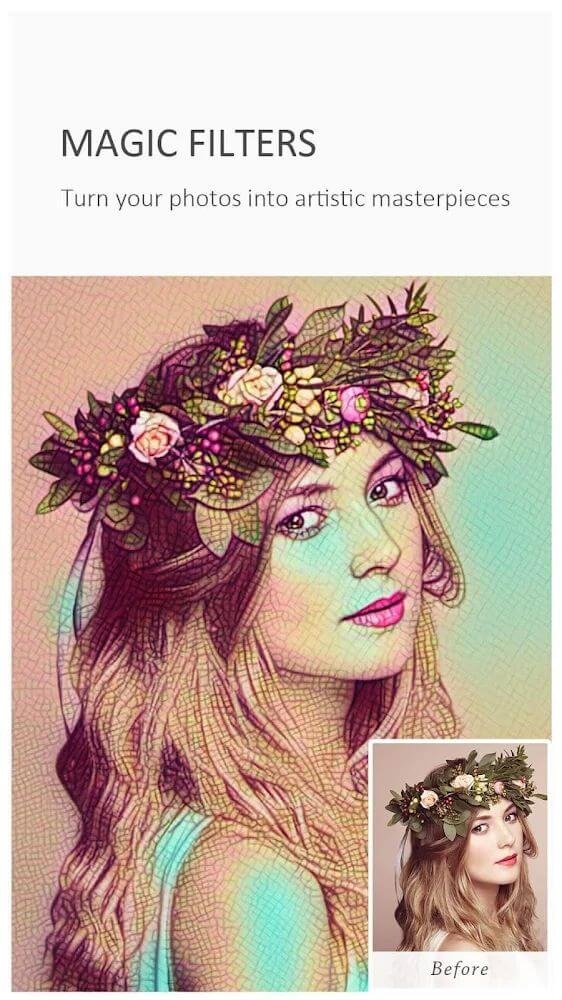
Image Tone Management: Adjust levels, RGB curves, brightness, temperature, tint, contrast, toning, white balance, color balances, color effects, color transfers, auto-tone, gradient mapping, and day lighting settings.
Image Enhancement: Various presets for Day, Spring, Night, Landscape, Underexposure, Portraits, and Fog mode.
Art Effects: Includes PIP, Double Exposure, Mirror effects, Kaleidoscope, Fish Eye, Polar Coordinates, Target effects, Color Splash, Water Reflection, Soft Smudge, Urban textures, and Watermark capabilities.
Decoration Options: Stickers, Frames, Borders, Square Fit, texture enhancements, flares, DUO features, and Clip-art additions.
HDR Settings: Techniques for Global, Partial, Keep, High Contrast effects, plus over 30 additional methods.
Black and White Options: Classic looks, High-Contrast effects, Max and Min Channel adjustments, along with over 50 other offers.
Drawing Tools: Doodle options, Mosaic function, Free Drawing, Text placement, and various shapes including Lines, Circles, and Rectangles, along with smudge and eraser tools.
Selfie & Polish Features: Skin Polish, Face Swap, Whiten, Dermabrasion, Face Tune, Slim Body features, Eye brightening, Teeth whitening, and blemish correction among others.
Love this program. I've been using in for a few years, and never had a problem. It's super easy to use, I can improve my pictures within minutes. I love to crop my photos, so I can have close ups if my subjects, also putting a text or names on my pictures is easy. I definitely recommend this photo app. Thanks for making a remarkable app terrie.
Ever since discovering Toolwiz, I have never gone without on any device since. It is an absolute favorite now and don't know how I lived without it before. Actually, I do know how- consistently annoyed and frustrated anytime I needed to do something simple with a photo and had to use 2 or even 3 apps. Then I found Toolwiz. Incredibly easy to use with significantly more features I'd ever think of and am continuing to learn how to use to this day.
I always loved this app, it's so great, so many different effects, stickers, filters, I mean the lost goes on... BUT for a while now I'm really SAD because when I try to download more options it says "network error can't load pages" And it doesn't matter what internet I'm on it still doesn't work. Unless it has to do with metro pcs network...I really don't know I just need help but it makes me sad because I can't get new fonts, stickers, filters anymore. But the stuff I can still use is awesome.
No it isn't Photoshop, so you may not be able to create that next music video on it. But you won't need a degree to navigate this app either. Straight forward, simple to learn and with a little time and effort you can create some stunning photos that you'll enjoy showing you everyone. This is my go to app for all my quick touchups or to add little flare to an already great photo. Love, love, love this app!!
Editing any picture with ToolWiz Photos is simple. Just select the image you want to work with and take a look at all the different tools available. You can find more than 30 different tools that can: rotate the image, adjust brightness, apply filters, add text, set it in a frame, etc.
Size:95.1MB Version:11.33
Requirements:Android Votes:525
Package Name:com.btows.photo Signature:42f98d678fbbcffb5c9d35c575b3f9ffe95e95ba
Welcome to our image editing apps! Perfect for beginners and pros alike, they make photo enhancement easy. Use PicsArt to crop, adjust colors, and apply filters. Remove backgrounds instantly with Remove.bg. Get creative with layers and advanced tools on Adobe Photoshop Express. Start transforming your images today!
Visuals serve as a primary gateway for players to engage with games, where distinctive art direction immediately captures attention and creates lasting impressions. An unconventional aesthetic not only stands out in crowded markets but also enhances immersion and emotional connection. When executed with creativity and polish, striking visuals elevate gameplay into a memorable artistic experience. That's why titles with truly exceptional art styles deserve recognition - they offer both visual delight and meaningful interactive expression that resonates with players long after the session ends.
Enhance your photos effortlessly with the best free photo editing apps for Android! Whether you want to apply stunning filters, adjust brightness and contrast, remove blemishes, or create professional-quality edits, these apps offer powerful tools at your fingertips. From simple one-tap enhancements to advanced editing features like background removal and AI-powered effects, you can transform your images with ease. Explore a wide range of user-friendly and feature-rich apps, all available for free download. Start editing and make your photos stand out today!
About us | Contact us | Privacy policy| DMCA
Copyright © 2026 Xiaohei All rights reserved.