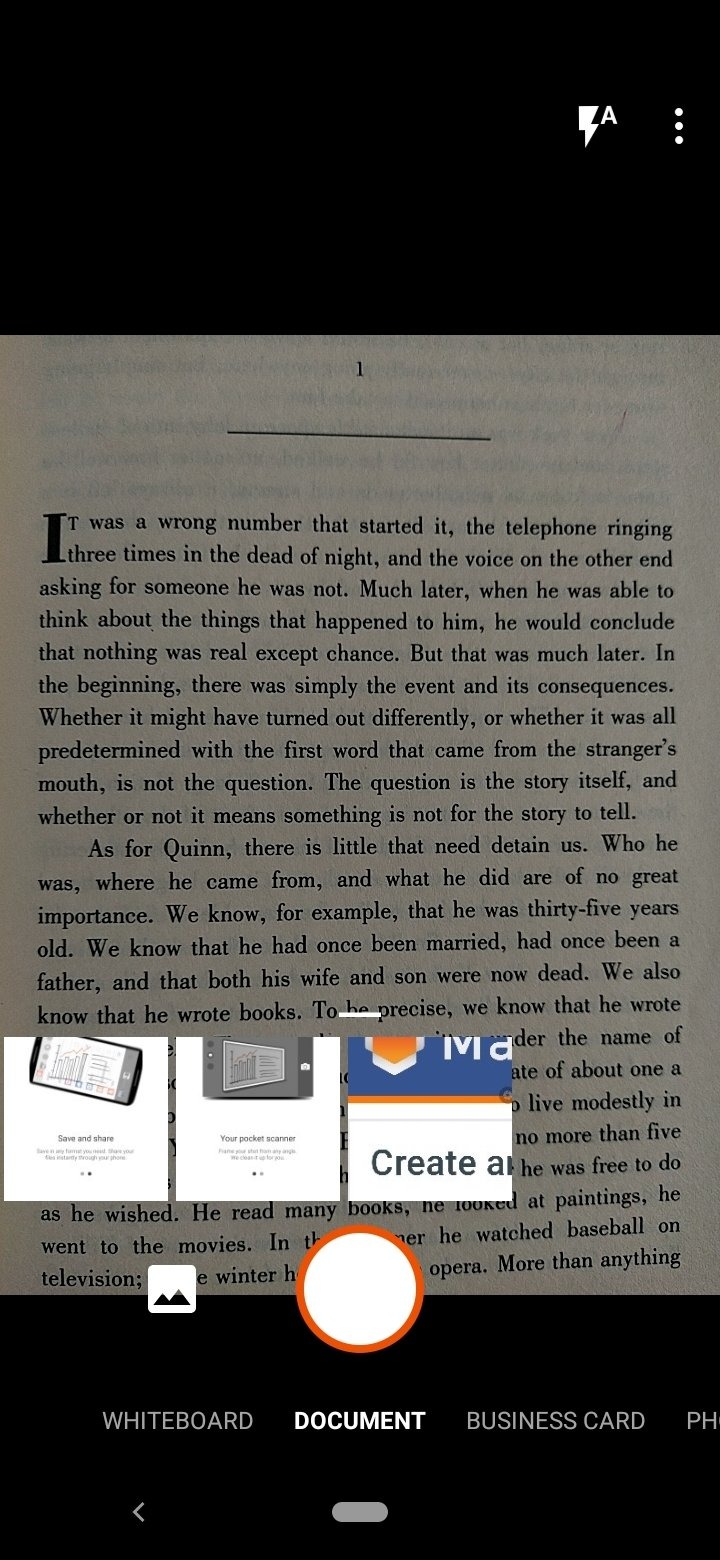
Microsoft Lens is a file format converter. It can convert various graphics into formats required for application documents. It can also digitally print records. It connects to your devices and can be used even offline. It allows you to add document annotations online, supports multiple languages, and has text recognition capabilities. Furthermore, it offers flexible cloud backup options to save user space. The user interface is simple and easy to use, providing users with great convenience.
Convert images to PDF, Word, PowerPoint, and Excel.
Digitize any printed or hand-written material: minutes from a meeting, a whiteboard, business cards, receipts, documents, etc.
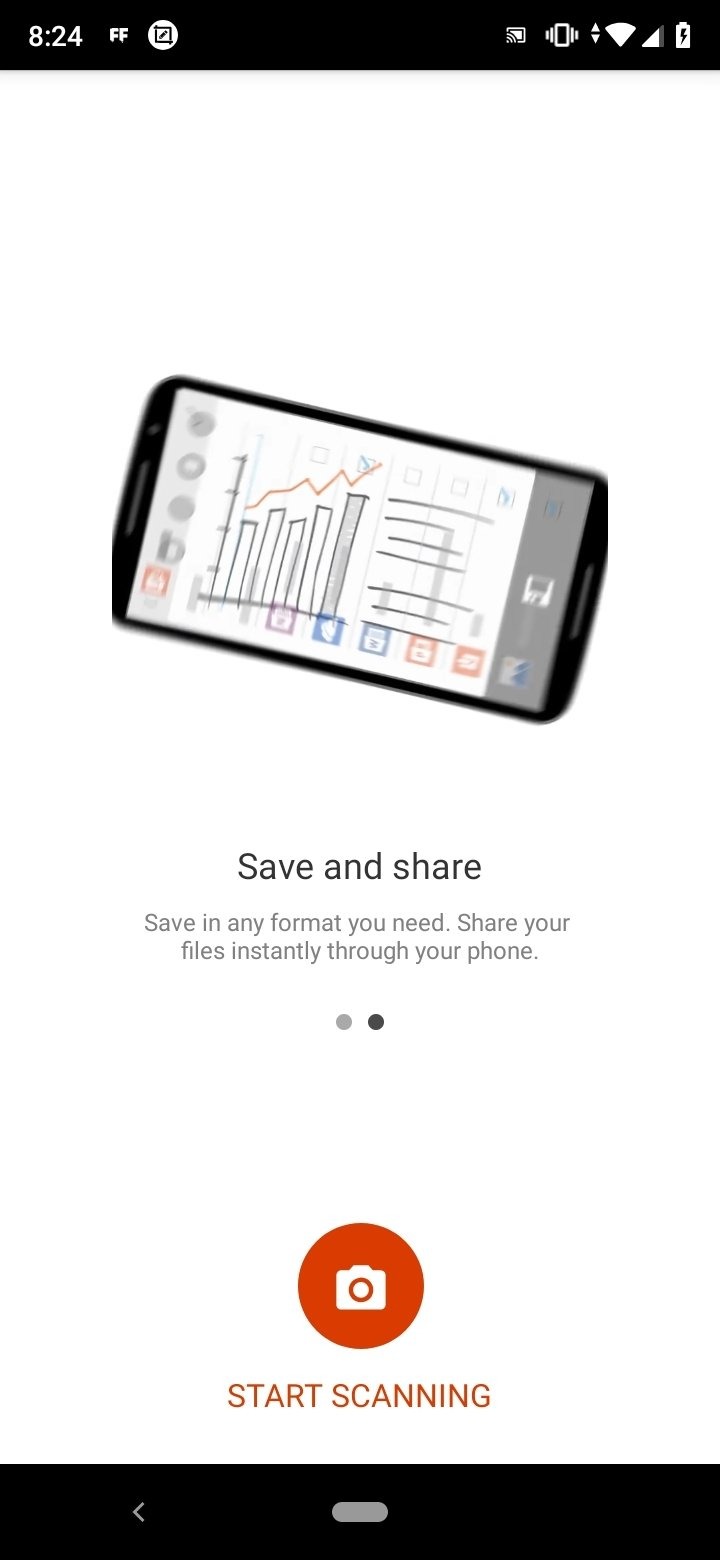
Save all digitized copies to your device, OneDrive, or OneNote.
Import images saved in the smartphone Gallery.
Access your digitized documents even when you are offline.
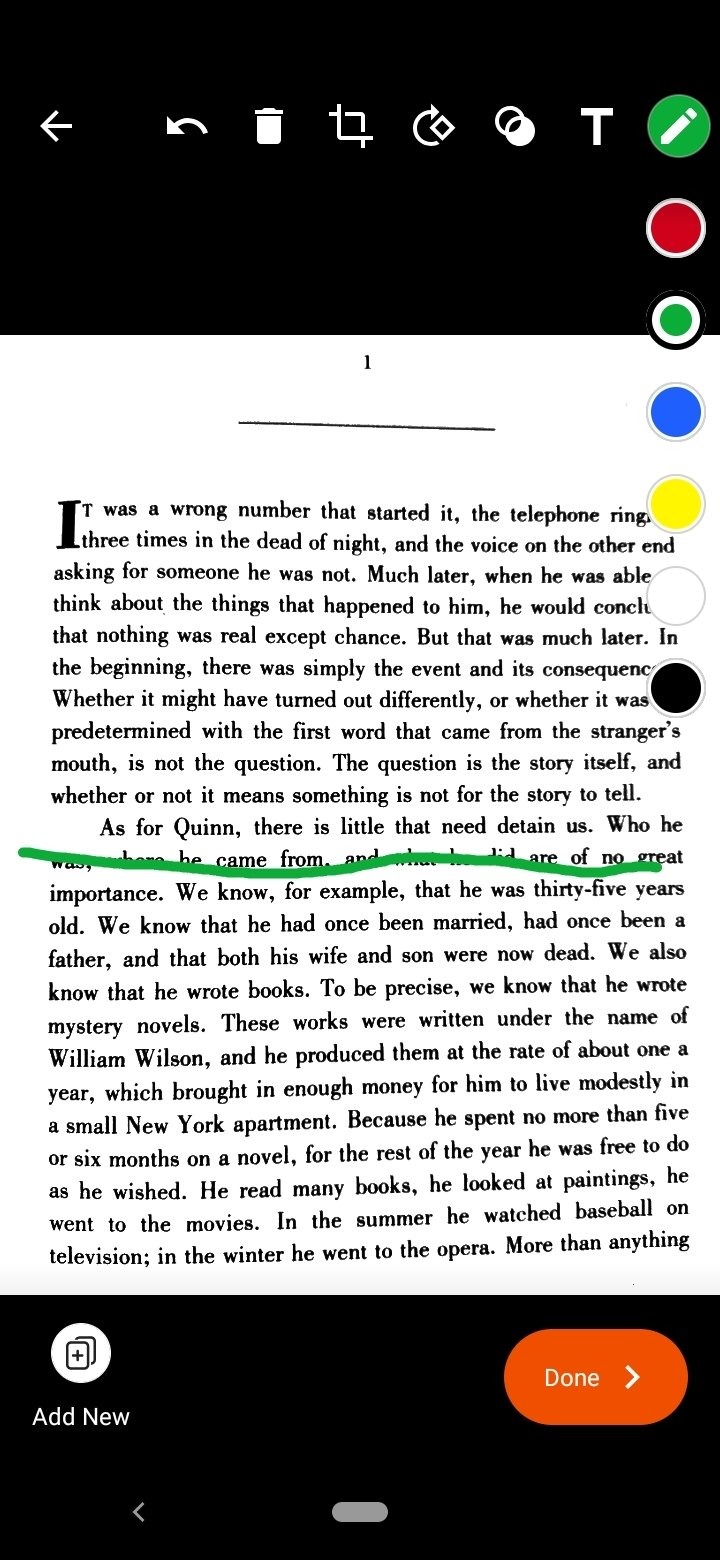
Scan classroom handouts and annotate them in Word and OneNote
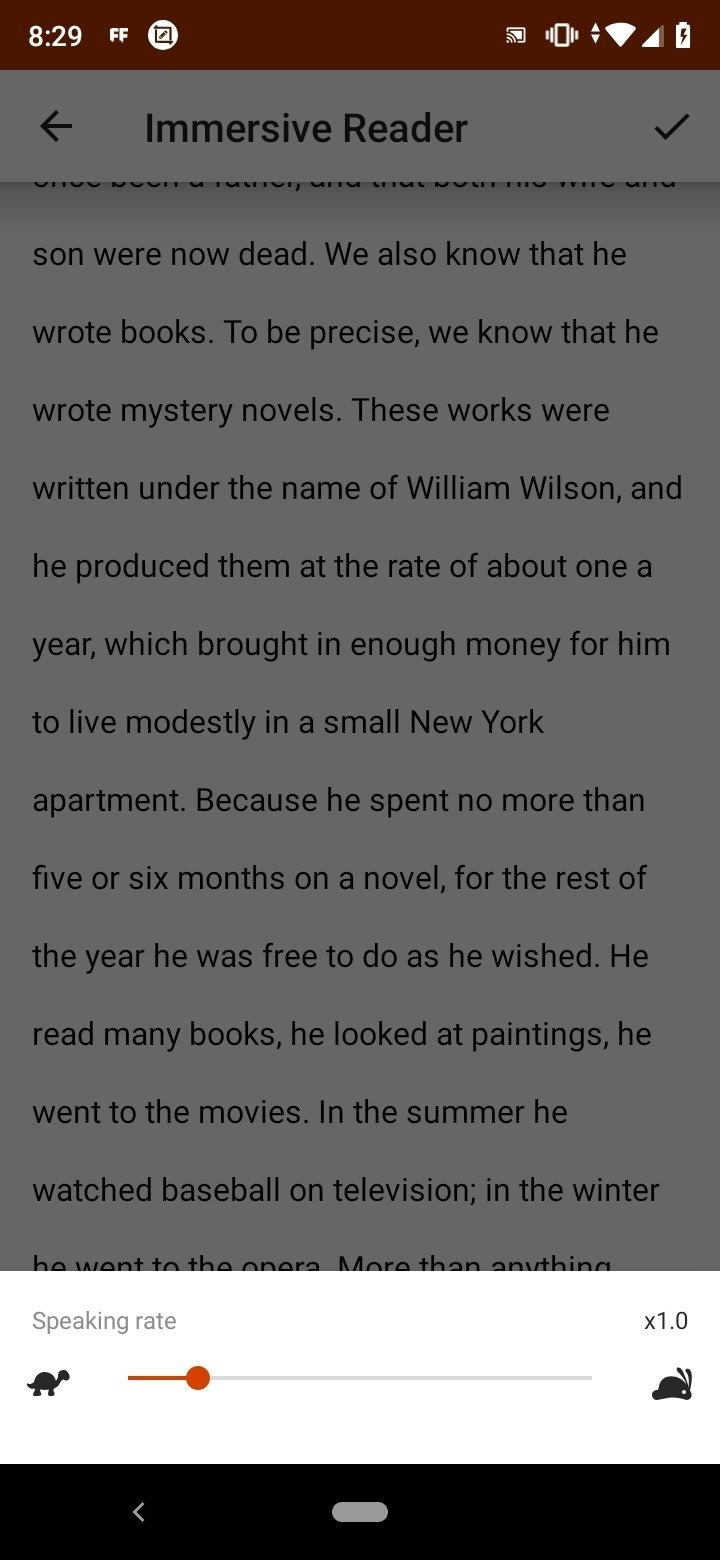
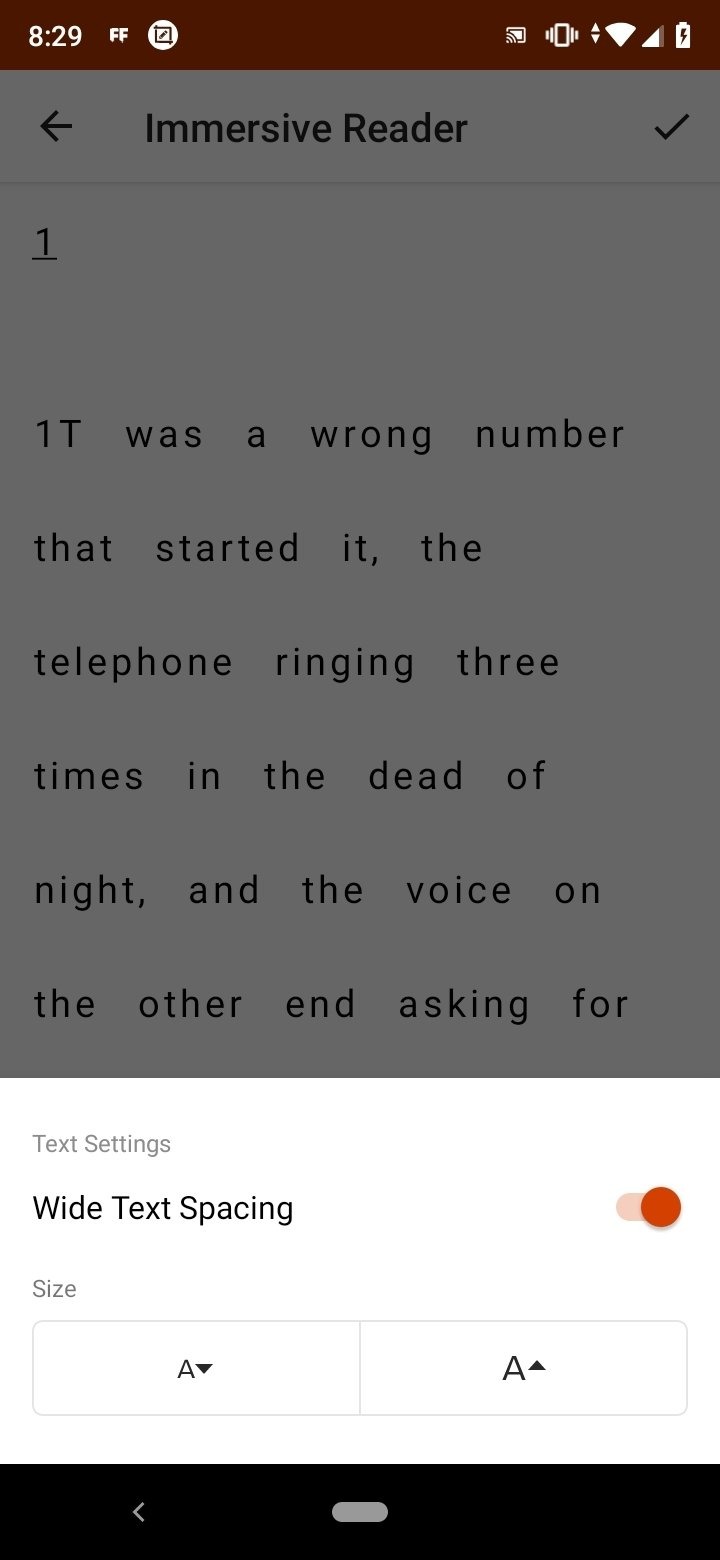
Scan handwritten notes to digitize and edit later (works with English only)
Take a picture of the whiteboard or blackboard to reference later, even if you're offline
Keep class notes and your own research organized with the seamless integration with OneNote
Text recognition extracts printed and handwritten content from scanned images, converting static photographs into machine-readable text that systems can process, search, and index. Handwritten text recognition functions only with English-language input, limiting its utility for users whose notes are in other languages. Printed text recognition, by contrast, operates across multiple languages, making the app more versatile for international document scanning. Once recognized, text becomes searchable, copyable, and editable within the resulting digital files.
The app exports processed scans to multiple file formats tailored to different use cases. Documents convert to PDF format for distribution and long-term archival. Materials containing substantial text content save as Word documents, preserving searchability and full editability. Spreadsheet-like data from receipts or business documents convert to Excel format, with table structures and column organization maintained. Whiteboard captures and presentation-oriented materials become PowerPoint files, enabling further editing and formatting within the presentation application to turn temporary board notes into structured slides.
Microsoft Lens integrates with Microsoft's broader ecosystem for storage and note organization. Scanned documents save directly to OneDrive, OneNote, or the device's local storage, giving users flexible options depending on whether they want cloud backup, offline access, or integration with specific applications. The OneNote integration is particularly extensive, merging scanned materials—handwritten notes, photographed whiteboard sessions, and business card captures—into a unified notebook system. This consolidation is especially valuable in meeting and classroom contexts where multiple information sources need to be organized within a single reference structure for easy retrieval later.
Pros
MS Office integration
Works with both existing and freshly shot images
Cons
Interface has fewer menu items
Re-cropping could be an annoyance
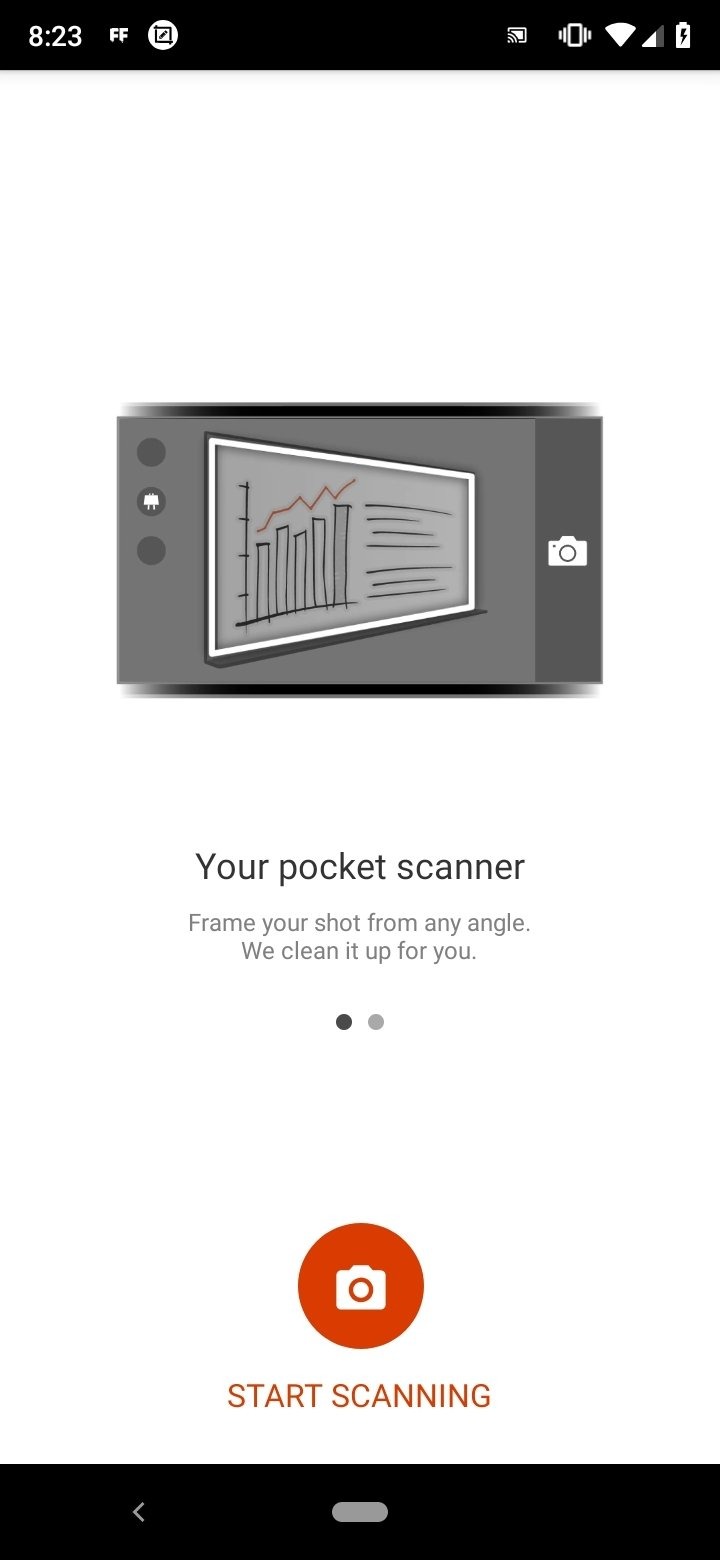
Microsoft Lens is another viable application by the tech giant that employs all the right features and nothing more. While one could argue that it is limited in functionality compared to its competitor apps, Lens is great at what it does. A well-optimized application that will work on any Android device and a good overall package.
Size:66.91MB Version:16.0.19628.20008
Requirements:Android Votes:265
Package Name:com.microsoft.office.officelens Signature:ab807816e4dfdaffc03da7322ce05744
Discover the all-in-one platform for effortless PDF document handling and optimization. iLovePDF provides a complete toolkit to merge, split, compress, convert, and edit PDFs with unmatched simplicity. Designed for both casual users and professionals, our intuitive interface and advanced features ensure seamless document processing. Simplify your workflow and achieve perfect results every time-all in one convenient, powerful, and user-friendly environment.
About us | Contact us | Privacy policy| DMCA
Copyright © 2026 Xiaohei All rights reserved.