Layout is a free photo editing app that offers users hundreds of photo collage templates and layout options. Users can simply upload photos and select a template to create high-quality collages, then share them instantly with friends or on social media to garner likes and comments. Users can also enhance their favorite photos with various filters, text styles, and special effects to make them stand out within the collage. Additionally, the app allows users to password-protect and lock specific photos, preventing accidental deletion.
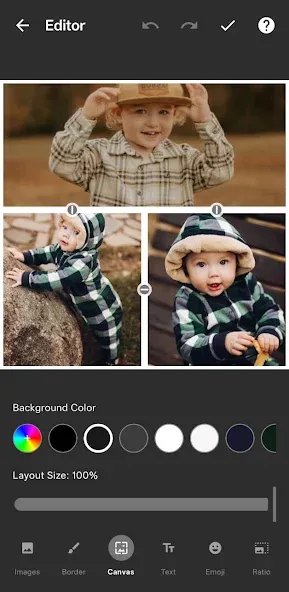
Re-mix up to 9 of your photos at a time to create fun, personalized layouts and collages.
Use the Faces tab to quickly find photos with people in them.
Capture the moment in Photo Booth mode with quick, spontaneous shots.
Save your layouts to your gallery and share them seamlessly to Instagram or other networks.
Easily see the last 30 photos you've selected in the Recents tab.
Pair your layouts and collages with Instagram's filters and creative tools afterwards to make them stand out even more.
Download and start creating a layout or collage immediately. No signup or account required—and no clutter breaking up your flow.
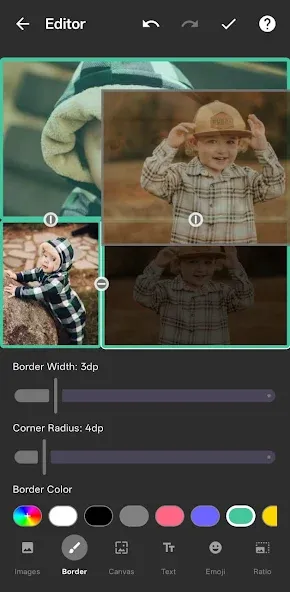
The process of using Layout is designed to be user-friendly, catering to individuals with varying levels of experience in photo editing. There is no requirement for sign-up or account creation, allowing users to dive straight into the creative process without any interruptions. This accessibility is a significant advantage for those looking to quickly create and share collages without the need for additional setup.
Layout encourages creativity through its intuitive design, allowing users to tell stories, showcase outfits, or simply express their artistic flair through photo combinations. The app's features empower users to stitch together their regular photos in unique and visually appealing ways, making it a valuable tool for anyone interested in enhancing their social media presence.
For those who enjoy experimenting with their photography, Layout provides a platform to explore different arrangements and styles. The combination of ease of use and robust editing options makes it a practical choice for users wanting to produce engaging visual content. The straightforward process of remixing images fosters an environment where creativity can flourish, and personal expression is celebrated.
The app's design and features collectively contribute to a seamless and enjoyable collage-making experience. Users can engage with their photos in new ways, transforming ordinary images into captivating layouts that reflect their personality and creativity. By downloading Layout, individuals can unlock the potential of their photo collections and share visually striking collages with their network effortlessly.
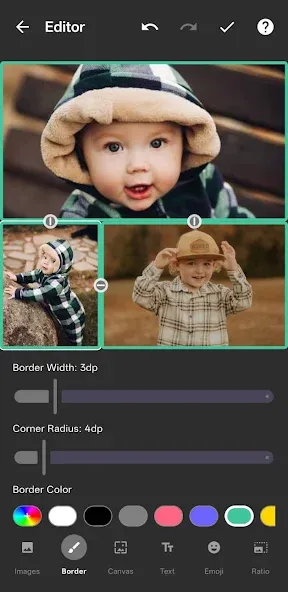
layer I've used before. always been a great to add to my photography and art and to manipulate and present images that I wish to change. it's a great app. don't be afraid to use it to its full advantage.
I love this app! Been using it for a few years now to check proportions of my drawings with my photos. Lastest update is by far the best.
Perfect app, I'm a photographer, I love it, just one thing can we save the pics without compressing the photo too much, my pics are collage go Below 1mb and I loose too much details, thanks.
Good but for some reason the save button takes ages to work and seems to high on app... other than that's it's a great little app.
Great App. I've tried many different apps. looking to be able to split screen 2 different pictures to do a side by side comparison. They all said they offered that but , none actually did . Finally an App. that does what it says it will.
Layout is a quality app that creates photo collages. Instagram is clearly behind the application as a whole: it's stable, all the features work perfectly, and the interface is easy to use and elegant. It might not be the first of its kind (there are already dozens of similar applications for Android), but Layout is probably the best of its kind.
Size:6.64MB Version:1.3.11
Requirements:Android 4.1+ Votes:387
Package Name:com.instagram.layout Signature:16f0d0be903975d72046536ab9c563e2
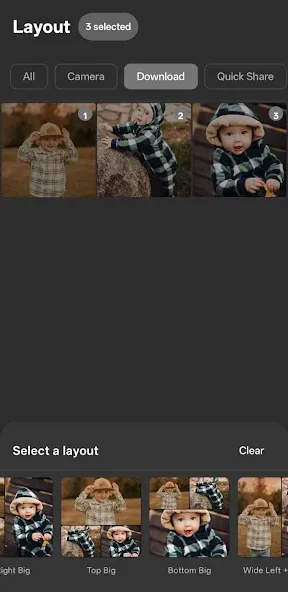
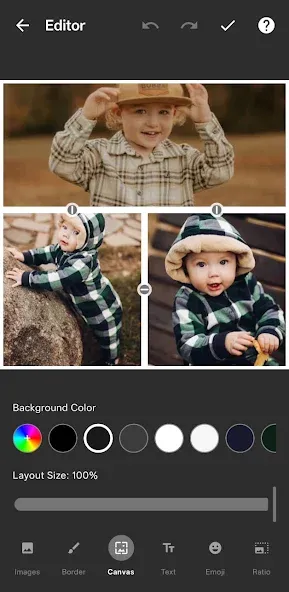
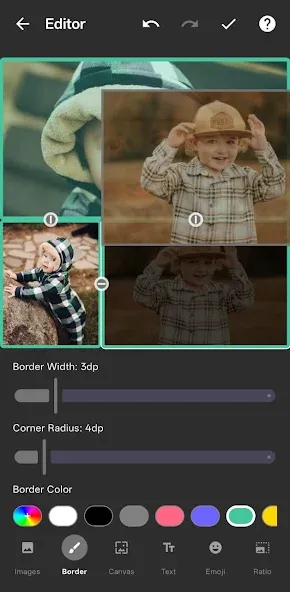
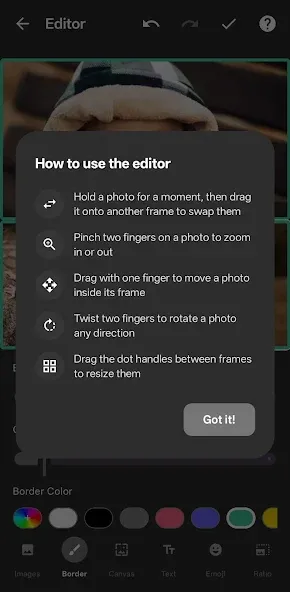
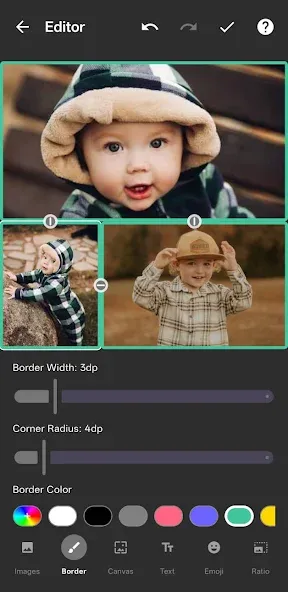
Welcome to our image editing apps! Perfect for beginners and pros alike, they make photo enhancement easy. Use PicsArt to crop, adjust colors, and apply filters. Remove backgrounds instantly with Remove.bg. Get creative with layers and advanced tools on Adobe Photoshop Express. Start transforming your images today!
Visuals serve as a primary gateway for players to engage with games, where distinctive art direction immediately captures attention and creates lasting impressions. An unconventional aesthetic not only stands out in crowded markets but also enhances immersion and emotional connection. When executed with creativity and polish, striking visuals elevate gameplay into a memorable artistic experience. That's why titles with truly exceptional art styles deserve recognition - they offer both visual delight and meaningful interactive expression that resonates with players long after the session ends.
Enhance your photos effortlessly with the best free photo editing apps for Android! Whether you want to apply stunning filters, adjust brightness and contrast, remove blemishes, or create professional-quality edits, these apps offer powerful tools at your fingertips. From simple one-tap enhancements to advanced editing features like background removal and AI-powered effects, you can transform your images with ease. Explore a wide range of user-friendly and feature-rich apps, all available for free download. Start editing and make your photos stand out today!
About us | Contact us | Privacy policy| DMCA
Copyright © 2026 Xiaohei All rights reserved.