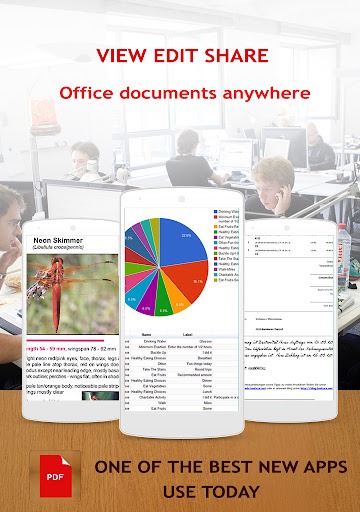
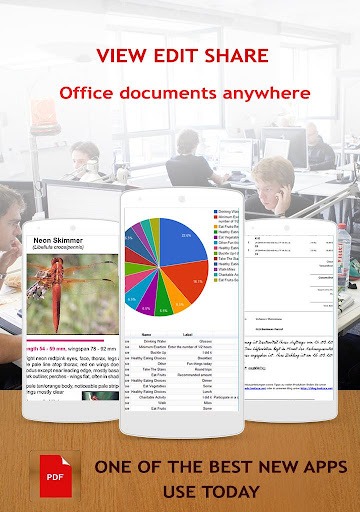
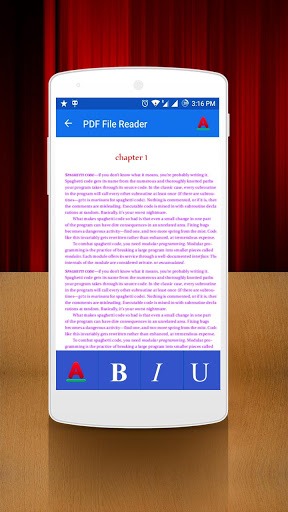
New PDF Reader is a new version of a PDF reader for Android. This software allows users to view, annotate, and edit uploaded PDF files. Users can also pixelate documents, which is very convenient for those who want to digitize PDF files. The software automatically adjusts its display brightness according to different usage environments to protect the user's eye health. Of course, the software also supports sharing various file formats, allowing users to share via email and other methods, facilitating communication between teams.
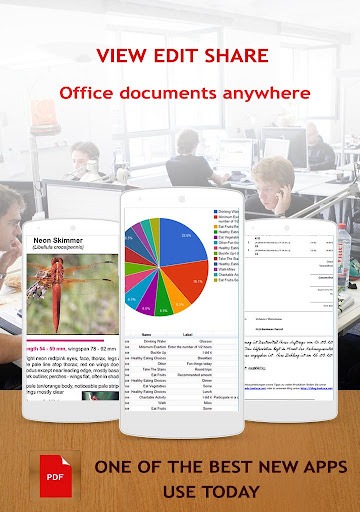
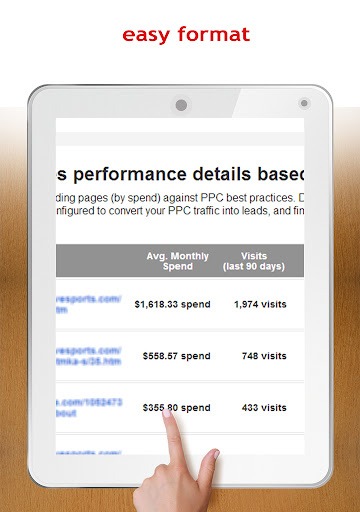
This app makes reading PDF files easy, with a user-friendly interface supporting multiple reading modes. Users can zoom in or out to adjust text size for the best reading experience, ensuring clear reading on both phones and tablets. Additionally, users can set a fixed page orientation to prevent automatic rotation during reading, further enhancing comfort.
Creating new PDF files with New PDF Reader is incredibly simple. The app includes a convenient one-click scanning function, allowing users to quickly convert paper documents to PDF. This feature is especially useful for users who need to digitize important documents when away from their desks. After scanning, users can easily save and organize these documents within the app.
Annotation tools are an essential part of the new PDF reader. Users can fill out forms directly within the app, ideal for documents such as contracts or applications. The app supports adding signatures, allowing users to electronically sign without printing. Furthermore, users can insert text boxes, highlight key information, and add notes for reminders or comments, promoting collaboration.
This app offers a variety of features to enhance the user experience. The day/night view option allows users to read comfortably in different lighting conditions and automatically adjusts screen settings to reduce eye strain. Customizable brightness settings allow users to adjust the display to their personal preferences, ensuring clear visibility in various environments.
The application's navigation is intuitive and easy to use. Users can easily browse PDF files, switch between documents, and access various tools without complicated menus. This clean and straightforward approach is especially useful for users who need quick access to multiple files, such as students or professionals.
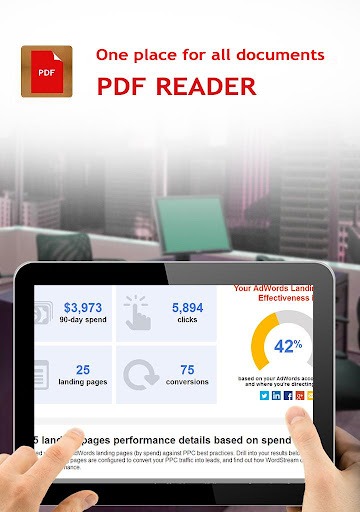
Read .pdf files easily anytime, anywhere
Create new .pdf files easily
Simple and convenient one-click scanning
Add signatures and stamps anytime
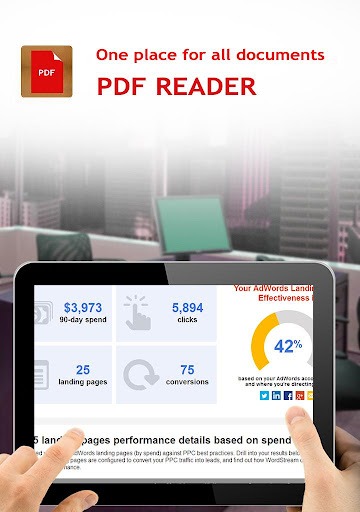
Stable and fast performance
Zoom function for a perfect visual experience
Fixed orientation so PDF files won't rotate even when the phone is tilted
Day/night mode for an enhanced user experience
Customizable brightness for better visual effects
And many more exciting features that make this app the perfect PDF file reader
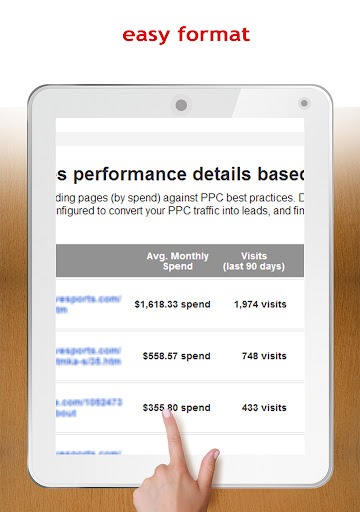
Pros:
Simple and easy to use
Multiple viewing modes
Text search and copy
PDF editor
Cons:
Too many features, making it appear cluttered.
Reading mode can be interrupted by gestures.
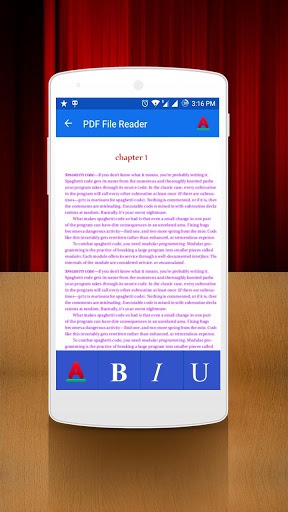
For users seeking a PDF reader that combines functionality and ease of use, the New PDF Reader is an invaluable tool. Its feature set caters to both casual and advanced users, making it suitable for various application scenarios. The new PDF Reader's ability to create, edit, annotate, and share PDF documents makes it a strong competitor in the document management application field. Its user-friendly design and comprehensive tools make it ideal for users who need to work with PDF files on mobile devices.
Size:24.58MB Version:5.7
Requirements:Android 5.0+ Votes:85
Package Name:com.pdffilereader Signature:7fae6c227e3b95408c96460190931e42
Feeling that there aren’t enough hours in the day? That you’re fighting a losing battle with your agenda? That each time you look up from your desk another year has rolled by? Well don’t worry, you’re not alone, and in today’s hyperconnected world, people are busier than ever before. On Android, there are countless productivity apps to help take control of your time and make your work more efficient. From a simple plugin for Chrome to a full-fledged app, picking the right productivity apps on Android can mean the difference between having a clear to-do list at the end of the day or having it overflowing with missed deadlines and projects that are off schedule. Productivity apps aren’t just about work, though. Using a productivity app in your personal life can keep you on top of deadlines for vacations, home repairs, and other family responsibilities.
Office Apps is a comprehensive and user - friendly platform that aggregates a wide array of office - related applications, catering to the diverse needs of modern professionals, students, and anyone who engages in office - based tasks. Whether you're working on a crucial business project, preparing academic papers, or handling daily administrative work, this aggregation page serves as your one - stop - shop.
The complete collection of office software is compiled based on user needs and referencing the popularity of major computer application stores. This collection selects various useful computer office software for users from multiple aspects such as office suite, communication and collaboration, email management, note management, cloud storage, download and decompression, etc. These software can meet your various document processing needs, making your team collaboration smoother, and conveniently managing your emails and keeping various meeting records. Download various materials and documents needed for office work. This collection of office software commonly used by professionals can meet all needs. Welcome to download and experience it!
About us | Contact us | Privacy policy| DMCA
Copyright © 2026 Xiaohei All rights reserved.