Samsung Camera is a highly praised photography utility that helps users easily capture professional-quality photos and beautiful moments in life. The app presents a user-friendly and intuitive photography program, allowing users to experience rich customization options, experiment with various powerful preset modes, and enjoy outstanding built-in integrated editing tools. The app delivers high-definition resolution, supports slow-motion recording, making your shooting tasks more efficient and reliable, allowing you to enjoy the photography process.
Samsung Camera is the pre-installed camera on all Samsung smartphones for taking photos. With just a tap, you can capture photos in seconds, recording every wonderful moment in your life. In the main settings menu, you can modify various values, such as controlling light intensity, applying filters, or using timers. To view or apply these settings, simply tap the corresponding option to activate it.
On the other hand, Samsung Camera allows you to take photos using the front or rear camera, and if necessary, use the flash or record video. All these functions are distributed on both sides of the screen, making it very easy to use the correct function for taking photos. Tap these functions to access them in seconds, ensuring you don't miss any opportunity to capture great photos.

One of the key features of the Samsung camera app is its Pro Mode, which allows users to manually adjust settings such as ISO, shutter speed, white balance, and exposure compensation. This gives photographers greater control over their shots and helps them achieve professional-grade results. In addition, it offers a variety of preset modes suitable for different shooting scenarios, such as food photography, night scene shooting, or portrait photography.
Another highlight of this app is its ability to shoot 4K resolution, HDR video. It also supports slow-motion recording at up to 960 frames per second (fps), producing stunning results when played back at normal speed.
The Samsung camera app also includes a variety of built-in filters and editing tools, allowing users to enhance their photos without leaving the app. You can crop images, add text overlays or stickers, adjust brightness/contrast/saturation, and more.
Really liking this app,ideal for camera shots on the go. Lots of features for editing photos and videos,adding textures and stickers to your photos and videos and share with your groups. Would definitely recommend to those wanting to upgrade their camera functions,without upgrading their device.
S20 5G Excellent camera app. Quick, easy sharing on multiple platforms. Great file browsing. Puts the stock camera app to absolute shame. INSTANT AUOTOFOCUS Hear that Samsung?? Samsung (with 9 useless camera patches so far....) need to hire these guys immediately Is there any way to reduce the number or size of overlaid icons? Very often obscures the view
Really this was the app I was finding all my days for the last 5 months and I have got it....this is really the best Samsung camera ever and also the logo is very good.. typical samsung camera...also the modes are fine and we can take any pic in landscape form also...that's what a problem with other cameras..in landscape mode They heard pinched, thus rendering them useless....really a great app....500 words are not enough to describe my feelings.

In short, Samsung Camera is a powerful tool for anyone who enjoys taking photos with an Android device. With its advanced manual controls, shooting modes, and post-processing tools, it makes capturing beautiful moments easier than ever before!
Size:66.2MB Version:16.5.02.29
Requirements:Android Votes:212
A collection of essential beauty camera tools designed to instantly enhance your photos. Whether you’re perfecting your selfies or creating stunning images, these tools help you achieve flawless results with just a few taps. Ideal for anyone looking to elevate their photo game effortlessly.
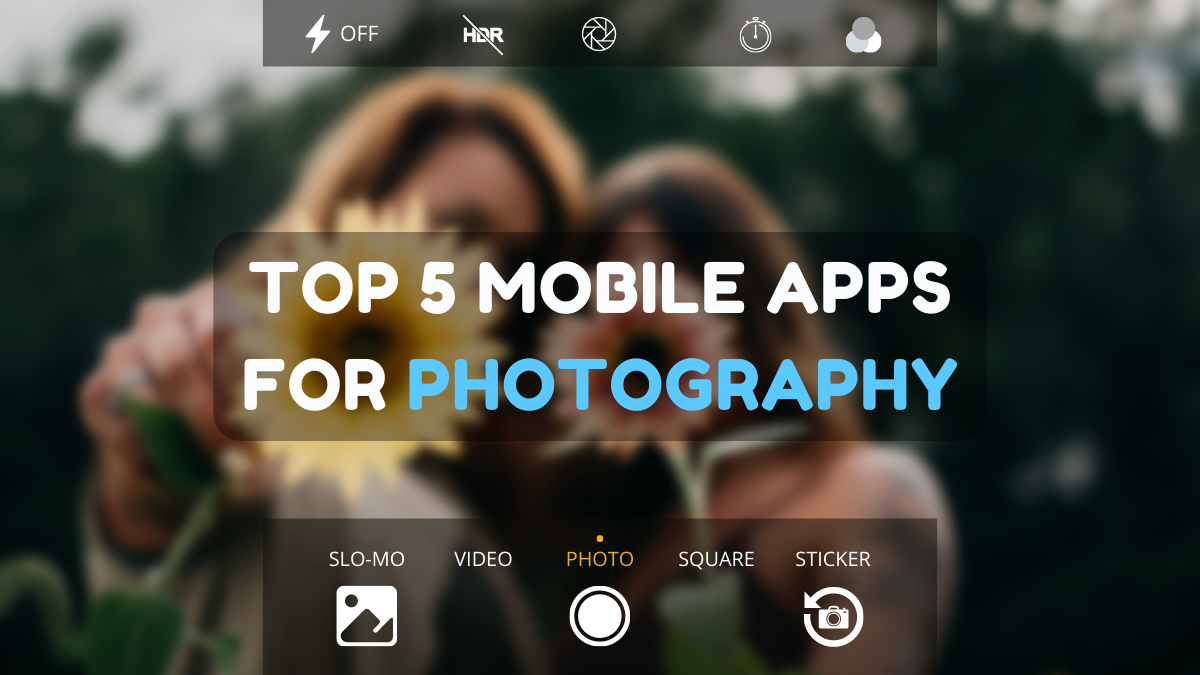
Photography is an art form that has been around for over a century and has evolved greatly over the years. With the advent of technology, photography has become more accessible and convenient, especially with the rise of mobile photography. Mobile photography has revolutionized the field of photography, making it possible to capture and edit high-quality photos right from your smartphone. As mobile photography continues to grow in popularity, there is an abundance of mobile apps available for photography enthusiasts. However, with so many options available, it can be difficult to determine which apps are worth your time and investment. In this article, we’ll take a look at the top mobile apps for photography and provide you with a comprehensive guide to help you choose the best app for your needs.
Transform your smartphone into a powerful creative tool with these top-rated camera apps. Packed with professional-grade editing features, stunning filters, and advanced effects, they help you capture and refine every shot like never before. Perfect for landscapes, portraits, or spontaneous selfies, these apps offer intuitive controls and AI-powered enhancements-all for free. Download today and unlock your full artistic potential. With these apps, your photos will stand out with polished, professional quality, making every moment picture-perfect!
About us | Contact us | Privacy policy| DMCA
Copyright © 2026 Xiaohei All rights reserved.