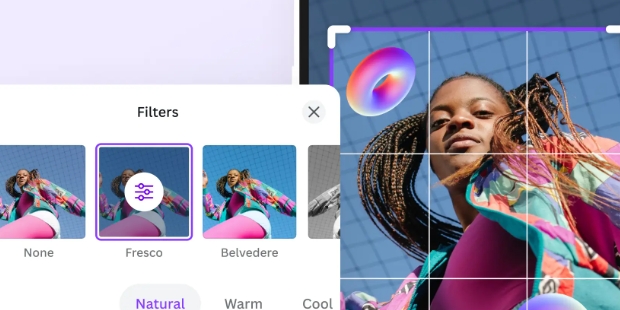
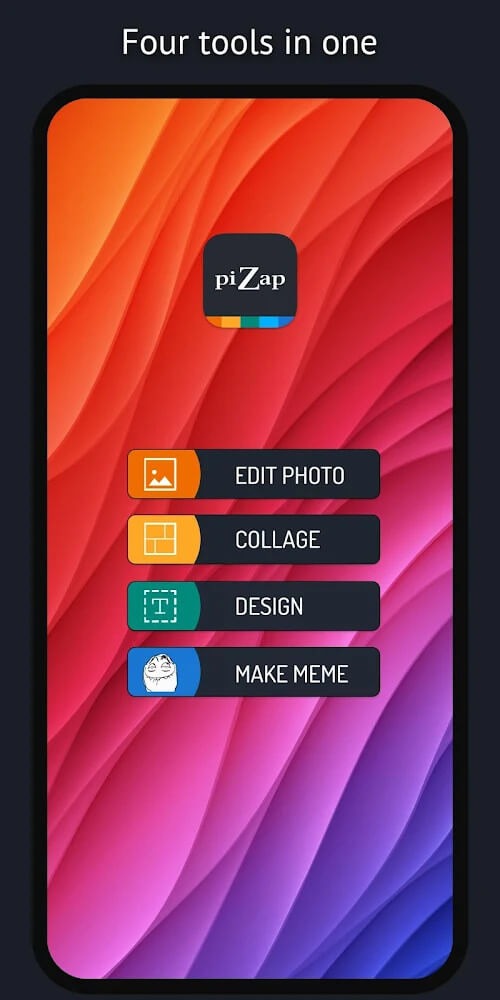
piZap is a user-friendly photo editor that provides users with a wealth of free editing tools and resources to enhance their photos. Through its built-in editor, users can create fun stories from multiple photos to share on social media and garner praise. Simply upload your photos to the software to crop them and add various filters, font styles, emojis, and more to create personalized images. The software also includes thousands of templates in different categories to help users easily design for work and life, improving efficiency. Furthermore, the software's resources are constantly being updated to ensure users have a fresh and exciting experience.
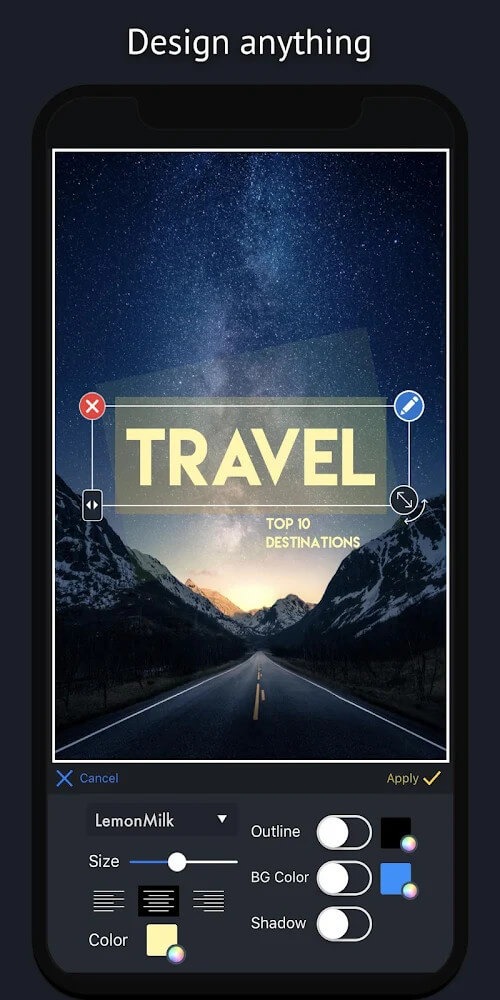
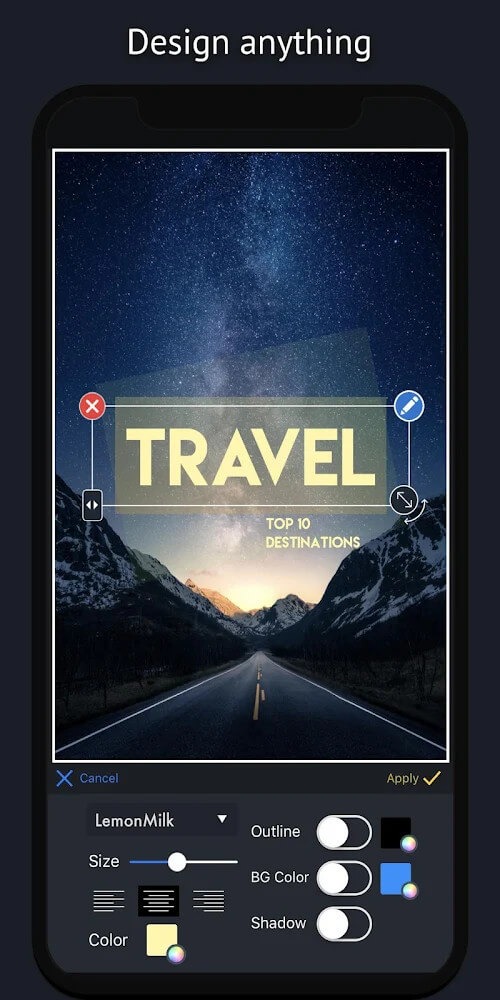
Diverse Design Options: Explore a vast library of fonts, stickers, and borders to add a personalized touch to your photos. Create eye-catching designs that reflect your unique style.
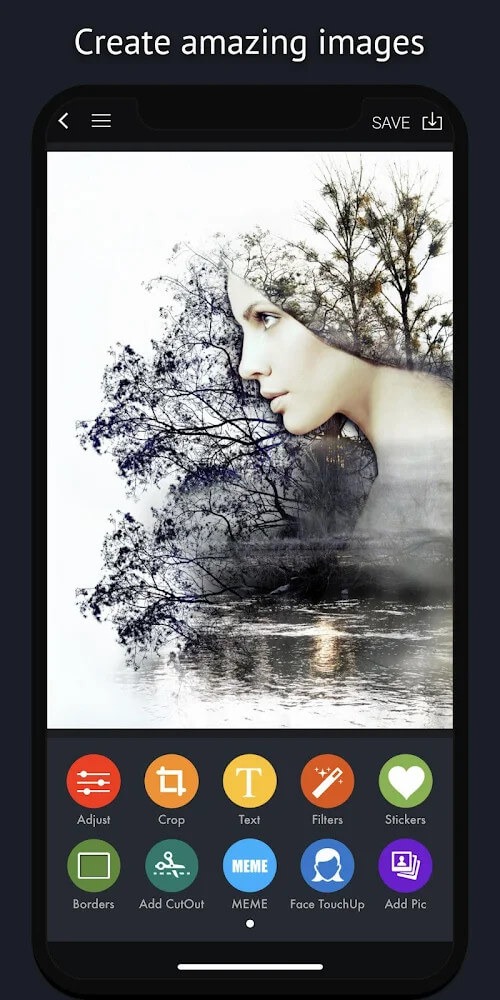
Powerful Editing Tools: Using intuitive editing tools, easily edit and enhance your photos. Crop, rotate, adjust brightness and contrast, and apply filters to achieve the perfect look.
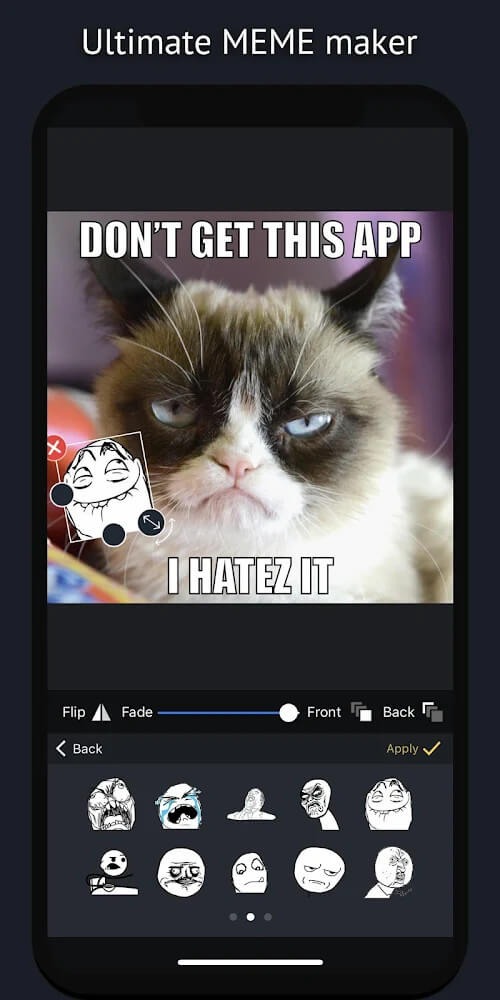
Meme Maker: Jump on the meme trend with a dedicated Meme Maker. Craft humorous and shareable memes that are bound to resonate with your audience.
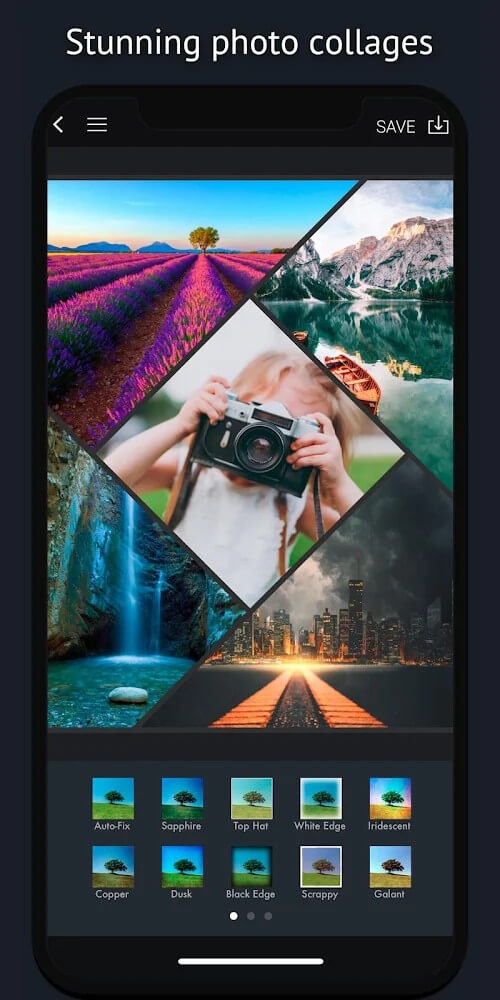
Photo Grids: Showcase your memories in a visually appealing and organized manner.
Viral Post Creation: Harness the app's ability to create attention-grabbing social media content. Craft posts that are not just seen but shared by your audience.
Sticker Collection: Access an extensive collection of stickers to add fun and creativity to your images. It has the perfect sticker for every occasion, from emojis to quirky illustrations.
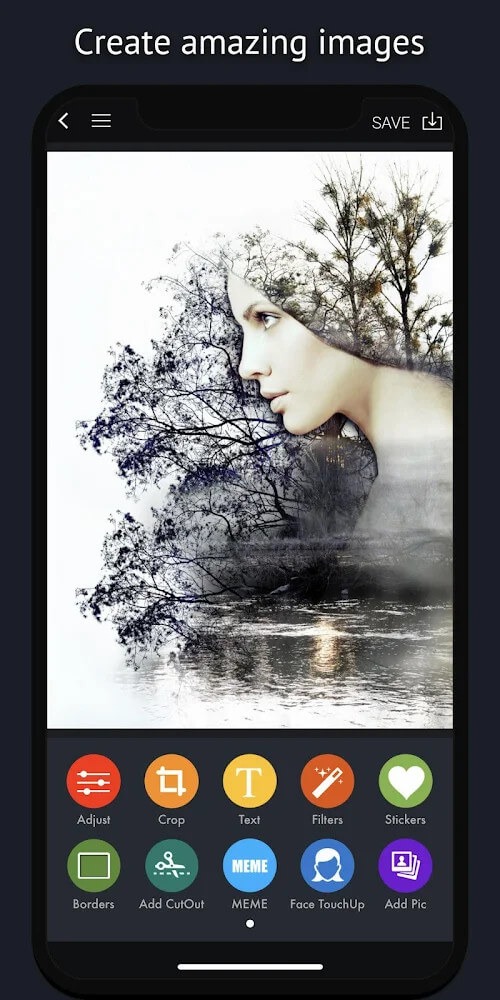
MEME Maker offers the most incredible image creation tools. This image correction feature allows you to create multi-dimensional images with enhanced color. Our filters are constantly updated based on the needs of users to help you enhance your photos. Use our image enhancement tool to give your photos an entirely new look. Editing becomes more colorful and diverse when you remove unnecessary details. Remember to also change the background of the portrait to match it.
You can design your own layout for the poles in this application. The selected photo can be cropped to fit the layout or content you have designed. Its information and image archives are huge. They can include up to millions images and hundreds of fonts. Participants will be able to freely design and choose styles that they have been pursuing for years.
PiZap helps to separate the background from the central object by automatically identifying and creating the collage. You only need to select the background removal and then wait while we process your image. If you want to know how to make a new image composition to add depth, use the composition suggestion option. There are hundreds of different layouts to choose from. However, users should be careful not to lose an image’s corner. The application will help you if you choose to obscure the light or lose the angle of the image.
Parents think, but do not know how to improve their child’s image. This is a great application for children to have fun and practice their creativity. It is also a great browser for those who are looking to learn something new or improve their photo editing abilities. You can create your own unique product that reflects all of you talents and personality. You will discover a whole new world when you step into this space. There are many types of toys for children and adults. Immerse yourself into the creative world that is piZap. Let’s now experience these amazing features together.
The best part that I like the most is when your using the fill in that is green, that you can do it yourself. The ones with the dots, was useless. Could not fine detail it, like you can when you do it yourself. I also like it because when you overlay pictures, you can position it just the way you like. By using the eraser you can wipe off what you want and blend it in to the picture, the way you like. I'm not that great with Math so when using the size graph of how many pixels,etc. Not goodat.
This used to be the greatest app ever. When I started using this app, it had choices no other app would offer. Then it took half of the options away, things that made it an incredible app. Now, it only gives limited to less than half the options it originally gave, and then became one I can't recommend, because it's just like any other app. Sad to say.
I've used the paid laptop version for years now. Maybe since 2018. I've made so much stuff using pizap from album covers to t-shirts. Now that I don't have a laptop. I had to start using the app. Only thing. The app doesn't pick up my account I used on laptop. So thats a bummer. Only way I can see my old projects is going to the original website.
Just my experience love drawing delivery any minitruckin and lower any vehicles for activities badass for including that like this all free please best.
Finally. An app which has lots of people & non-people backgrounds & the ability to position the text anywhere on the image! Also has lots of text colors & sizes. Love this app. The combinations are endless! Thanks piZap!
How do I delete my account?
If you are not able to log in, contact us here and make sure to include the Email address you used to sign up, or that is associated with your Facebook, Google or Twitter(X) login ID. We will follow up to confirm your email and then remove the account within 48 hours.
How do I cancel piZap PRO?
If you would like to cancel piZap PRO, look for the "manage" link in the top right drop down on the main start page. From this page you can cancel or manage your subscription.If you do not show an active subscription, but you are sure that you have one, it is possible that you logged in with the wrong login. Many users have Facebook or Google logins originally, and when they signed up for PRO, but forget about it and later try logging in with a username/password or vice versa. If you originally signed up with a Facebook Login, make sure that you log in again with Facebook.
I have a PRO account but it's still asking me to sign up?
If you are not seeing your PRO account, it is possible that you are logged into the wrong account. Make sure you log in with the same account you used to sign up.Most commonly, users sign up originally with a Facebook ID and then later forget this is how they connected and create another account, and then try logging in with email or another method.Did you sign up with Facebook, Twitter or Google originally? Make sure you sign in again with whatever ID you used originally.
How do I change and save to the folder of my choice instead of the downloads folder? (Google Chrome Only)
On your computer, open Chrome.
At the top right, click More More and then Settings.
Click Privacy and security and then Site Settings.
Click Additional permissions and then Automatic downloads.
Choose the option that you want as your default setting.
Does piZap support other languages?
PiZap currently only supports english. We are working towards multiple language support. Thank you for your patience.
In conclusion, piZap is a versatile photo editing tool that caters to a wide range of users. From basic photo tweaks to complex designs, the app is well-equipped to handle a variety of editing needs. However, the shift of certain features to a paid model and the lack of a few key functionalities may be a drawback for some users.
Size:89.61MB Version:6.6.2
Requirements:Android Votes:426
Package Name:com.digitalpalette.pizap Signature:ef9cd0268905afde647bedc95c297c24
Welcome to our image editing apps! Perfect for beginners and pros alike, they make photo enhancement easy. Use PicsArt to crop, adjust colors, and apply filters. Remove backgrounds instantly with Remove.bg. Get creative with layers and advanced tools on Adobe Photoshop Express. Start transforming your images today!
Visuals serve as a primary gateway for players to engage with games, where distinctive art direction immediately captures attention and creates lasting impressions. An unconventional aesthetic not only stands out in crowded markets but also enhances immersion and emotional connection. When executed with creativity and polish, striking visuals elevate gameplay into a memorable artistic experience. That's why titles with truly exceptional art styles deserve recognition - they offer both visual delight and meaningful interactive expression that resonates with players long after the session ends.
Enhance your photos effortlessly with the best free photo editing apps for Android! Whether you want to apply stunning filters, adjust brightness and contrast, remove blemishes, or create professional-quality edits, these apps offer powerful tools at your fingertips. From simple one-tap enhancements to advanced editing features like background removal and AI-powered effects, you can transform your images with ease. Explore a wide range of user-friendly and feature-rich apps, all available for free download. Start editing and make your photos stand out today!
About us | Contact us | Privacy policy| DMCA
Copyright © 2026 Xiaohei All rights reserved.