Microsoft Intune is a productivity solution designed for enterprise users; it enables the sending and receiving of emails and documents while allowing for differentiated access permissions based on employee roles, thereby safeguarding critical information and enhancing communication efficiency. Users need not worry about data security, as the software rigorously protects vital information through encryption and remote wipe capabilities. Furthermore, a real-time customer support team is available to resolve any issues, ensuring seamless business operations. The software is also continuously updated with new, practical features—stay tuned for more!
The primary function of Microsoft Intune is to set up access to an organization's resources. This involves configuring settings that allow employees to connect to corporate applications securely. By using the app, users can authenticate themselves and gain authorized access to email, documents, and other critical resources necessary for their daily tasks. The app supports a seamless user experience while ensuring that sensitive information remains protected.
Managing devices and their access is another essential aspect of Microsoft Intune. IT administrators can enforce security policies that govern how devices interact with organizational data. This includes requirements for password complexity, encryption, and remote wipe capabilities. By employing these measures, organizations can mitigate potential security risks associated with lost or stolen devices. The app enables users to understand and adhere to the required security protocols, fostering a secure work environment.
In addition to device management, Microsoft Intune provides users with tools to manage applications on their devices. This feature allows organizations to distribute and manage applications securely, ensuring that employees have access to the software they need without compromising security. Applications can be deployed directly to devices, and updates can be managed centrally, reducing the burden on individual users to keep their software up to date.
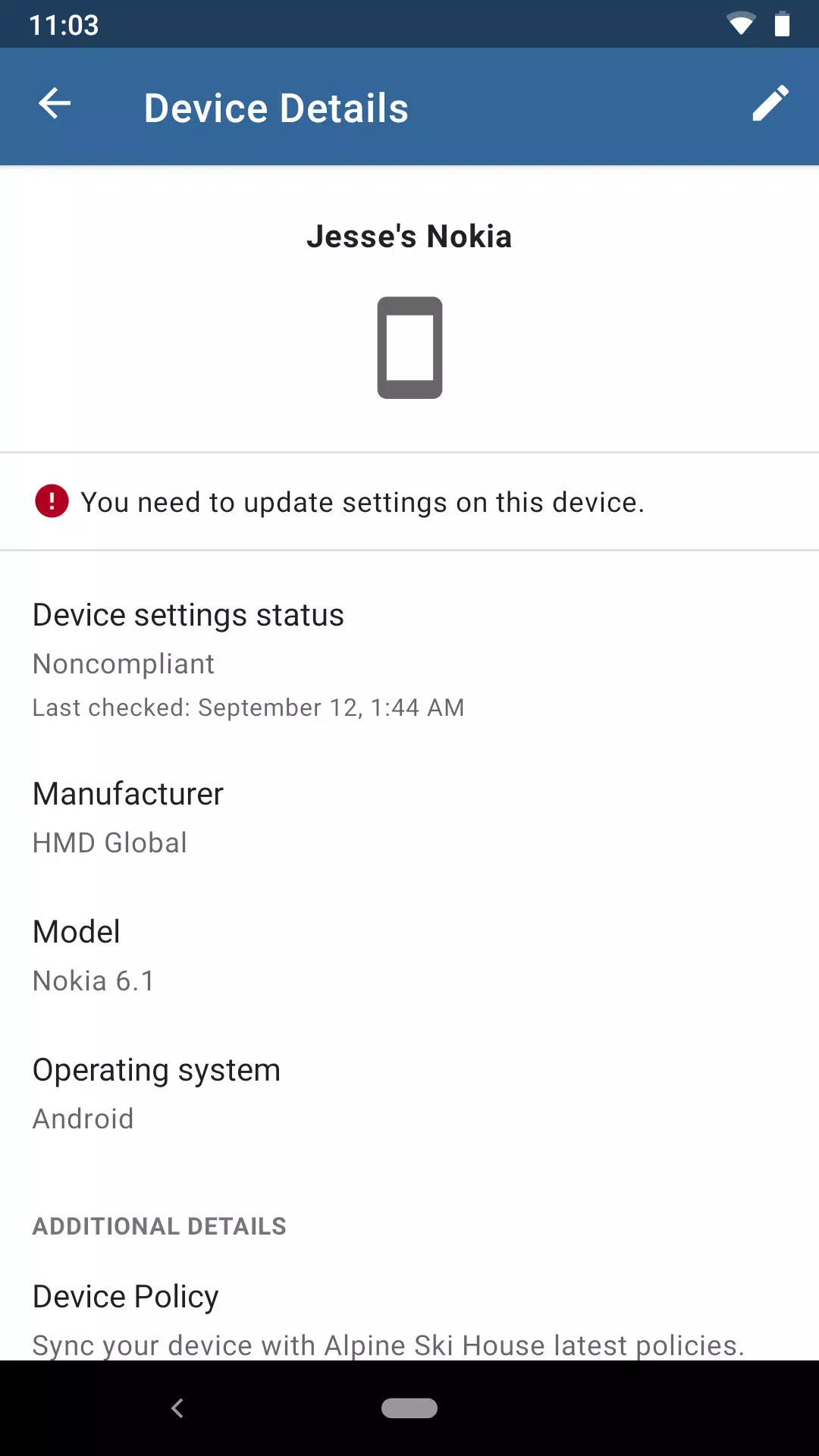
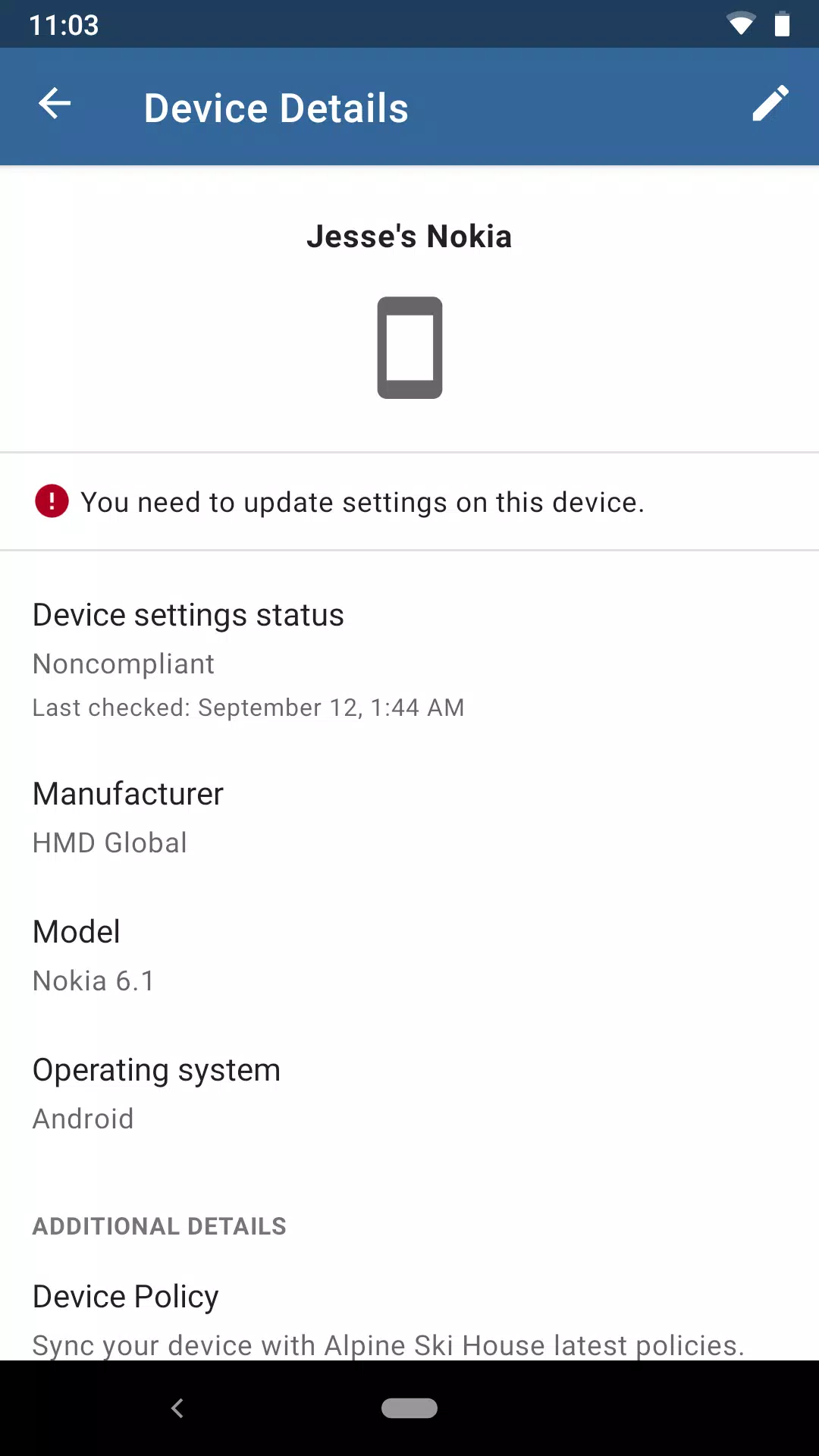
The app also assists in compliance management. Organizations can monitor devices to ensure they meet specific compliance requirements. This capability is crucial for industries that must adhere to regulations, as it helps to prevent potential violations that could result in financial penalties or reputational damage. The app generates reports that provide insights into compliance status, helping organizations take corrective actions when necessary.
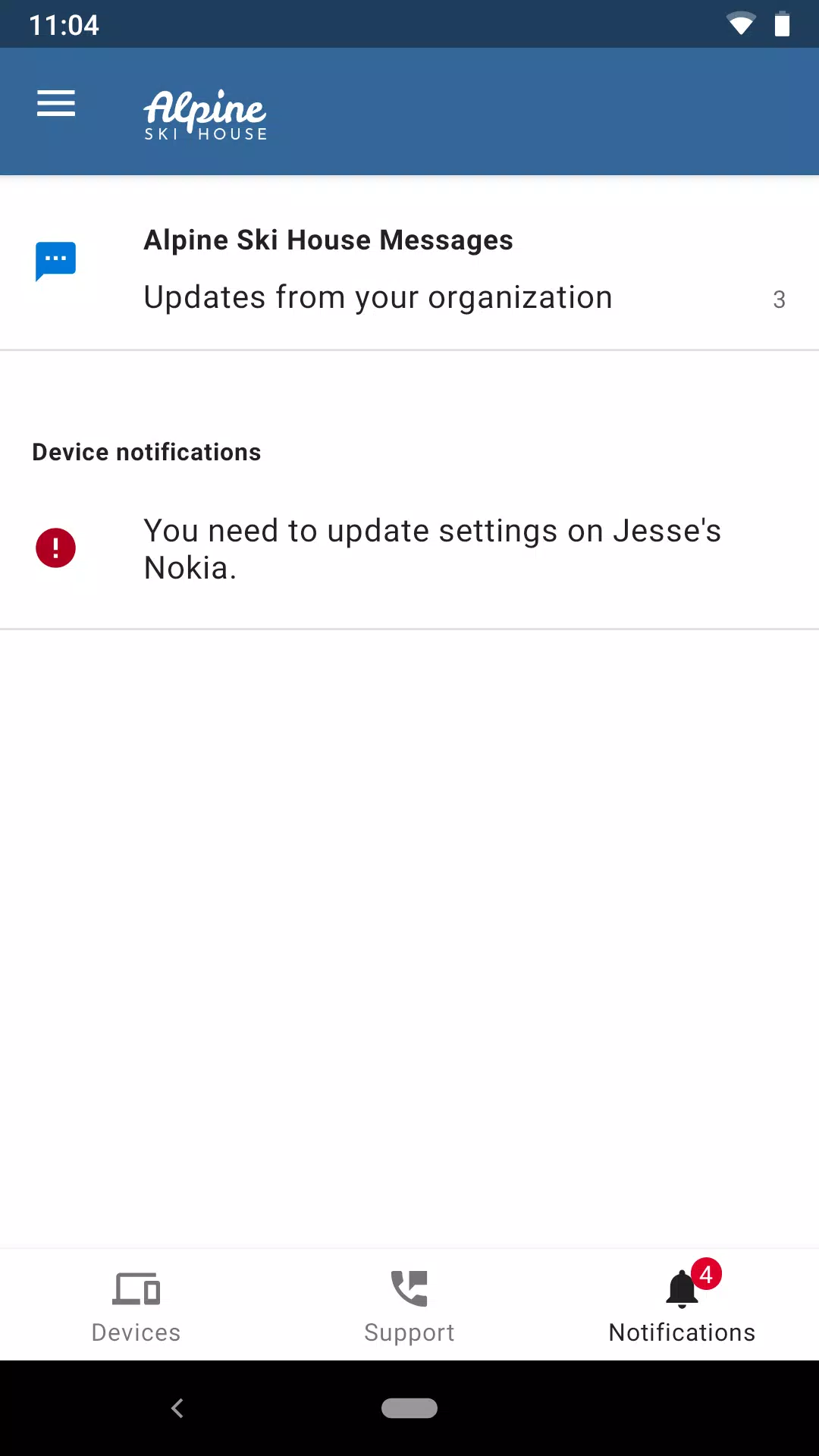
Microsoft Intune offers user support features to assist individuals who may encounter difficulties while using the app. Users can access help resources directly through the app, providing them with guidance on troubleshooting and resolving issues. This support is valuable for maintaining productivity, as employees can quickly address any challenges related to device access or application management.
My overall experience with Microsoft Intune has been highly positive. It is an enterprise-grade solution that provides complete control over organization endpoints, ensuring that security compliance and remote device management are handled flawlessly. Despite the initial complexity and slow policy sync times, it remains an indispensable asset for modern corporate IT infrastructure.
Our overall experience with Microsoft Intune is extremely positive. We have been a user for four years and have no plans to even consider any other option for deployment and management of our Windows devices. I love that Intune is included in our educational licensing and is not another separate subscription that I have to keep track of.
So coming to my personal usage, I am a user and not an administrator for this product implementation at my company, so I come under the target audeince who actually consumes this service. My company allows me to use my corporate email ID in my handheld devices only when I register my device as trusted from company portal (name which is displayed in store listing). I have pleasant experience so far and no cons found.
I like how much you can do by using Intune - from installing applications, configuring polices, get reports, updates and upgrades, wiping in different ways. It helps speed up computer setups and be repurposed tremendously.
What kind of devices can you enroll with the Microsoft Intune app?
You can enroll corporate-owned Android and AOSP devices that your organization has set up to use with the app. The app supports Android 8.0 and later. The Microsoft Intune app is also available for Linux devices. Enrolled Linux devices are considered corporate-owned in Intune, so we don't recommend enrolling a personal device.
Can you remove a device from the Company Portal?
You can remove or reset your device with Company Portal. There is a difference between remove and reset.During removal, Company Portal unenrolls and unregisters the device from Intune. That device loses access to the Company Portal. Work and school data might also be removed.During a device reset, Company Portal tries to reset your device back to the manufacturer's factory default settings. All data is removed from the device. A reset is useful if, for example, you lose your device and there is sensitive data on it. You can remotely reset an enrolled device from the Company Portal website.
Can you remove a device from the Microsoft Intune app?
No, there's no way for you to remove a corporate-owned device from the Microsoft Intune app.
What if I can't see my device in the Company Portal or Microsoft Intune app?
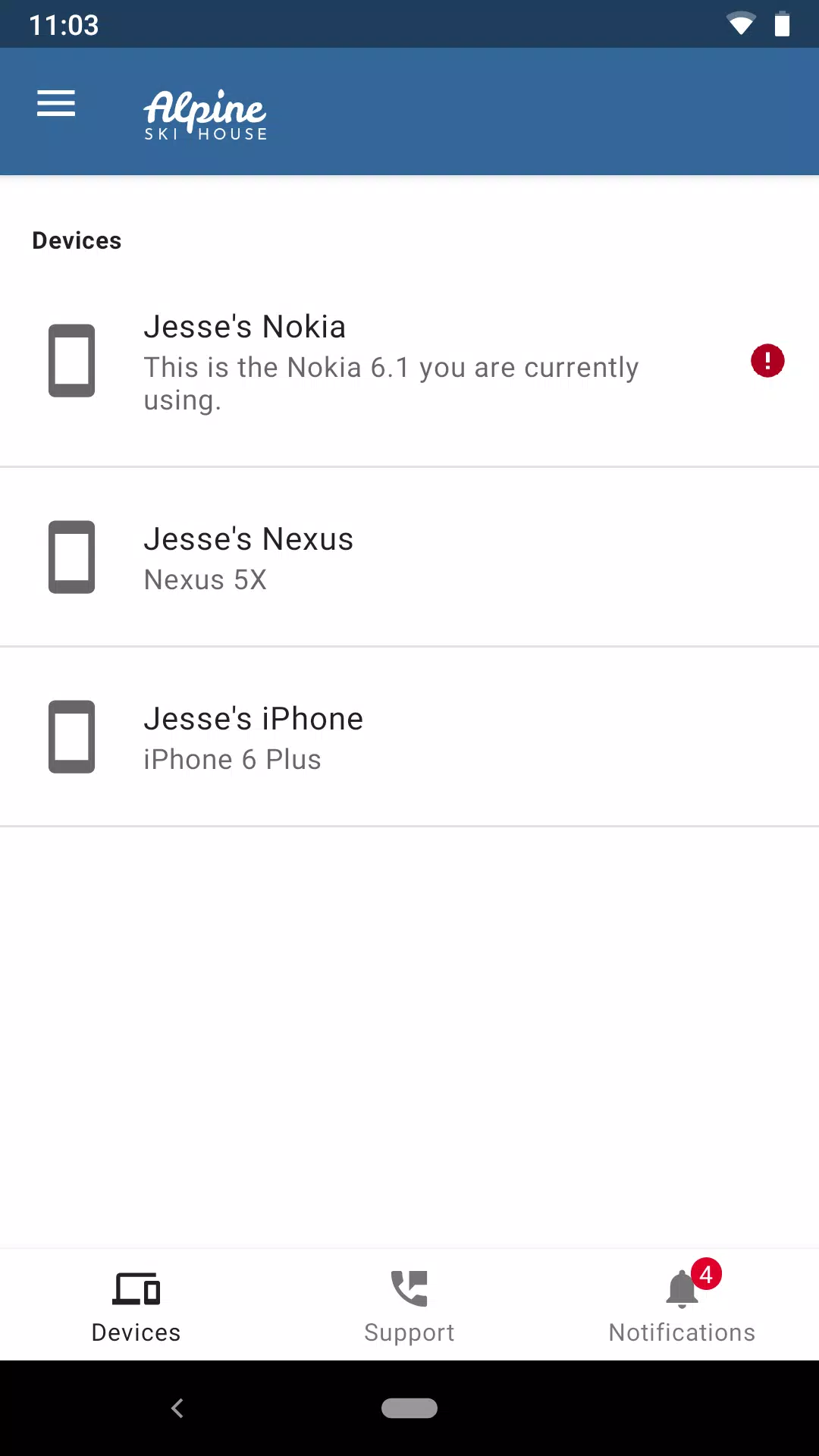
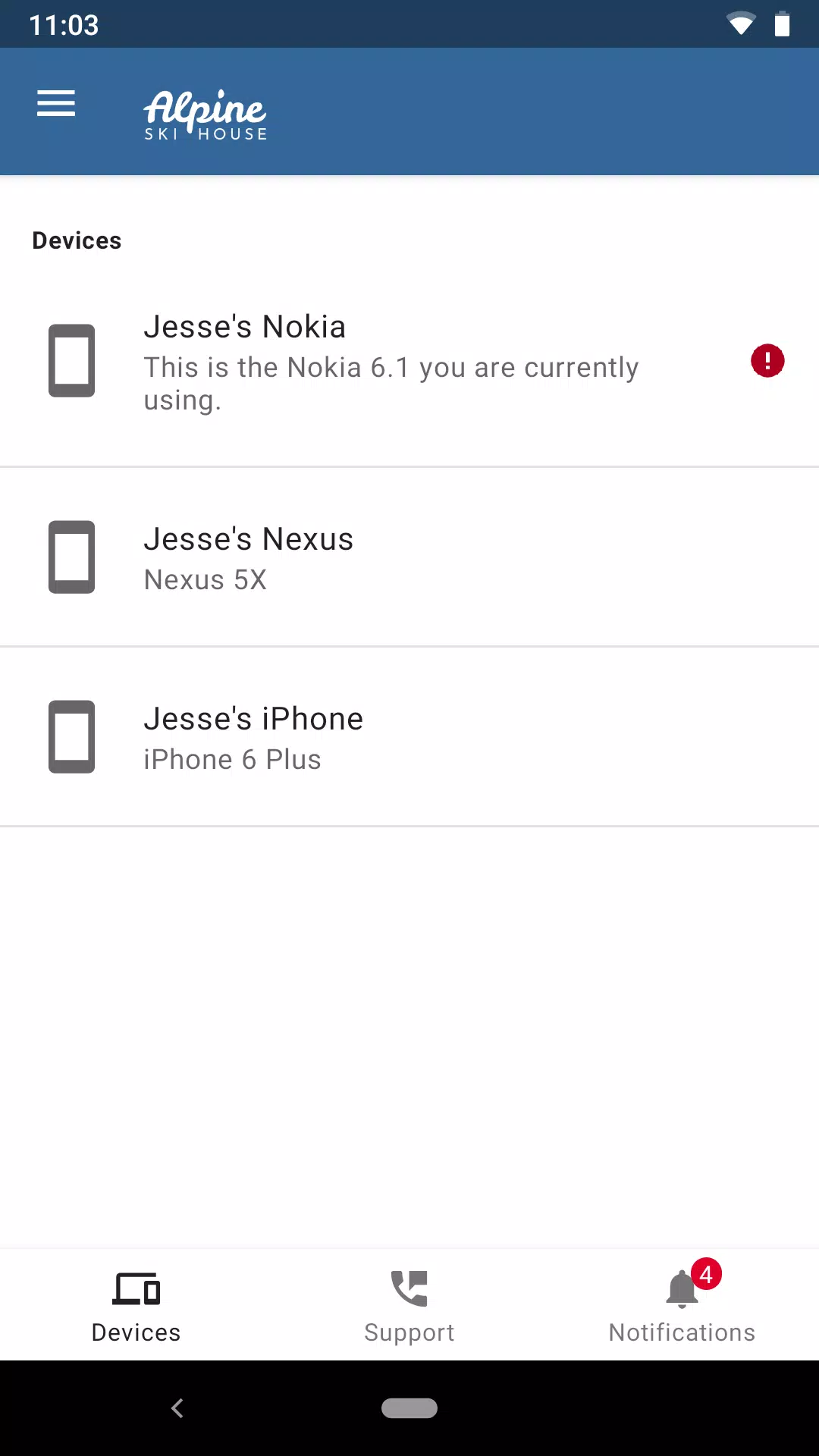
To see a device in Company Portal, it must first be enrolled. If you still don't see all of your devices after enrollment, try to sync or check access through the Company Portal. You won't see devices that are owned and managed by your company.In the Microsoft Intune app, you only see the device you're currently using. Other enrolled devices aren't visible to you in the app.
Microsoft Intune allows its users to remotely control virtually all the features found on any smartphone, tablet, or even laptop associated with this platform. With a simple and very accessible interface, Microsoft Intune also offers access to the organization's resources, as well as constant and personalized support to all users registered on the platform.
Size:143.16MB Version:2026.09.01
Requirements:Android 8.0+ Votes:339
Package Name:com.microsoft.intune Signature:5d4034d60c94abac3b19d45e749fe0a2
Feeling that there aren’t enough hours in the day? That you’re fighting a losing battle with your agenda? That each time you look up from your desk another year has rolled by? Well don’t worry, you’re not alone, and in today’s hyperconnected world, people are busier than ever before. On Android, there are countless productivity apps to help take control of your time and make your work more efficient. From a simple plugin for Chrome to a full-fledged app, picking the right productivity apps on Android can mean the difference between having a clear to-do list at the end of the day or having it overflowing with missed deadlines and projects that are off schedule. Productivity apps aren’t just about work, though. Using a productivity app in your personal life can keep you on top of deadlines for vacations, home repairs, and other family responsibilities.
Office Apps is a comprehensive and user - friendly platform that aggregates a wide array of office - related applications, catering to the diverse needs of modern professionals, students, and anyone who engages in office - based tasks. Whether you're working on a crucial business project, preparing academic papers, or handling daily administrative work, this aggregation page serves as your one - stop - shop.
About us | Contact us | Privacy policy| DMCA
Copyright © 2026 Xiaohei All rights reserved.