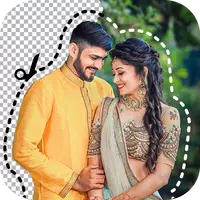
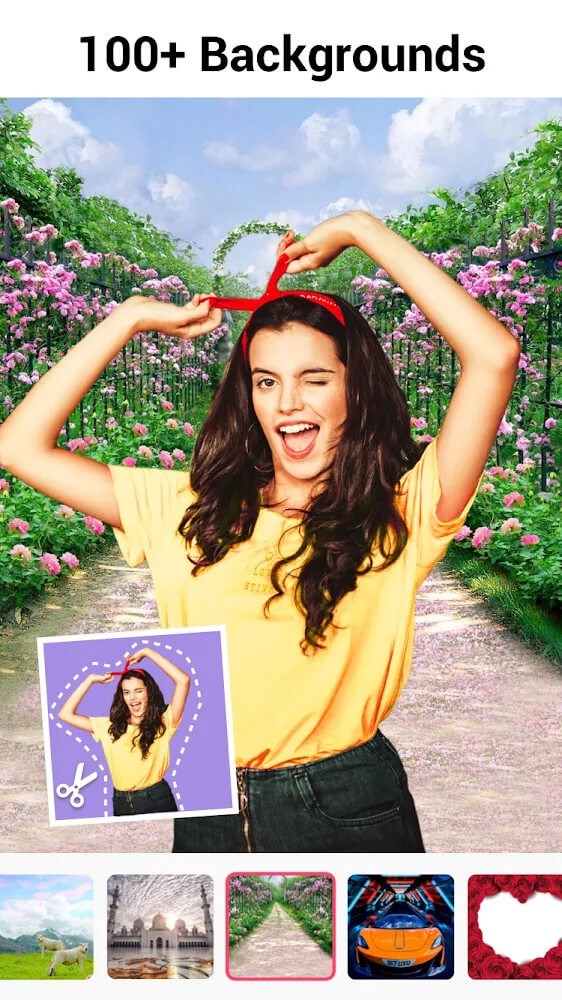
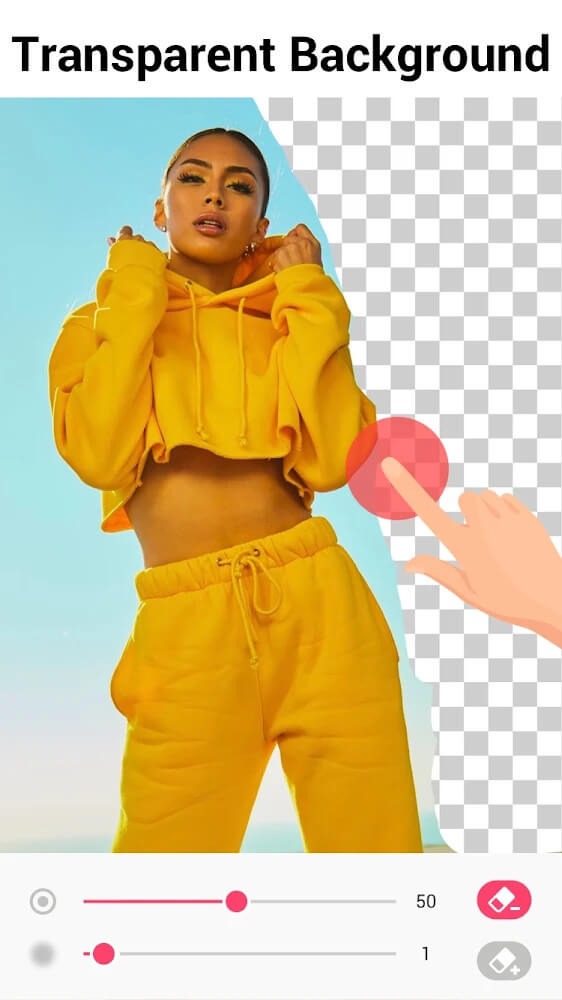
Background Eraser is a handy image-editing tool that allows users to crop photos using various frame shapes or make backgrounds transparent. It helps users create assets perfect for projects like posters or artwork. The software offers multiple background-removal modes—such as Magic Mode, which automatically detects and erases along the edges of an image, or an "Auto Mode" that removes similar elements—to suit a wide range of needs. Once editing is complete, users can save the result directly to their device or share it with friends.
The app offers multiple modes to make your erasing as well as editing process quick and smooth, such as;
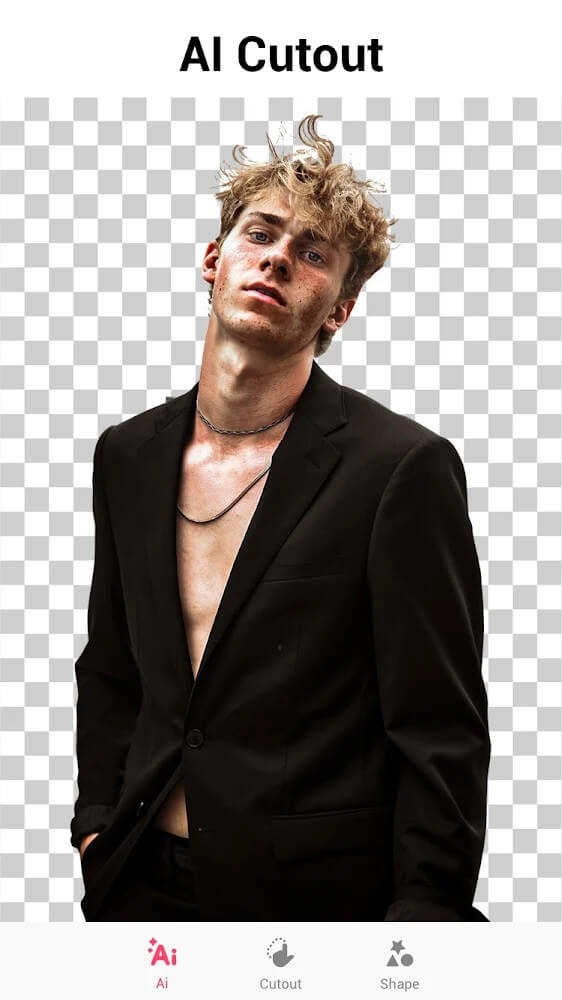
Precise Mode: AI-powered enables the users 100% accuracy for photo cutout and edit photos within studio-quality without any pixel damage.
Quick Mode: the mode very quickly recognizes the pictures of people, animals, plants, etc., and allows selecting a picture, and cutting unwanted objects within a single click. The refined pixel mapping ensures the clean picture quality, even for hair or fur. It offers auto-cutting for the background, so there is no need to manually cut the background with a lot of flaws.
Manual Mode: If you prefer manual cutting, you can use the mode that helps to outline and enables users to cut and repair the cutout neatly.
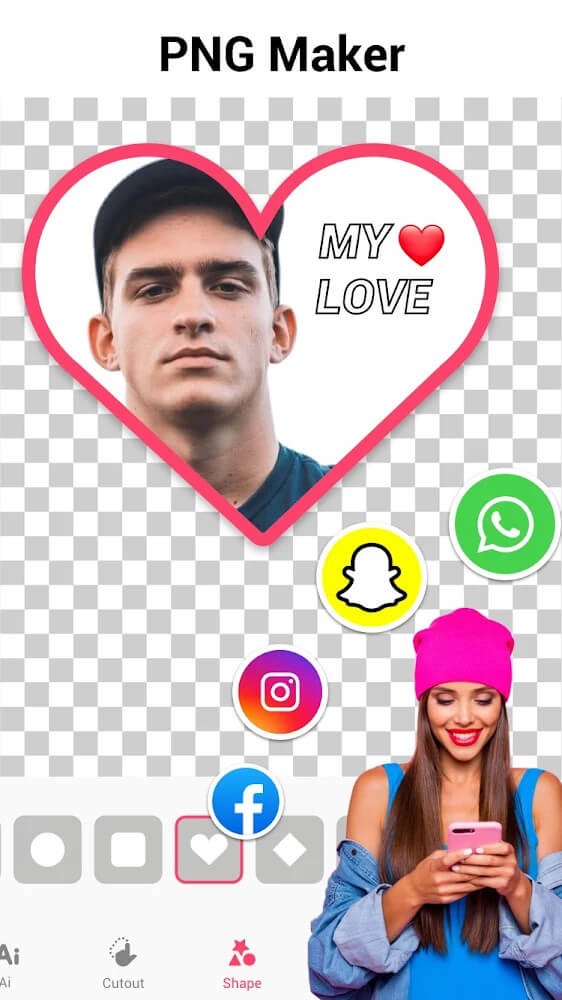
Shape Mode: You can cut the pictures into multiple shapes, such as a square, rectangle, heart, circle, and so on. The mode helps to create the stickers and memes as well.
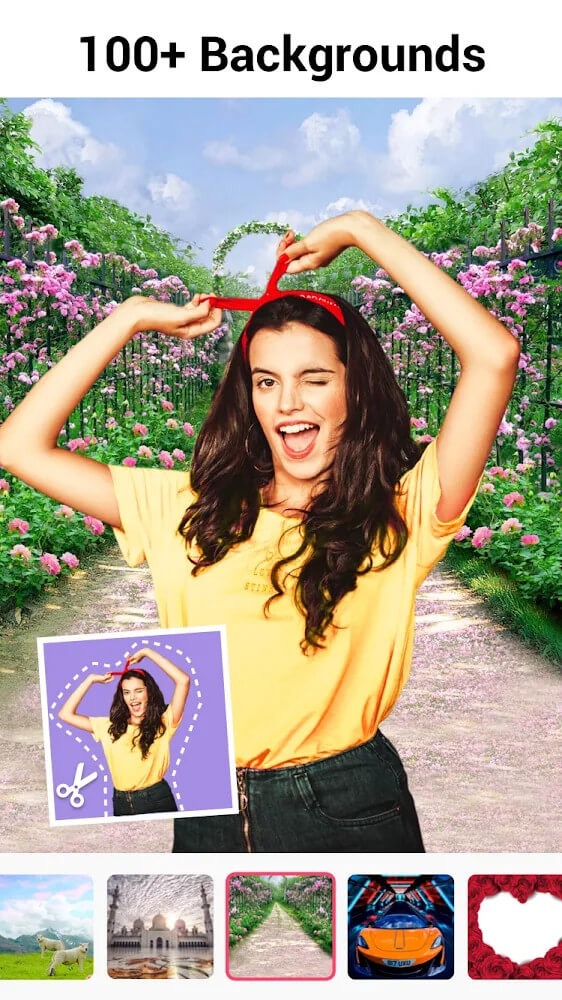
Users appreciate the straightforward interface of the app, which simplifies the process of background removal. Navigating through the different modes is intuitive, allowing even those with minimal experience in photo editing to achieve their desired results. The app’s functionality is geared towards enhancing user experience by providing clear instructions and visual cues.
Once the background has been removed, users can save their images in various formats. This flexibility ensures that the edited photos can be easily shared or integrated into other projects. Whether for personal use or professional purposes, the ability to save images in multiple formats broadens the app's appeal.
Background Eraser also allows for fine-tuning of the erased areas. Users can adjust the eraser size, which enables precision editing, particularly around intricate details or edges. This level of control is essential for achieving a clean and professional finish in edited images.
The app supports high-resolution image processing, which is critical for users who want to maintain the quality of their original photos. High-resolution outputs ensure that the final images look sharp and clear, whether printed or displayed digitally. This feature is particularly advantageous for those looking to create high-quality stickers or collages.
For users who want to create unique compositions, Background Eraser is a practical solution. The app's capabilities extend beyond simple background removal; it provides a platform for creativity and experimentation. By combining various images, users can produce original artwork or personalized photo collages that reflect their style.
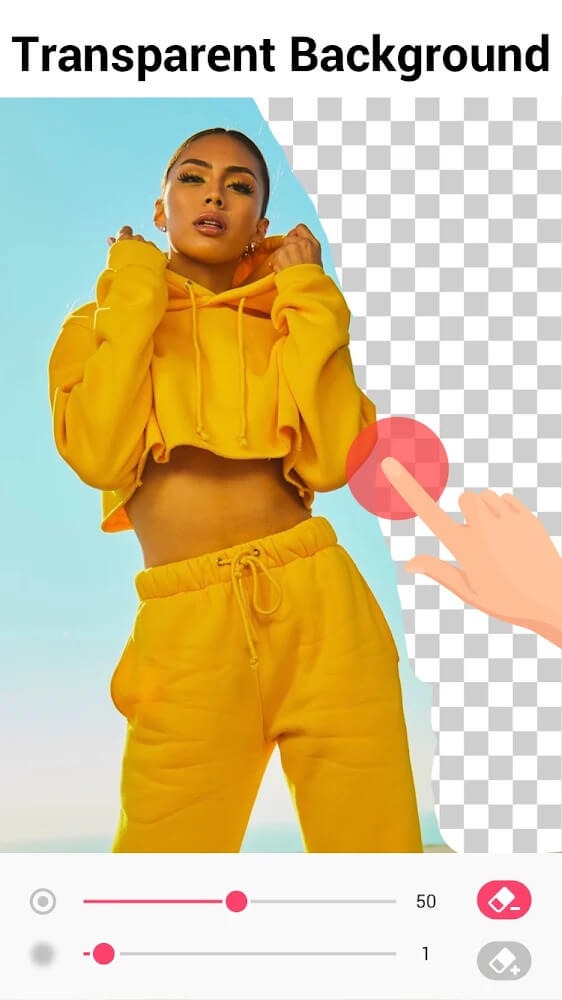
I've used this app, and loved it, for several years and find it really good. I make custom icons for my phone and the ability to remove backgrounds is perfect. Adds after every edit is a bit much, for me. I'd definitely pay for an adds free version. adds seem to have gotten longer between tasks, lately.
It does the one thing it intends to do really damn good, and that's remove the backgrounds on images. It's incredible at removing single-color backgrounds, and even some of the more complex ones it can handle. It's really versatile!
Outstanding app. Simple, easy to use interface. I've been using this for about a year pretty much every day with no problems. Reliable, just a great app! The AI (automatic) eraser function doesn't always work ( I'd like to be able to adjust the tolerance ) but that's never been a problem, just use a different function ( the magic eraser works great!). And, unlike other apps, it actually works on a mobile device. A++. Great job, Devs! well done.
best way to remove backgrounds I've ever used, versatile, precise, the magic eraser tool is especially nice, a lot of other programs make you trade speed for precision and convenience, but with this one you can just go in with magic eraser and patch up any little mistakes.
Through this, Background Remover is one of the valuable tools that we are always looking for. Not only is the application unique in terms of appearance, but the application also creates a feeling of being in the presence of new features. Own this great application right away to be able to conquer the races and contests full of unique images.
Size:18.40MB Version:35.3.0
Requirements:Android Votes:586
Package Name:com.handycloset.android.eraser Signature:fe970839a1d9e0c41de5a951cfde18b0
Visuals serve as a primary gateway for players to engage with games, where distinctive art direction immediately captures attention and creates lasting impressions. An unconventional aesthetic not only stands out in crowded markets but also enhances immersion and emotional connection. When executed with creativity and polish, striking visuals elevate gameplay into a memorable artistic experience. That's why titles with truly exceptional art styles deserve recognition - they offer both visual delight and meaningful interactive expression that resonates with players long after the session ends.
Enhance your photos effortlessly with the best free photo editing apps for Android! Whether you want to apply stunning filters, adjust brightness and contrast, remove blemishes, or create professional-quality edits, these apps offer powerful tools at your fingertips. From simple one-tap enhancements to advanced editing features like background removal and AI-powered effects, you can transform your images with ease. Explore a wide range of user-friendly and feature-rich apps, all available for free download. Start editing and make your photos stand out today!
The demand for taking and editing images is increasing among modern people, and free image editing software has become an ideal choice to meet this demand. Through these apps, users can easily edit images, including cropping, rotating, adjusting brightness and contrast, and more. At the same time, they also provide rich filters and special effects to make your photos more vivid and artistic. In addition, these software also support adding elements such as stickers, text, and graffiti to make your pictures more personalized. Most importantly, these apps are very easy to use and do not require professional skills. Just a few steps can make your photos stand out. Whether you want to post a stunning photo on social media or add some creativity to your album, these free photo editing apps can meet your needs. Try one out!
About us | Contact us | Privacy policy| DMCA
Copyright © 2026 Xiaohei All rights reserved.