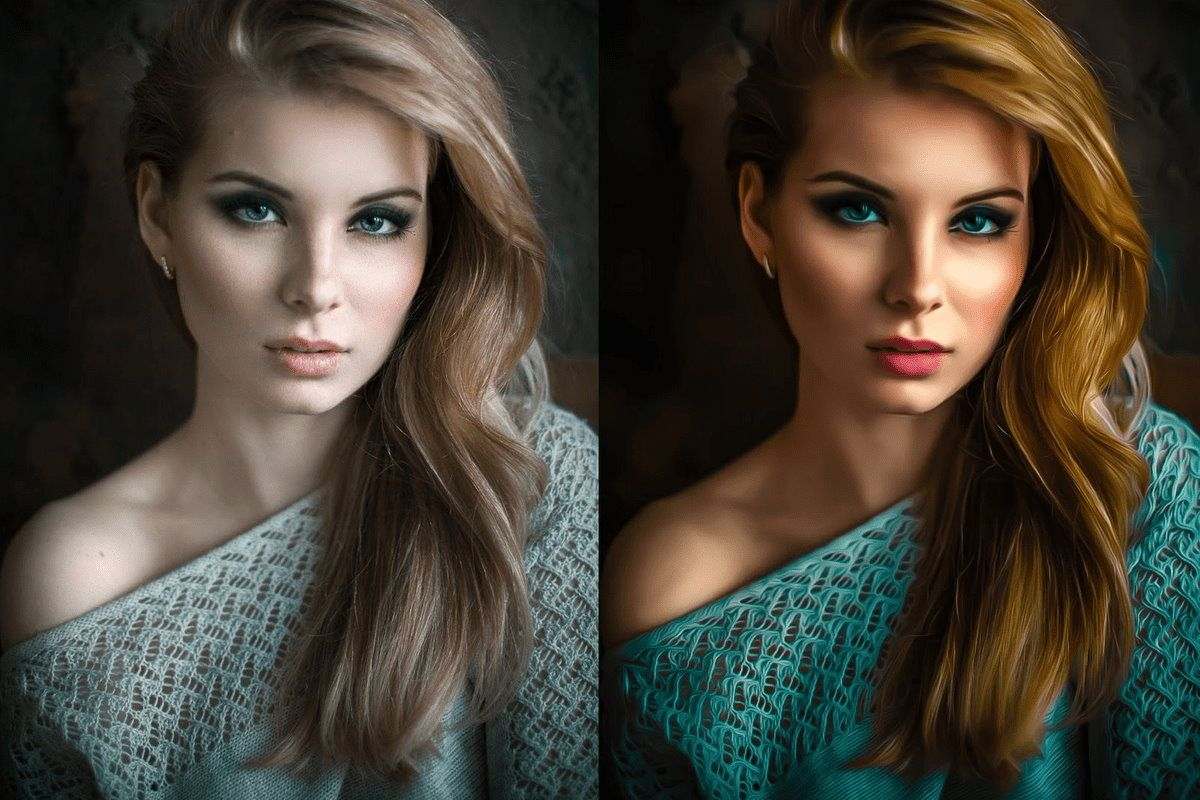
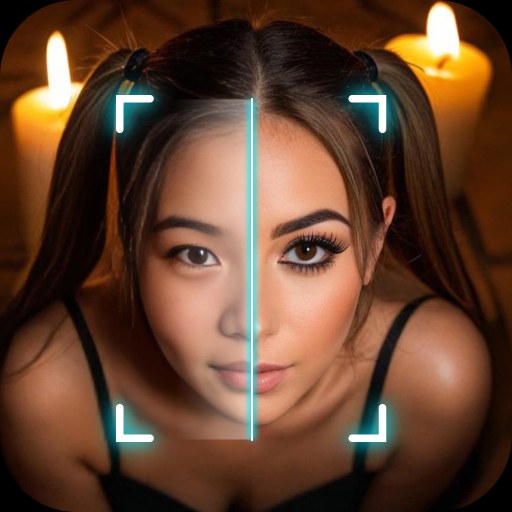
PicCut is an image editor for Android that allows users to import an unlimited number of photos for editing. You can cut out subjects from images or replace their backgrounds using an extensive built-in library of background options. The app supports a wide range of image formats. Users can also fine-tune color values—adjusting settings like brightness and saturation—to create the perfect image. Additionally, the app lets you add stickers and emojis to bring a touch of fun to your photos. It can even restore damaged or flawed images, bringing them back to their original quality.
Cutouts and Background Replacement
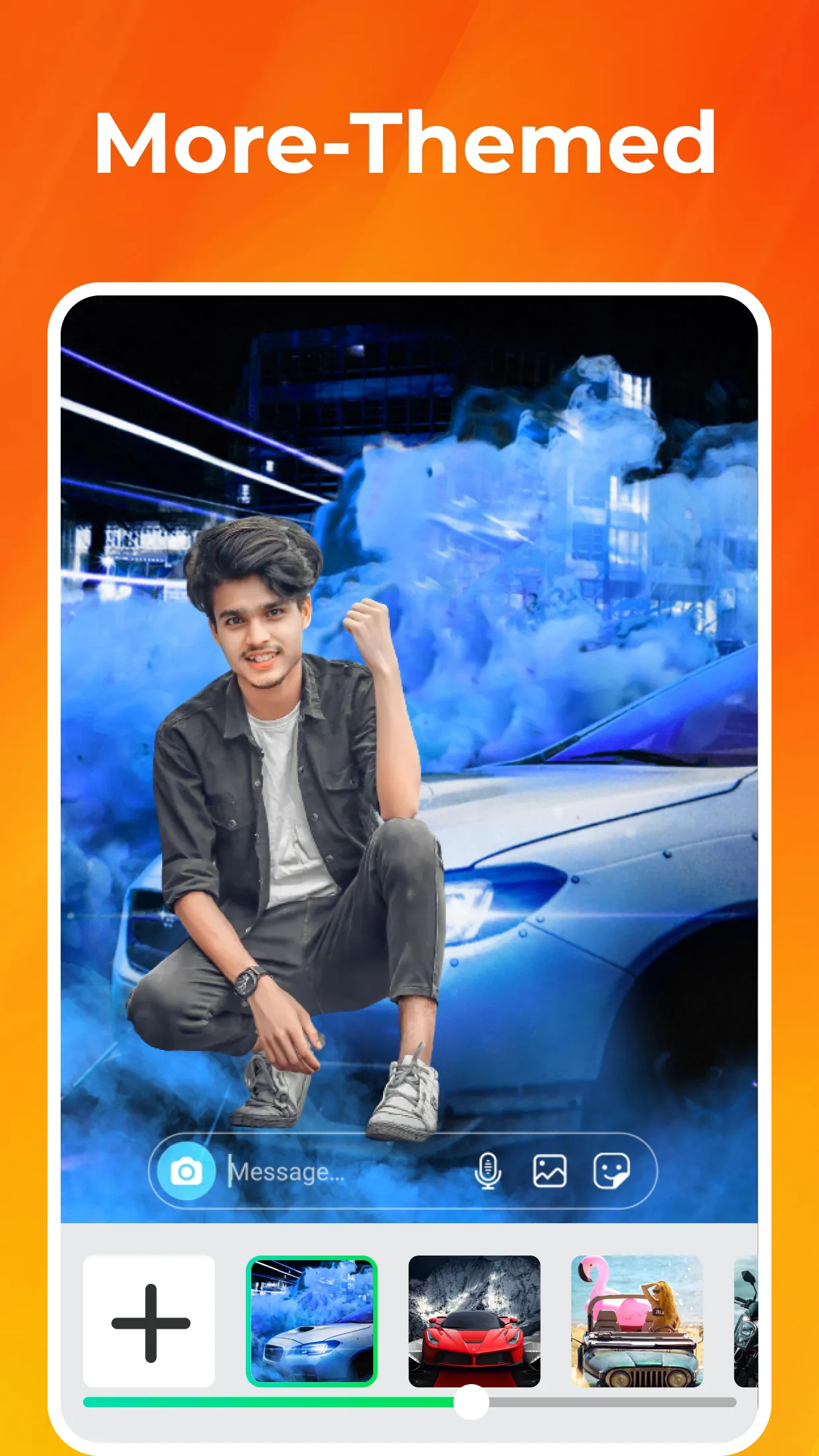
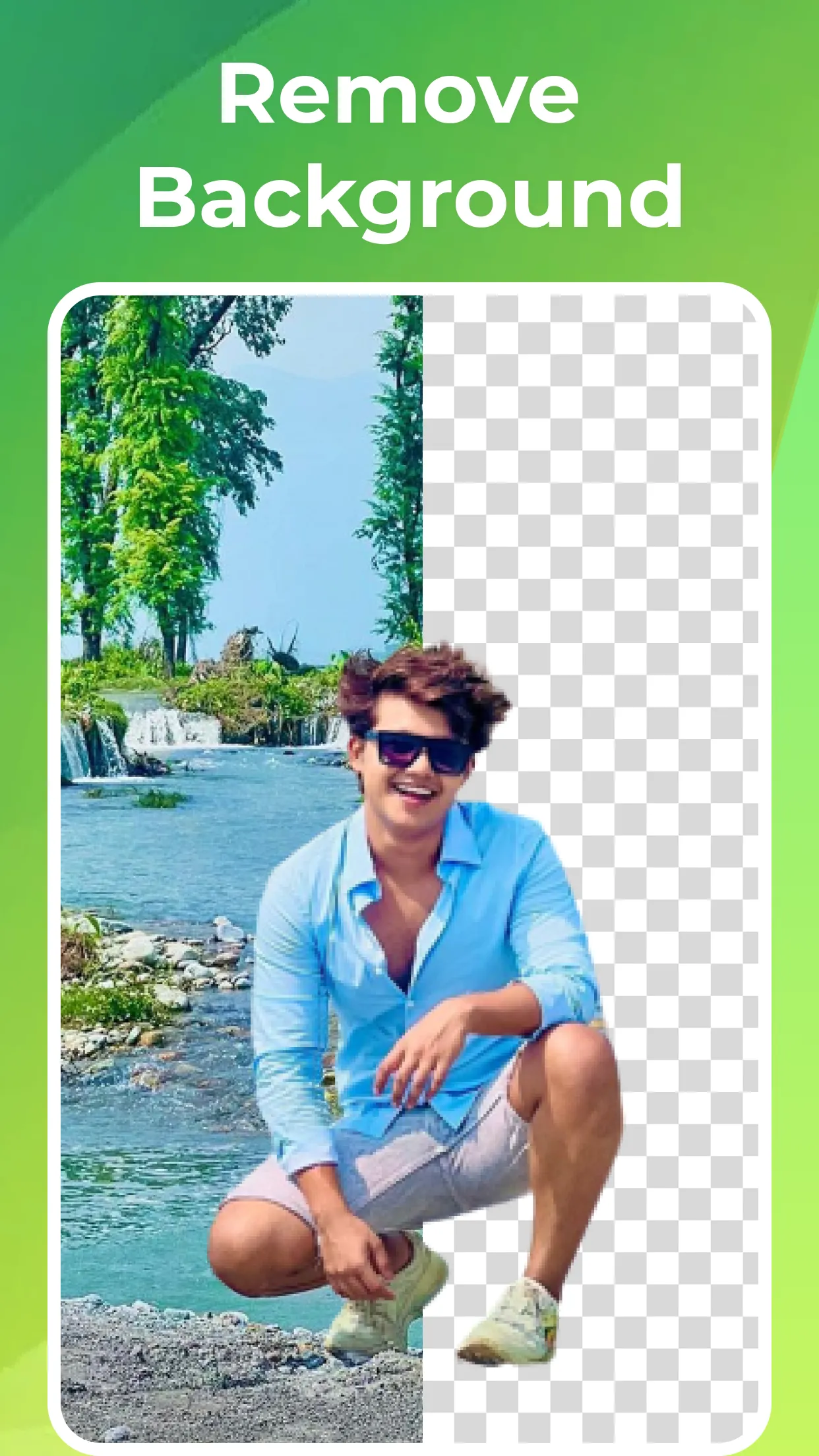
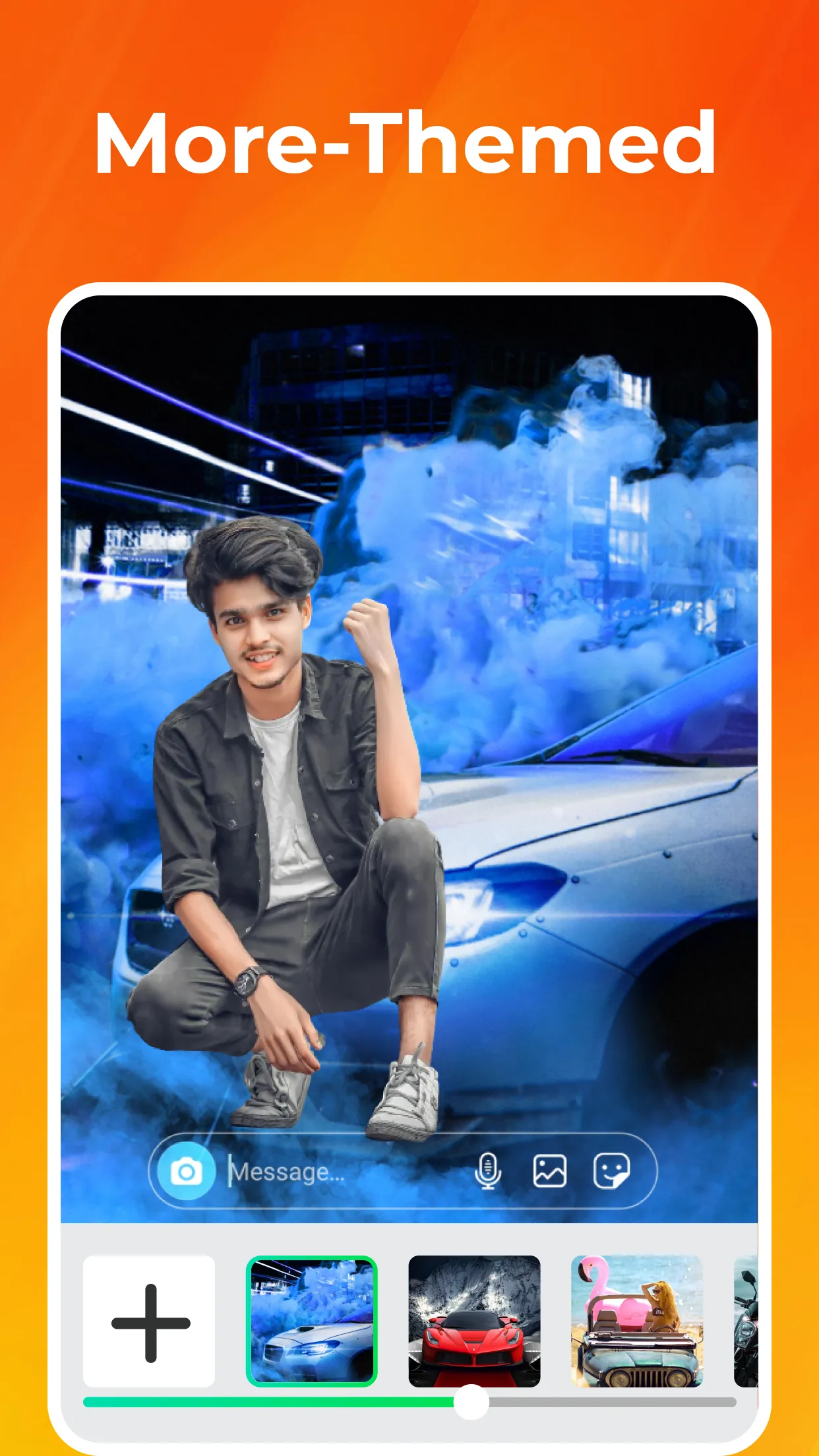
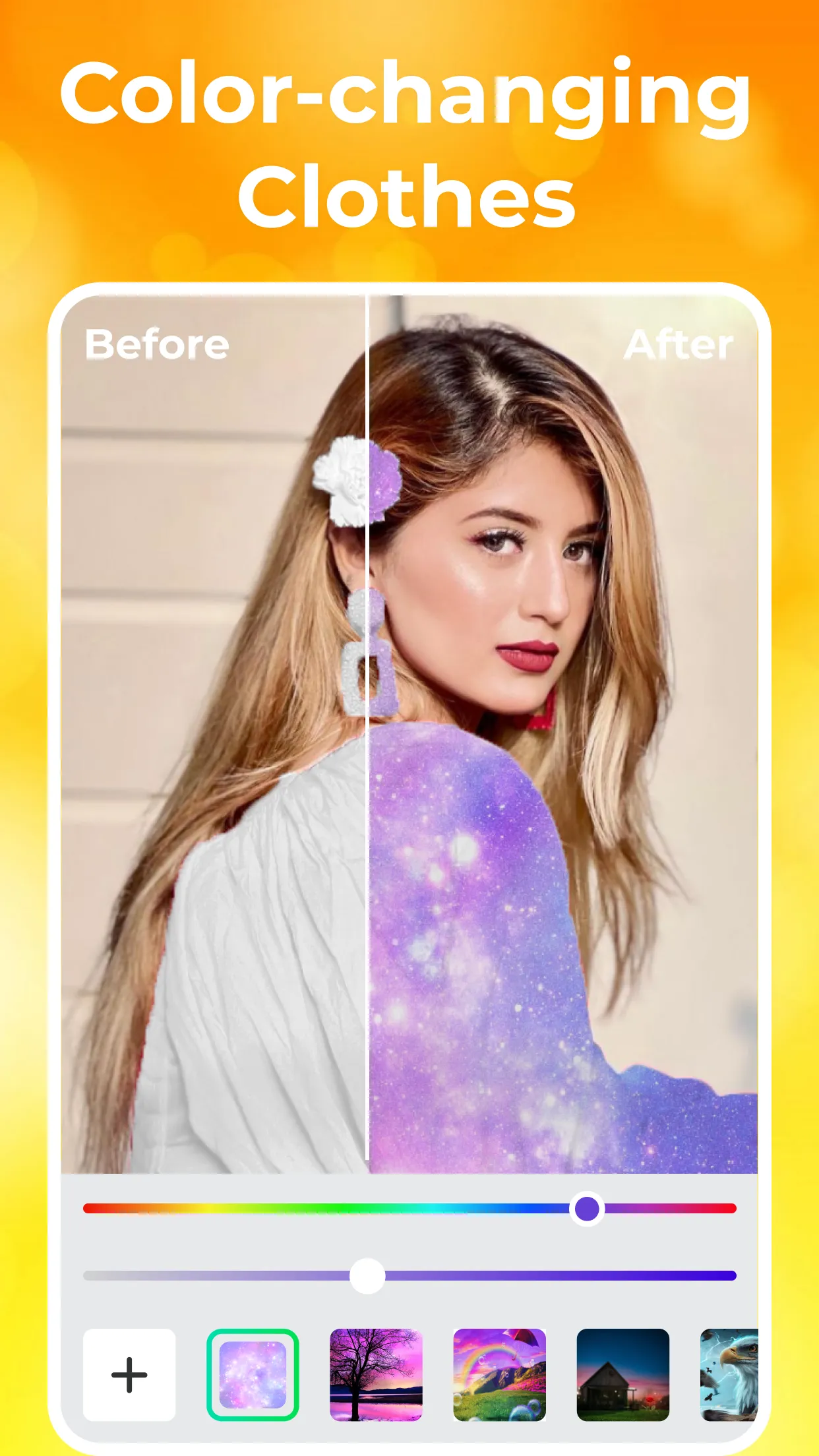
PicCut makes it easy to cut out subjects and swap in new backgrounds. Whether you want to remove a distracting background or simply try a different style, PicCut has you covered. Its advanced technology allows for precise selection—even of the most complex shapes—all within an intuitive, user-friendly interface. Choose from a vast collection of customizable backgrounds to give your photos a brand-new look in an instant.
Color Adjustments
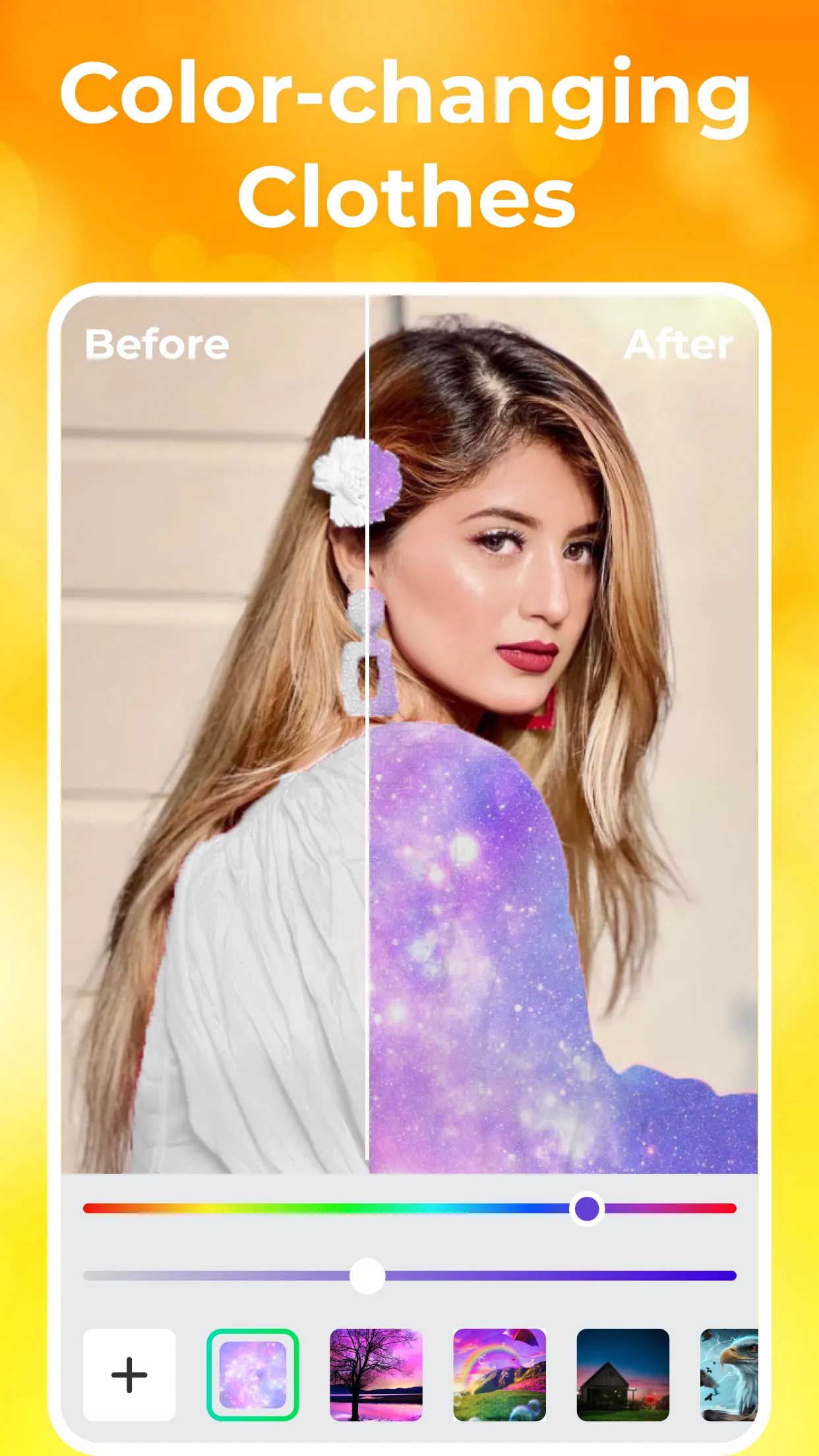
Beyond cutting out subjects and changing backgrounds, PicCut lets you tweak color values to suit your preferences. Whether you want your photos to be brighter, more vibrant, or more dramatic, PicCut provides the tools you need. Use simple, easy-to-handle sliders to fine-tune parameters like brightness, saturation, and contrast to achieve the perfect result.
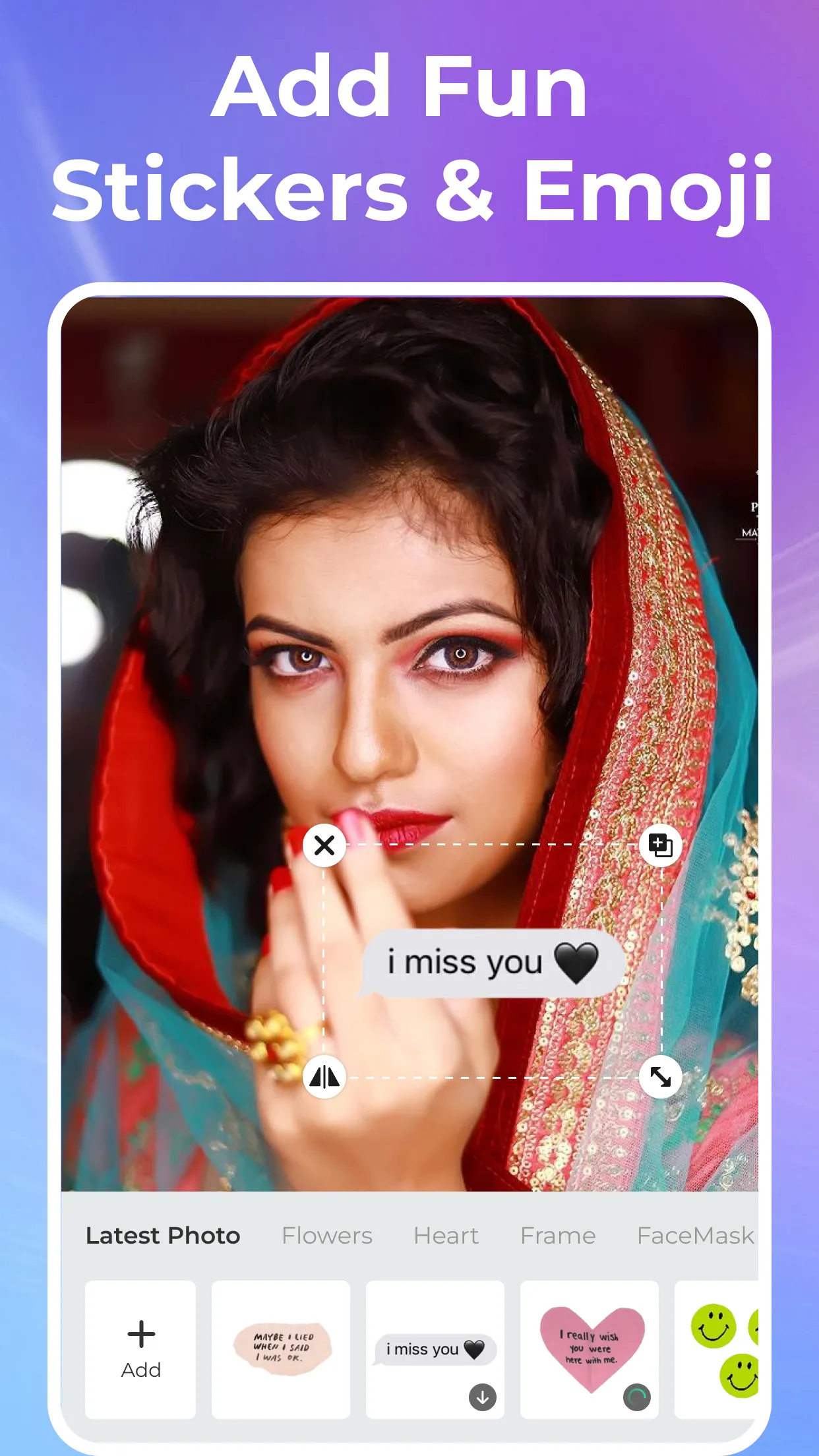
Add Fun Stickers and Emojis
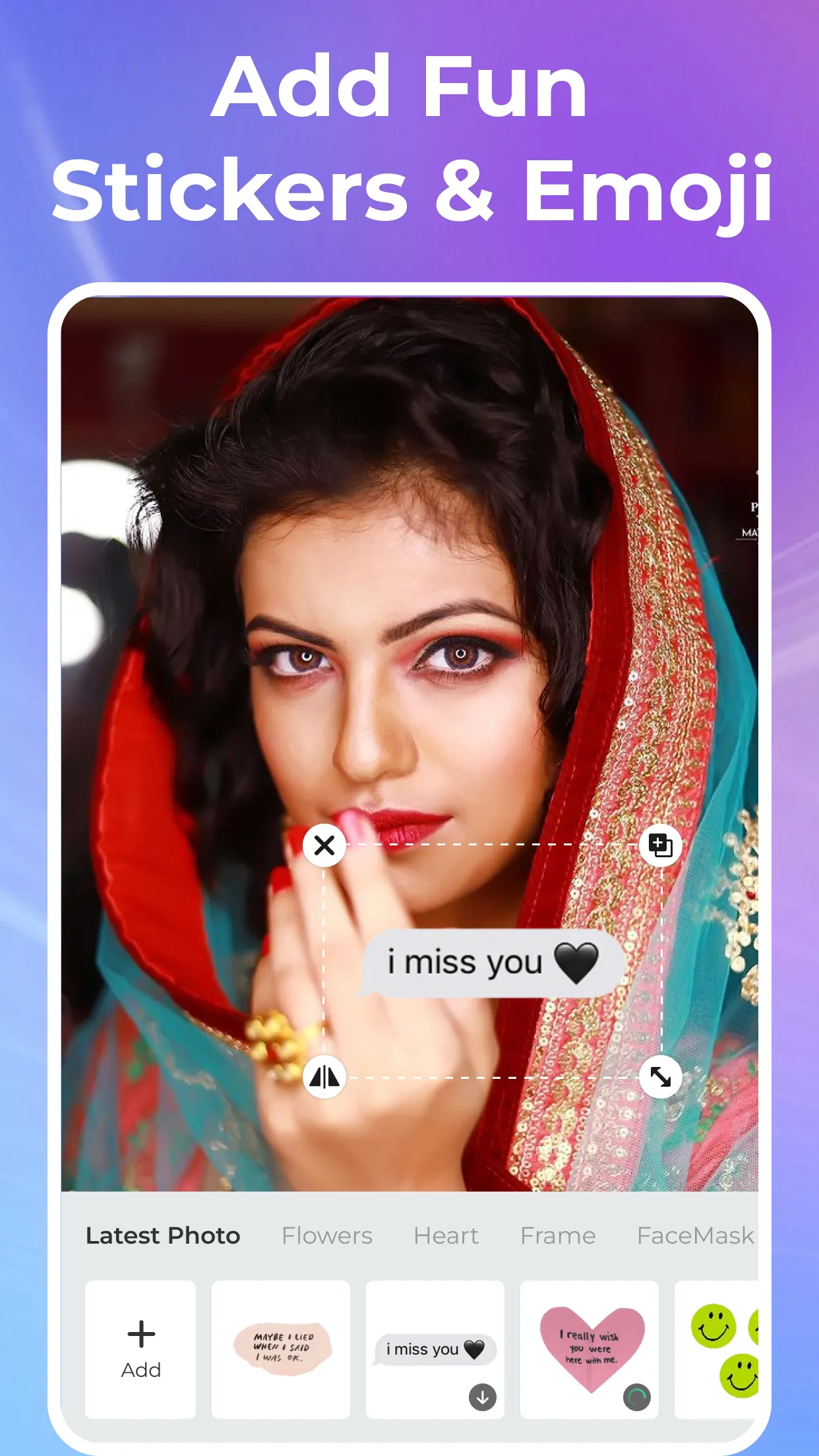
PicCut also makes it simple to add playful stickers and emojis to your photos. With a massive selection to choose from, you can bring your images to life and express yourself in a unique, creative way. Whether you want to inject some humor, set a specific mood, or just make your photos more entertaining, PicCut has everything you need.
Share Your Masterpieces with the World
Once you’ve finished editing, you can easily share your masterpieces with the world. Whether you want to post your photos on social media, send them to friends and family, or simply save them to your device, PicCut makes the process seamless. With high-quality export options, you can ensure your photos look flawless, no matter where you share them.
Supports a wide range of common image formats—such as JPEG and PNG—allowing you to choose the best one for your needs.
Features fast image import and export, making it easy to bring photos from your gallery or other apps into PicCut for editing.
Boasts a clean, intuitive user interface that is easy to learn, enabling you to complete your photo editing and processing tasks quickly.
Supports batch processing, allowing you to edit and handle multiple images at once to boost your productivity.
Capable of removing blemishes and repairing damaged areas in old photos, restoring them to their original beauty.
Pros:
User-friendly interface
Fun stickers and emojis
Subject cutout and background replacement capabilities
Simple sliders for common color adjustments
Direct social media sharing and high-quality export options
Cons:
Tacky design
Limited customization options
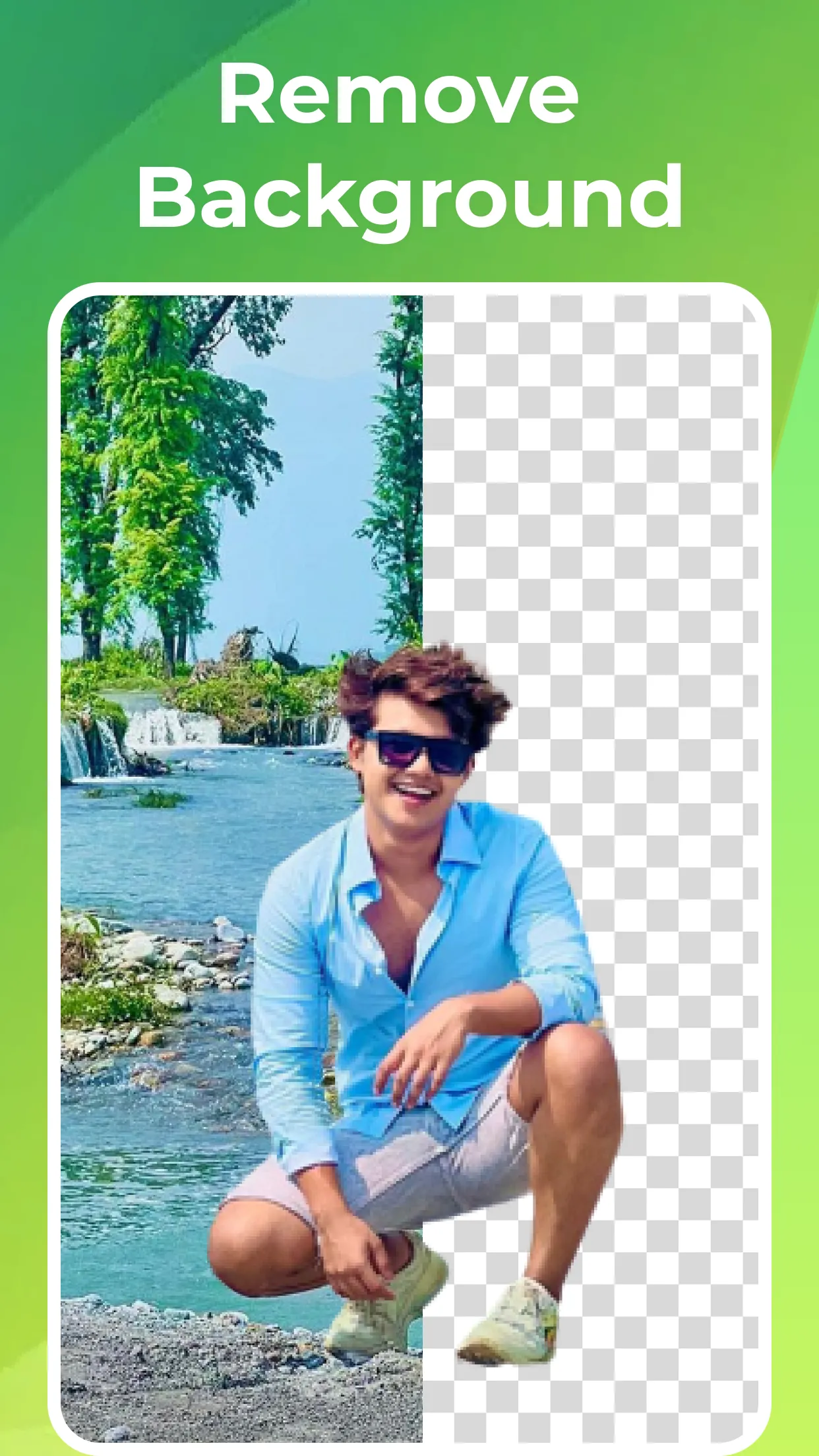
PicCut is perfect for anyone looking to elevate their photo editing. Whether you are a professional photographer or a casual user, it makes creating stunning photos effortless. The app offers a powerful suite of tools—from cutting out subjects and removing backgrounds to fine-tuning color values and adding stickers or emojis—it has everything you need.
Size:62.07MB Version:2.3.8
Requirements:Android Price:Free
Package Name:com.ai.piccut Signature:800e8d86fb8b9da3c99216be5d073e7c
Welcome to our image editing apps! Perfect for beginners and pros alike, they make photo enhancement easy. Use PicsArt to crop, adjust colors, and apply filters. Remove backgrounds instantly with Remove.bg. Get creative with layers and advanced tools on Adobe Photoshop Express. Start transforming your images today!
Visuals serve as a primary gateway for players to engage with games, where distinctive art direction immediately captures attention and creates lasting impressions. An unconventional aesthetic not only stands out in crowded markets but also enhances immersion and emotional connection. When executed with creativity and polish, striking visuals elevate gameplay into a memorable artistic experience. That's why titles with truly exceptional art styles deserve recognition - they offer both visual delight and meaningful interactive expression that resonates with players long after the session ends.
Enhance your photos effortlessly with the best free photo editing apps for Android! Whether you want to apply stunning filters, adjust brightness and contrast, remove blemishes, or create professional-quality edits, these apps offer powerful tools at your fingertips. From simple one-tap enhancements to advanced editing features like background removal and AI-powered effects, you can transform your images with ease. Explore a wide range of user-friendly and feature-rich apps, all available for free download. Start editing and make your photos stand out today!
About us | Contact us | Privacy policy| DMCA
Copyright © 2026 Xiaohei All rights reserved.