PicCollage is a comprehensive photo-editing application. This application features a user-friendly design, providing a vast library of design templates and backgrounds, allowing users to easily and flexibly create collage works that match their personal style and preferences. With PicCollage, users can transform their photos and videos into beautiful works that are easy to share and can be preserved forever. Furthermore, you can leverage a wide array of editing tools to infuse your work with your own unique flair, unleash your creativity, and produce spectacular slideshows.
Create photo collages, video collages, greeting cards, scrapbook pages, Insta stories & more
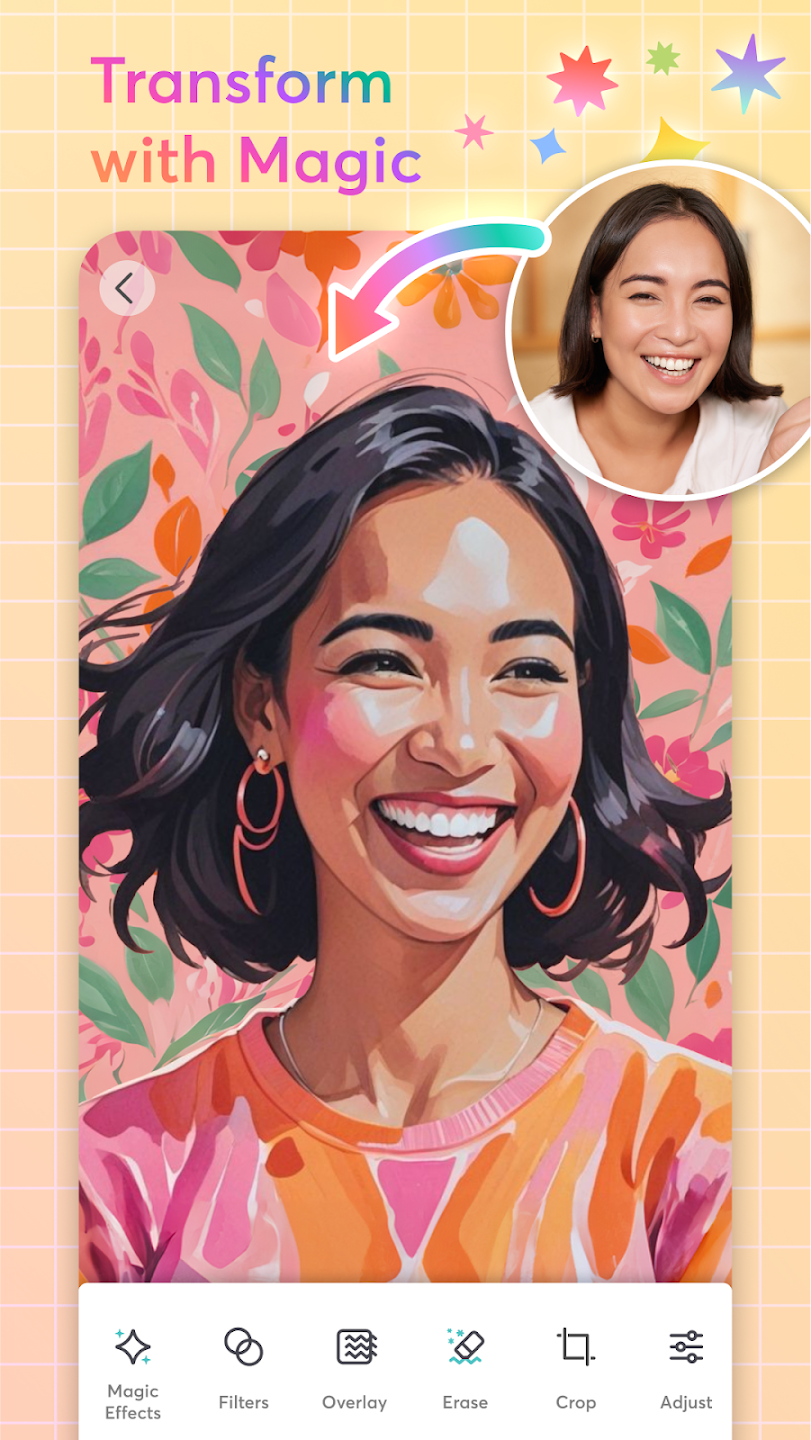
Edit photos, pictures & videos with our AI photo editor - filter, effects, retouch, and crop
Remove backgrounds with AI & expand images with Magic Expand
Use the background eraser to remove photo backgrounds instantly - no manual tracing needed. Background eraser lets you isolate subjects, create transparent images, and add them to any collage layout.
Use grid layouts & animated templates with firework and confetti animations
Decorate with fonts, stickers, doodles, crayon borders, film frame effects, and scrapbook paper-tear borders
Easy to Use: PicCollage is designed to be user-friendly, allowing anyone to create collages and designs with their own photos and videos.
Personal Touch: Features like Cutout, Doodle, and Animation allow users to add their own unique touch to their creations, making them stand out.
Multiple Pages: The ability to add multiple pages expands the canvas for creativity and allows users to create collages with different layouts or tell a story with their photos and videos.
Animated Templates: Users can start with pre-designed templates or add fun animations to their collages, giving them a special finishing touch.
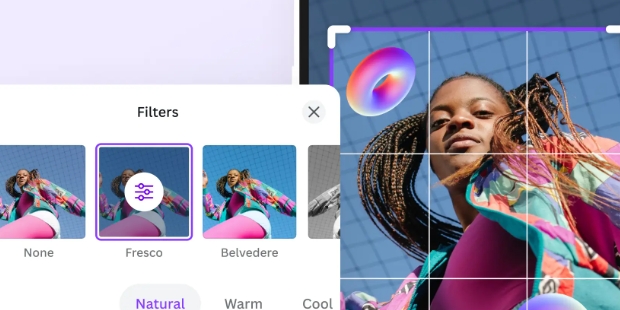
Versatile Editing Tools: With Crop & Edit, users can adjust their photos, apply filters, and experiment with editing effects to achieve the perfect look for their collages.
Variety of Elements: PicCollage offers a wide range of stickers, backgrounds, cards, and doodle options, giving users access to thousands of design elements to enhance their creations.
Pros
Import pics from Facebook
Add pics to backgrounds or add stickers
Go freestyle to make your own collage
Cons
A little tricky to use at times
Is PicCollage free to use?
Yes, PicCollage is free to download and use, with the option to purchase premium features for additional customization options.
Can I share my collages directly from the app?
Yes, you can easily share your collages on social media platforms or via email directly from the app.
How many photos can I include in a collage?
There is no limit to the number of photos you can include in a collage, allowing for endless creativity and personalization.
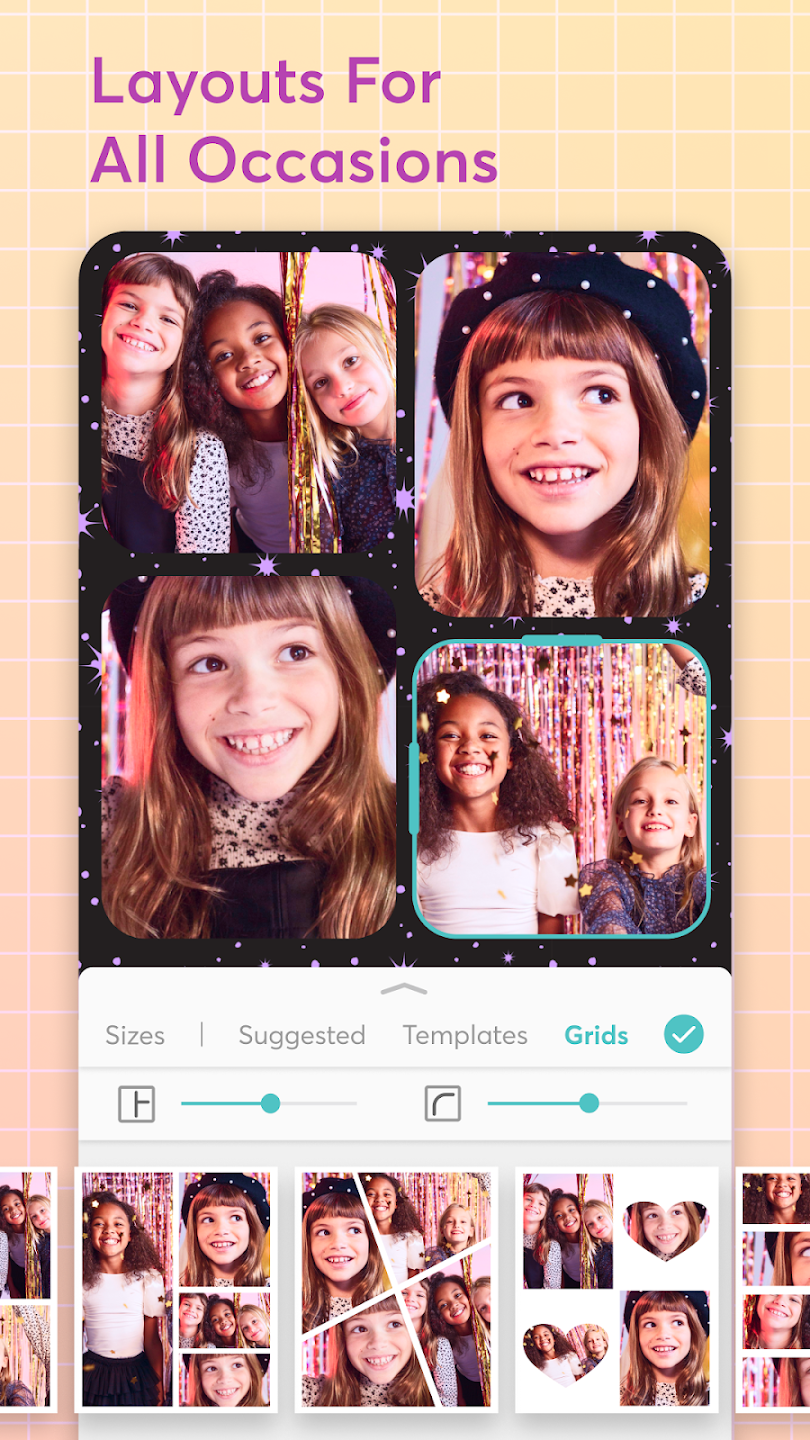
With PicCollage, it's very easy to change the layout of your photos, as you can rotate and enlarge your photos at will and choose between different templates. PicCollage is a very simple and entertaining photo editing app thanks to which you can create cool collages in a matter of seconds.
Size:59.02MB Version:7.31.9
Requirements:Android 12.0+ Votes:306
Package Name:com.cardinalblue.piccollage.google Signature:af640205aad64f0c9c4aaaa445df031d
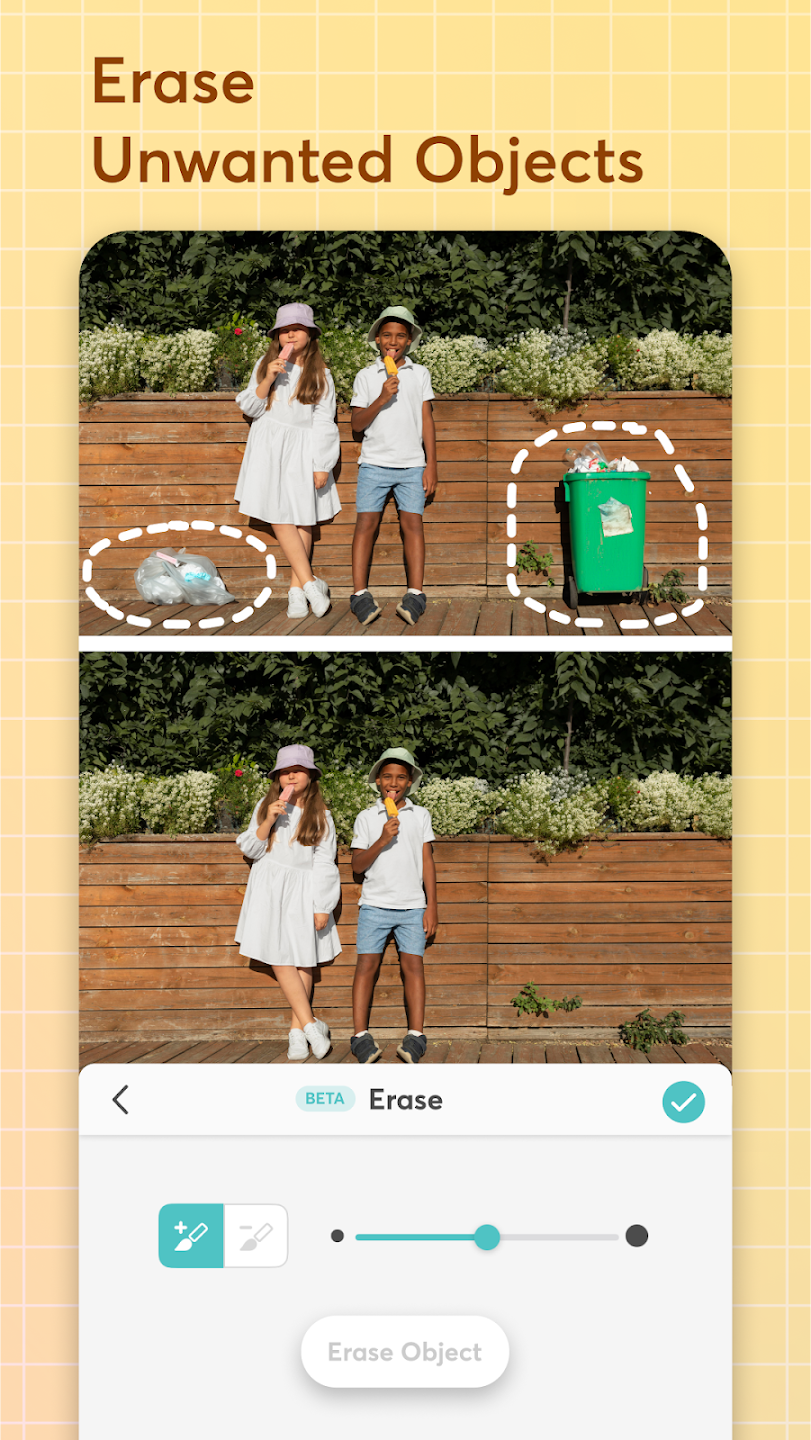
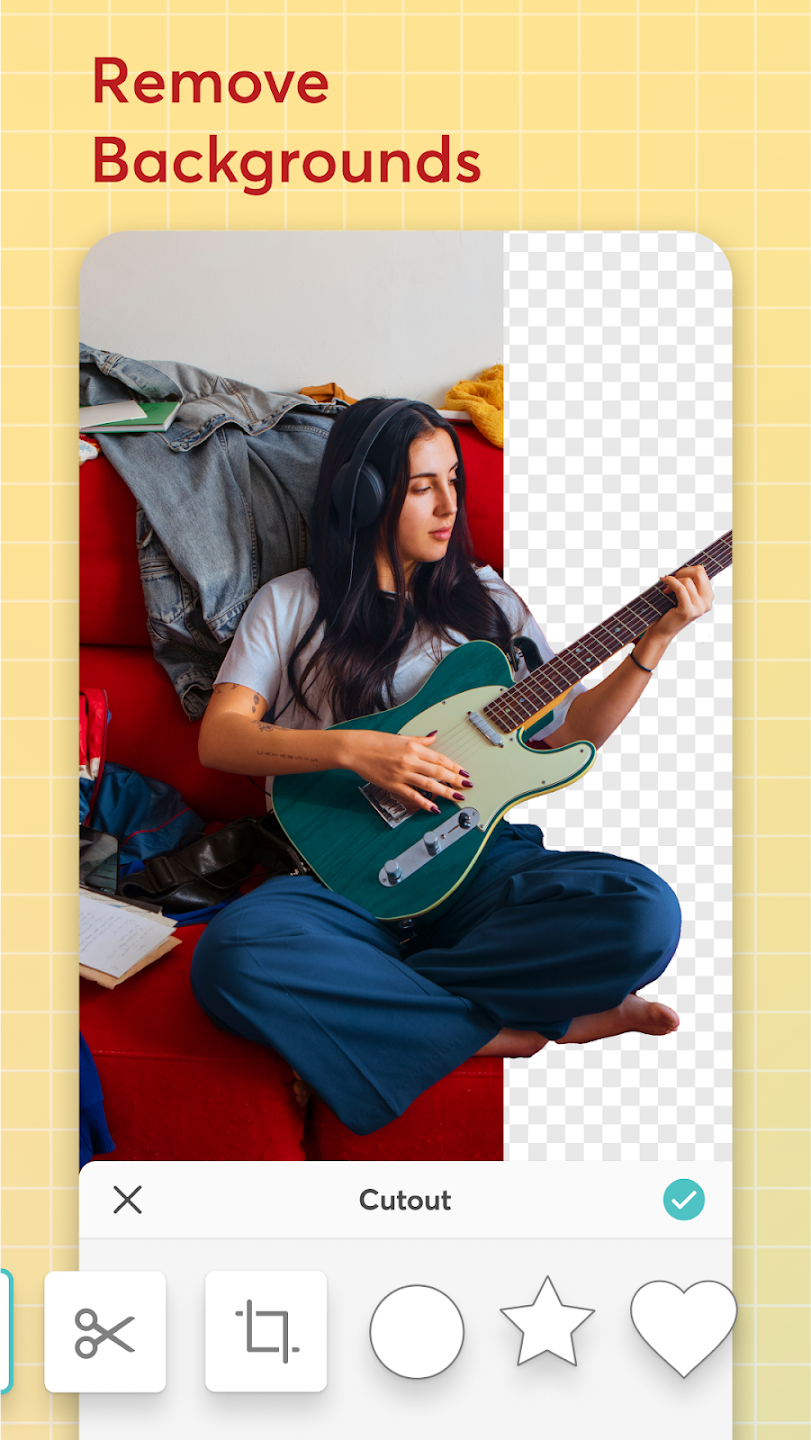
Welcome to our image editing apps! Perfect for beginners and pros alike, they make photo enhancement easy. Use PicsArt to crop, adjust colors, and apply filters. Remove backgrounds instantly with Remove.bg. Get creative with layers and advanced tools on Adobe Photoshop Express. Start transforming your images today!
Photography is an art form that has been around for over a century and has evolved greatly over the years. With the advent of technology, photography has become more accessible and convenient, especially with the rise of mobile photography. Mobile photography has revolutionized the field of photography, making it possible to capture and edit high-quality photos right from your smartphone. As mobile photography continues to grow in popularity, there is an abundance of mobile apps available for photography enthusiasts. However, with so many options available, it can be difficult to determine which apps are worth your time and investment. In this article, we’ll take a look at the top mobile apps for photography and provide you with a comprehensive guide to help you choose the best app for your needs.
Nowadays, with the popularity of intelligent technology, this new intelligent technology will provide faster content creation in daily life. In the face of today's intelligent landscape application creation, it supports the creation of text content for different themes, provides intelligent image creation and painting, and even realizes various personalized AI creation functions such as intelligent image cutout. In terms of using intelligent tools, you can gain more information, knowledge and inspiration. The editor recommends the following popular AI creation tools for you to experience the help that intelligent AI brings to different scenarios such as life, work, and study.
About us | Contact us | Privacy policy| DMCA
Copyright © 2026 Xiaohei All rights reserved.