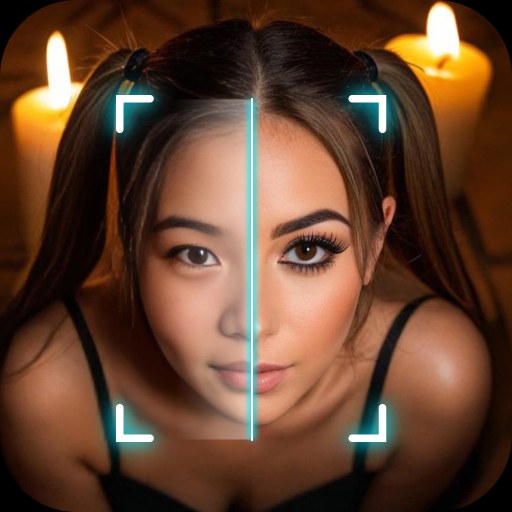
X PhotoKit is an image editor for Android that allows users to perform a wide range of basic photo editing tasks. By uploading a photo, users can leverage the app’s AI-powered face-swapping tool. The software also offers an extensive collection of templates and filters, suitable for various occasions. Additionally, users can combine multiple photos into a single image—perfect for creating panoramic views. The app also supports features like blurring and adding stickers. Furthermore, it includes tools for retouching portraits, helping users refine both body and facial features. With its versatile range of functions, X PhotoKit is well-suited to meet the diverse needs of all types of users.
AI Face-Swapping
Simply upload a selfie to seamlessly swap your face into a selected image. Intelligent algorithms ensure a natural, realistic result, offering you a fresh and creative experience.
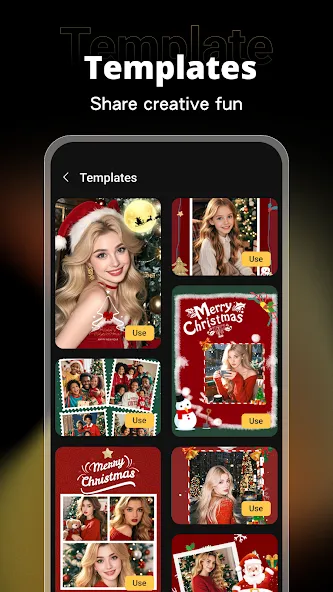
Photo Templates
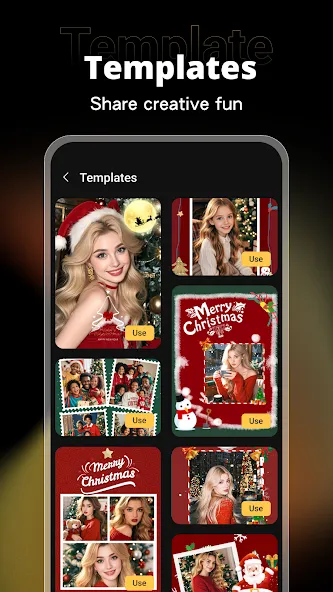
Choose from a variety of templates designed for different occasions, making it easy to create professional-quality posters, covers, and more.
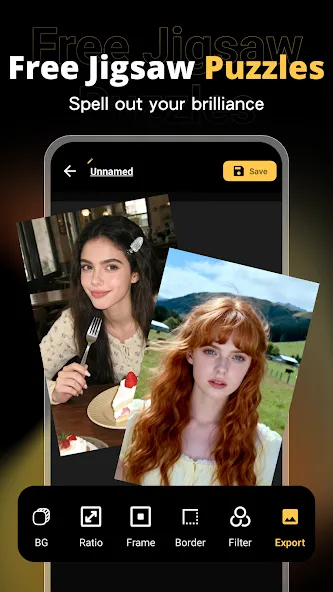
Image Stitching
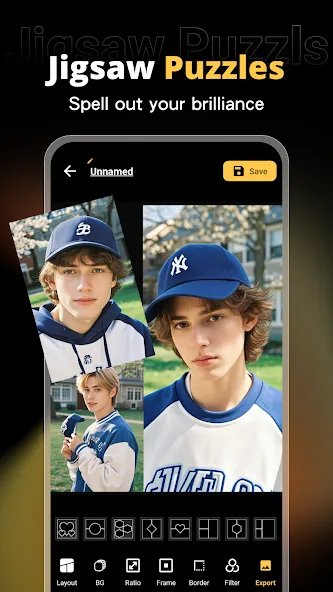
Combine multiple photos into a single wide or vertical image—ideal for showcasing panoramic scenes or capturing extra detail.
Easy to Use
Designed for everyone, X PhotoKit is both simple to use and powerful enough to handle all your photo editing needs.
Use Cases
Social Media Sharing: Use the AI face-swapping feature to create fun, engaging photos that spark conversation on your social media channels.
Travel Memories: Stitch together multiple travel photos to create a panoramic narrative that captures every highlight.
Holiday Greetings: Use templates to craft beautiful holiday cards or posters, adding a warm, festive touch.
Personal Portraits: Enhance your photos with filters and editing tools to build your own unique collection of artistic images.
Commercial Design: Create high-quality promotional visuals for e-commerce or personal branding—no professional skills required—using a wealth of templates and customizable editing options.
Blur Photo Editor
An essential tool for adding blur, this editor features an advanced blurring brush. It allows you to selectively blur specific parts of an image, achieving a professional, DSLR-style depth-of-field effect. Additionally, you can use the eraser tool to remove blurred areas and fine-tune the blur intensity to your personal preference.
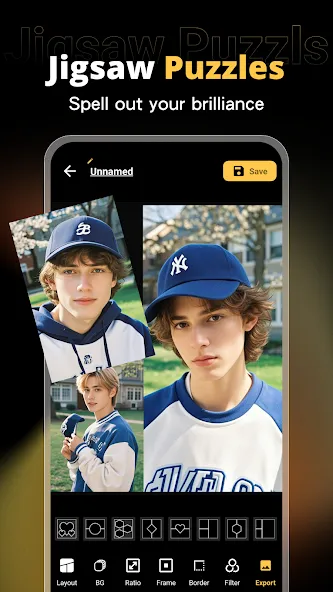
Creating Collages
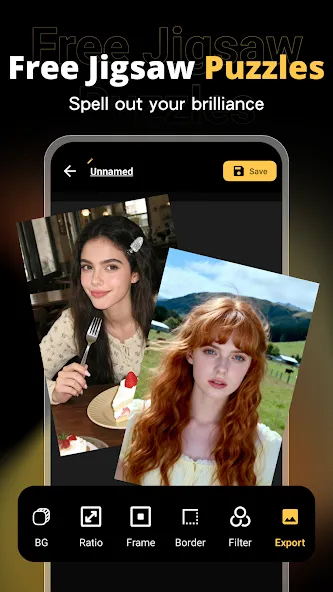
The photo collage feature is incredibly powerful, capable of transforming your photos into creative masterpieces. It allows you to completely reimagine your images, crafting unique settings that align with your personal taste—for instance, beautifully documenting your travels to world-famous landmarks. Furthermore, these collages create striking visual effects. X PhotoKit offers a rich graphical user interface that enables you to work with your photos efficiently. You can combine two or more images—up to 18 at once—giving you complete freedom to explore and design.
Aesthetic Photo Editor
This aesthetic photo editor lets you infuse your photos with trendy "glitch art" effects. Embark on a psychedelic visual journey as you explore these captivating glitch elements. If you appreciate an aesthetic style, this photo editor is an essential tool to have in your kit.
Filters and Effects
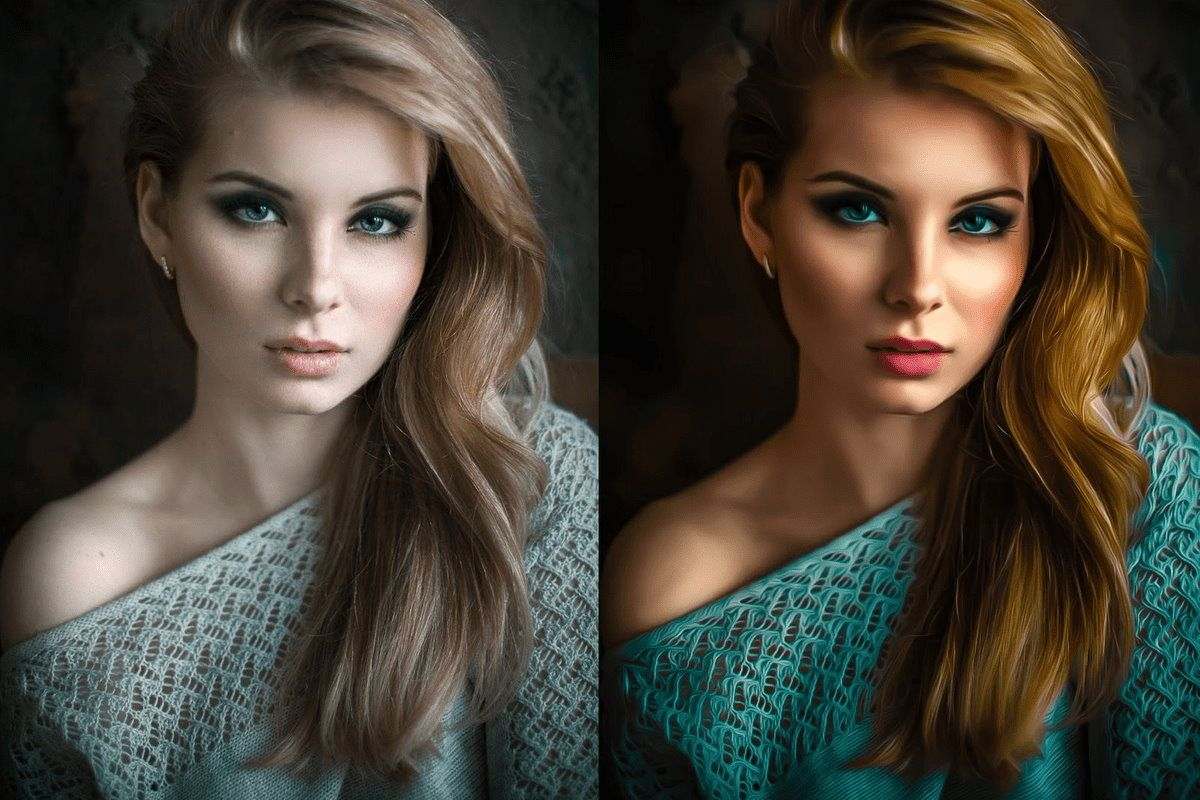
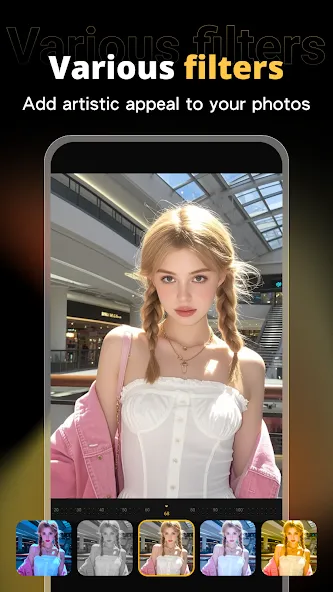
Everyone wants their photos to stand out and authentically reflect their personal style; this is where filters and special effects play a crucial role. X PhotoKit features hundreds of filters designed specifically to enhance your images. These filters can instantly shift color dynamics, help conceal imperfections on the face or body, and allow you to control the overall tone of your photos. You can also add unique special effects to highlight specific areas, making them pop and effectively grabbing the viewer's attention.
Pros:
Combines photo correction, templates, collages, stitching, and face-swapping features.
Includes practical controls for adjusting color, white balance, brightness, and contrast.
Supports custom borders and backgrounds for collages.
Offers both ready-made templates and the option to design from scratch.
Cons:
The free version may be interrupted by advertisements.
Additional tools and designs require a paid subscription.
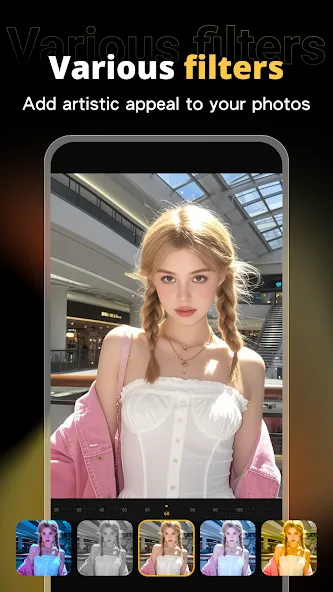
X PhotoKit features a clean, intuitive interface that makes it easy for even beginners to get started. It comes equipped with a range of powerful editing tools to help you create a wide variety of images.
Size:104.92MB Version:4.8.5
Requirements:Android Price:Free
Package Name:com.xphotokit.app Signature:9ebef3e5a9dfed289eeceefed1899bfb
Welcome to our image editing apps! Perfect for beginners and pros alike, they make photo enhancement easy. Use PicsArt to crop, adjust colors, and apply filters. Remove backgrounds instantly with Remove.bg. Get creative with layers and advanced tools on Adobe Photoshop Express. Start transforming your images today!
Visuals serve as a primary gateway for players to engage with games, where distinctive art direction immediately captures attention and creates lasting impressions. An unconventional aesthetic not only stands out in crowded markets but also enhances immersion and emotional connection. When executed with creativity and polish, striking visuals elevate gameplay into a memorable artistic experience. That's why titles with truly exceptional art styles deserve recognition - they offer both visual delight and meaningful interactive expression that resonates with players long after the session ends.
Enhance your photos effortlessly with the best free photo editing apps for Android! Whether you want to apply stunning filters, adjust brightness and contrast, remove blemishes, or create professional-quality edits, these apps offer powerful tools at your fingertips. From simple one-tap enhancements to advanced editing features like background removal and AI-powered effects, you can transform your images with ease. Explore a wide range of user-friendly and feature-rich apps, all available for free download. Start editing and make your photos stand out today!
About us | Contact us | Privacy policy| DMCA
Copyright © 2026 Xiaohei All rights reserved.