Horizon Camera is an excellent photography tool. This app offers innovative zoom capabilities and high-quality recording features, with a variety of built-in real-time filters, allowing users to capture every wonderful moment from a superb landscape perspective. With Horizon Camera, users can simply clean the device and zoom in or out during recording without complicated gestures, easily capturing perfect footage. At the same time, you can try a variety of filters and enhance the atmosphere and style of your videos by experiencing different real-time filters.

Video resolutions include VGA, HD and Full HD depending on the device.
Save to your SD card.
Start/stop video recording using the hardware camera button, or volume buttons.
Take photos while recording.
Three video quality options to help you manage storage space: High, Medium, Low.
Three leveling modes include: Flex, the frame is always adjusted for maximum viewport; Rotate, the frame stays fixed; and Locked, the auto-leveling is disabled.
Other apps can launch Horizon to record a video for them.
THE WAR AGAINST VERTICAL VIDEOS
The issue with vertical videos is genuine. It’s such a global challenge that it’s a modern-day epidemic: the Vertical Video Syndrome (VVS). Horizon Camera is our savior, the much-needed antidote for this pervasive malaise. According to Android Police, Horizon Camera “wages war on vertical videos,” and it does so using an unexpected ally, your device’s accelerometer. The app cleverly uses this feature to ensure your videos are always parallel to the ground, making your smartphone a nifty 1-axis gimbal rig.
YOUR VIDEO, YOUR RULES
Take the reins and manipulate your content the way you want it. With Horizon Camera, you have options at your fingertips whether toggling between the back and front camera or opting for different video resolutions, including VGA, HD, and Full HD. Your recording, your rules! Need to save to your SD card? Sure thing. Fancy starting/stopping recording using the hardware camera button or volume buttons? Absolutely. You can even take photos while recording!
FEATURES THAT PACK A PUNCH
Unleashing the power of Horizon Camera means accessing a plethora of compelling features. The app offers three video quality options: High, Medium, and Low, to help you manage your storage space efficiently. You can also enjoy three leveling modes: Flex, Rotate, and Locked, giving you complete control over your video’s orientation. Did we mention other apps that can launch Horizon to record a video? Yes, it’s that versatile and handy!
IN-APP PURCHASES THAT PAY OFF
While Horizon Camera offers an incredible experience for free, some nifty extras make it even better. Unlock additional functionality like priority customer support, the removal of the Horizon logo, ad removal, and access to future features through in-app purchases. The choice is yours: stick with the impressive free version or enhance your experience with these premium perks.

Experiment with tilt to zoom: Try different angles and movements to achieve unique zoom effects.
Utilize real-time filters: Enhance the mood of your videos by applying different filters while recording.
Take advantage of slow motion support: Record impressive slow motion videos at 60 or 120 FPS for added impact.
Explore the different leveling modes: Choose between Flex, Rotate, and Locked for the most suitable leveling experience.
Practice capturing horizontal content: Embrace the ease of capturing perfectly horizontal videos and photos with Horizon Camera.
In the settings, you can choose the video quality you want, and the type of stabilization too. You can also choose to see advanced information on the video you are recording. Horizon Camera is an excellent camera app that helps you avoid filming vertical videos, which is particularly helpful if you want to share them on Facebook or YouTube later.
Size:4.47MB Version:1.6.1.0
Requirements:Android 6.0+ Votes:554
Package Name:com.hvt.horizon Signature:c54f58393a0ce8d4e79aef90aeca9673


A collection of essential beauty camera tools designed to instantly enhance your photos. Whether you’re perfecting your selfies or creating stunning images, these tools help you achieve flawless results with just a few taps. Ideal for anyone looking to elevate their photo game effortlessly.
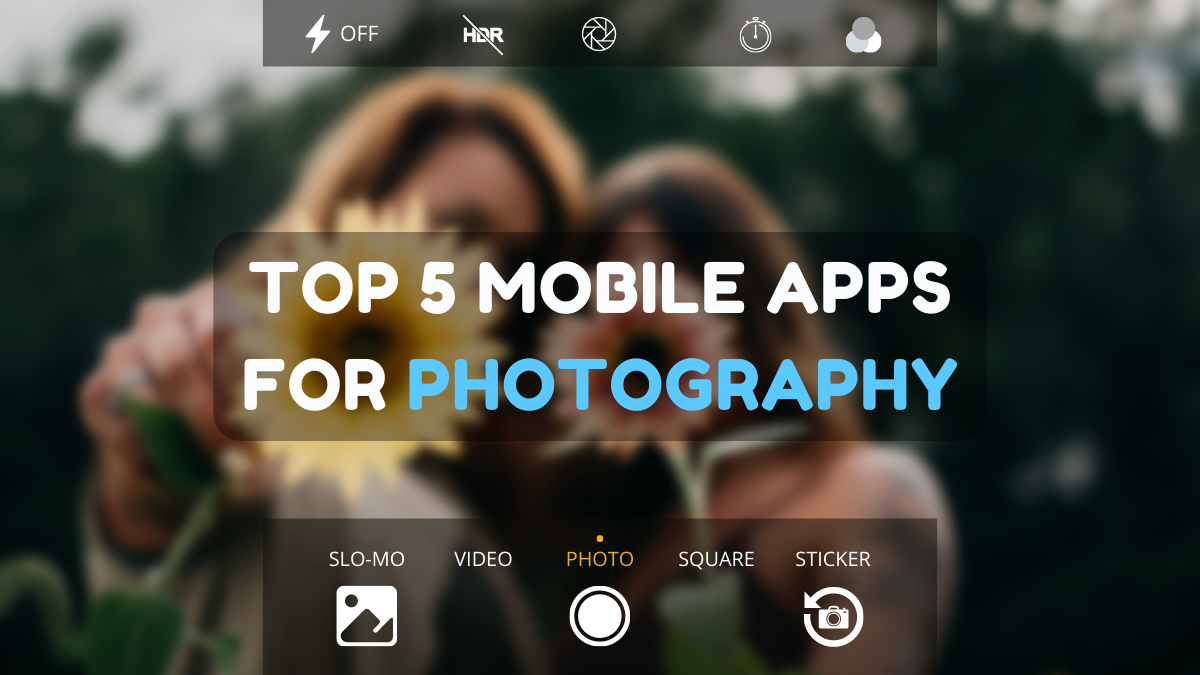
Photography is an art form that has been around for over a century and has evolved greatly over the years. With the advent of technology, photography has become more accessible and convenient, especially with the rise of mobile photography. Mobile photography has revolutionized the field of photography, making it possible to capture and edit high-quality photos right from your smartphone. As mobile photography continues to grow in popularity, there is an abundance of mobile apps available for photography enthusiasts. However, with so many options available, it can be difficult to determine which apps are worth your time and investment. In this article, we’ll take a look at the top mobile apps for photography and provide you with a comprehensive guide to help you choose the best app for your needs.
Visuals serve as a primary gateway for players to engage with games, where distinctive art direction immediately captures attention and creates lasting impressions. An unconventional aesthetic not only stands out in crowded markets but also enhances immersion and emotional connection. When executed with creativity and polish, striking visuals elevate gameplay into a memorable artistic experience. That's why titles with truly exceptional art styles deserve recognition - they offer both visual delight and meaningful interactive expression that resonates with players long after the session ends.
About us | Contact us | Privacy policy| DMCA
Copyright © 2026 Xiaohei All rights reserved.