MoShow is a full-featured slideshow video creation application. The app offers a wealth of free editing templates and effects, allowing users to transform their photos and videos into captivating slideshow clips. With MoShow, users can easily transform their content into eye-catching creations, whether it's sharing everyday moments with family and friends, showcasing adorable pet photos, or conducting commercial promotions. In addition, MoShow features unique functions such as perfect loop playback, mixed transitions, text blending, and cinematic glitch effects, allowing you to unleash your imagination and create your own works of art.
Diverse Styles & Edits. Glitch, ripple, sparkle, brush, and more — explore 100+ cinematic effects to match your vibe.
Perfect Loop Mode. Create GIF-style looping videos that play seamlessly on social.
Blended Text Overlays. Add bold, dynamic text that blends into your slideshow for expressive captions or messaging.
One-Tap Magic. Choose your media, preview instantly in multiple styles, and share your favorite.
This is one of the easiest ways of creating videos filled with effects.
And the best part is that you just have to pick the images you want to include from your smartphone’s memory.
Using MoShow could not be easier: once you’ve selected the images you want to include, just pick one of the many effects available.
When you’re done, a video will be created automatically and you can export the end result if you like it.
The best part about the app is that it offers you endless possibilities, along with a ton of different effects.
That’s not all though, you can also edit several parameters of the videos and customize them to fit your needs: how often each picture appears, include text, add background music, and other options to give you the best possible customization experience.

We’re introducing Memories, a new way for MoShow to automatically turn photos and videos of your favorite moments into slideshow videos.
This update also includes new cutout styles and performance and stability improvements throughout the app.
This update includes bug fixes and improvements for a smoother experience.
We’ve also added another new free style!
You can choose between the slideshow and the video and add effects to your pictures or videos. With MoShow, you can create a slideshow video that looks amazing and is ready to be shared on Instagram, Facebook, or Twitter. You can choose between the standard settings and the advanced settings.
Size:264.86MB Version:3.1.0.2
Requirements:Android 9.0+ Price:Free
Package Name:com.picadelic.moshow Signature:3528511f6a55188d9554da3d5393d136


Welcome to our image editing apps! Perfect for beginners and pros alike, they make photo enhancement easy. Use PicsArt to crop, adjust colors, and apply filters. Remove backgrounds instantly with Remove.bg. Get creative with layers and advanced tools on Adobe Photoshop Express. Start transforming your images today!
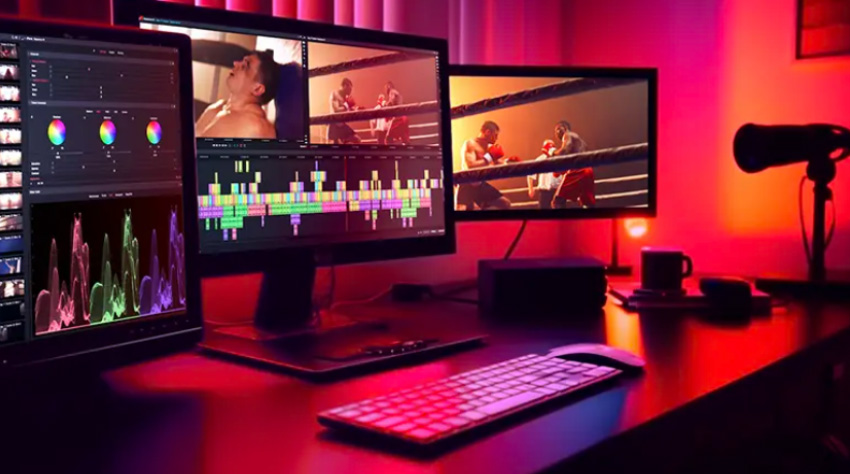
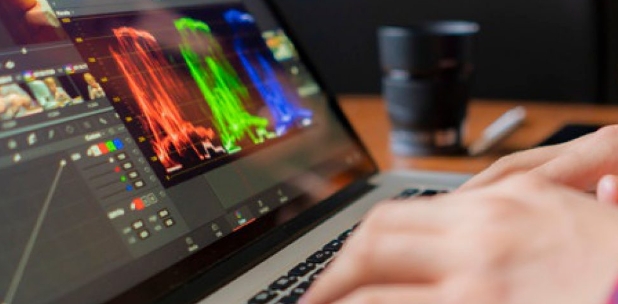
Transform your smartphone into a powerful editing studio with the best video editing apps for Android! Whether you're a content creator, social media enthusiast, or just looking to polish personal videos, these apps offer professional-grade tools right at your fingertips. Enjoy intuitive interfaces, advanced features like multi-track editing and filters, and seamless exporting options - all optimized for mobile devices. Download now and start creating stunning videos anytime, anywhere!
The demand for taking and editing images is increasing among modern people, and free image editing software has become an ideal choice to meet this demand. Through these apps, users can easily edit images, including cropping, rotating, adjusting brightness and contrast, and more. At the same time, they also provide rich filters and special effects to make your photos more vivid and artistic. In addition, these software also support adding elements such as stickers, text, and graffiti to make your pictures more personalized. Most importantly, these apps are very easy to use and do not require professional skills. Just a few steps can make your photos stand out. Whether you want to post a stunning photo on social media or add some creativity to your album, these free photo editing apps can meet your needs. Try one out!
About us | Contact us | Privacy policy| DMCA
Copyright © 2026 Xiaohei All rights reserved.